1
Describe the character or add a reference
Write the look, outfit and style, or start from a reference image of the character.
Use case
Sky Studio makes a four-view character sheet from a description or a reference image: a front close-up, a full-body front view, a side view and a back view on one 21:9 sheet, drawn with Nano Banana 2, Nano Banana Pro, GPT Image 2 or Seedream 5.0 at up to 4K. The app cuts the sheet into separate front, side, back and headshot images and saves them as a character you can reuse in images, video and the Cinematic canvas.
Create a characterWrite the look, outfit and style, or start from a reference image of the character.
Pick one or more of Nano Banana 2, Nano Banana Pro, GPT Image 2 and Seedream 5.0, at 2K or 4K (Seedream stops at 2K).
Each model draws one 21:9 sheet with a front close-up, a full-body front, a side and a back view.
The app cuts the sheet into front, side, back and headshot images. Compare them with the source sheet, then generate again or upload a replacement if a view is off.
Use the saved views as references for new images, for video, and for the same character across Cinematic scenes.
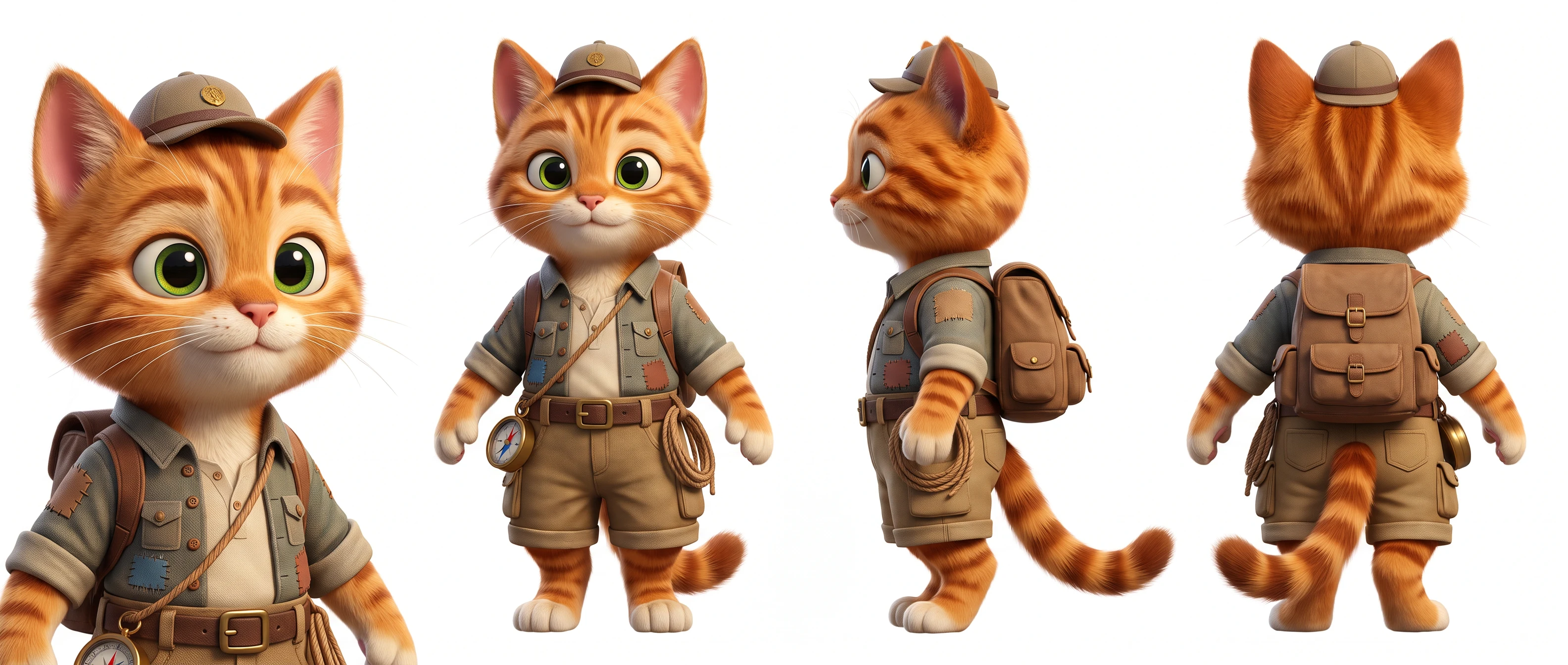
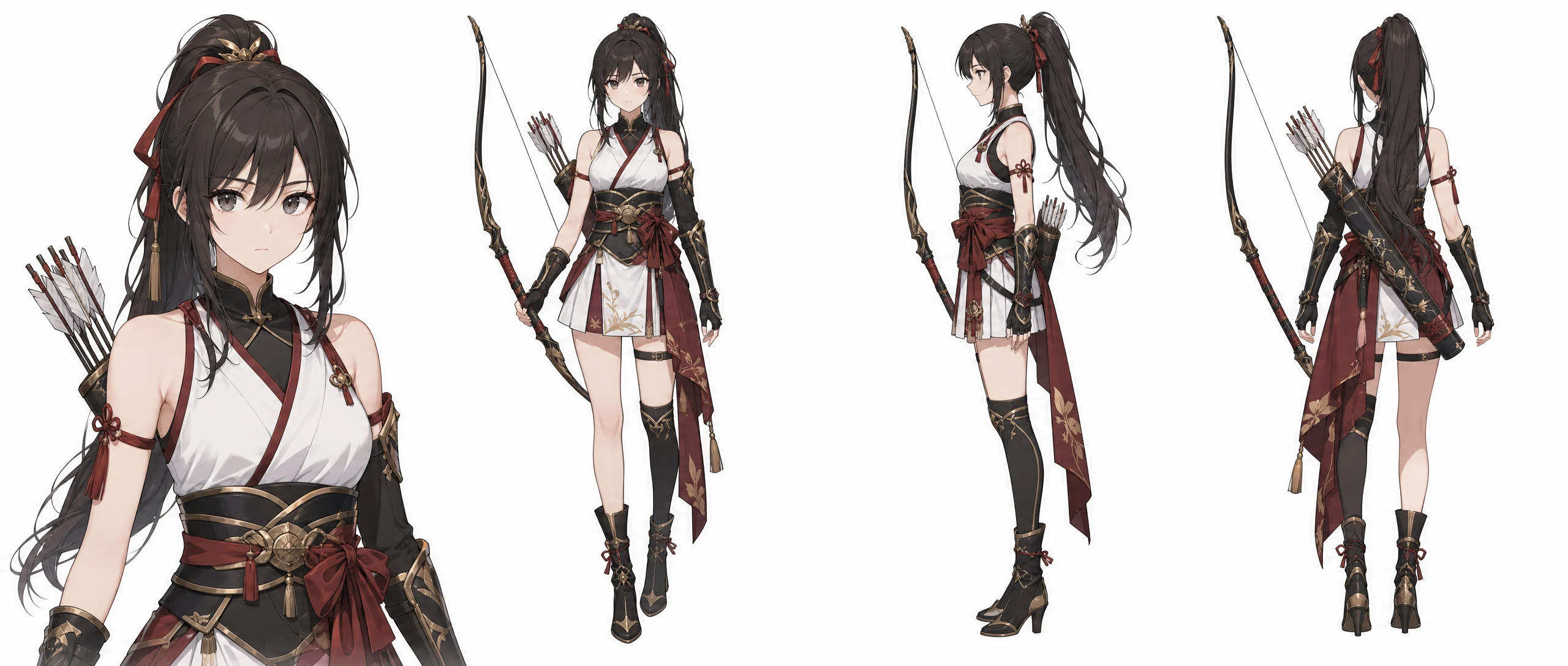
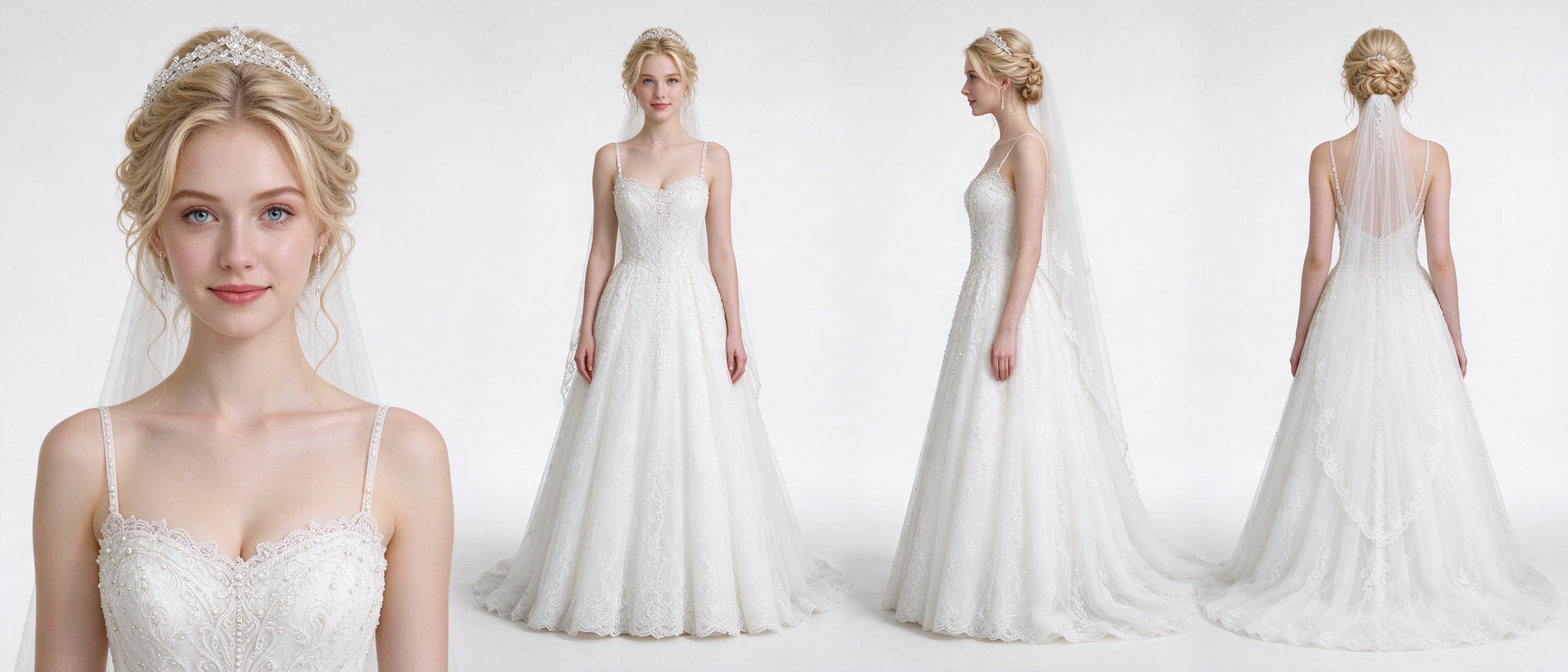
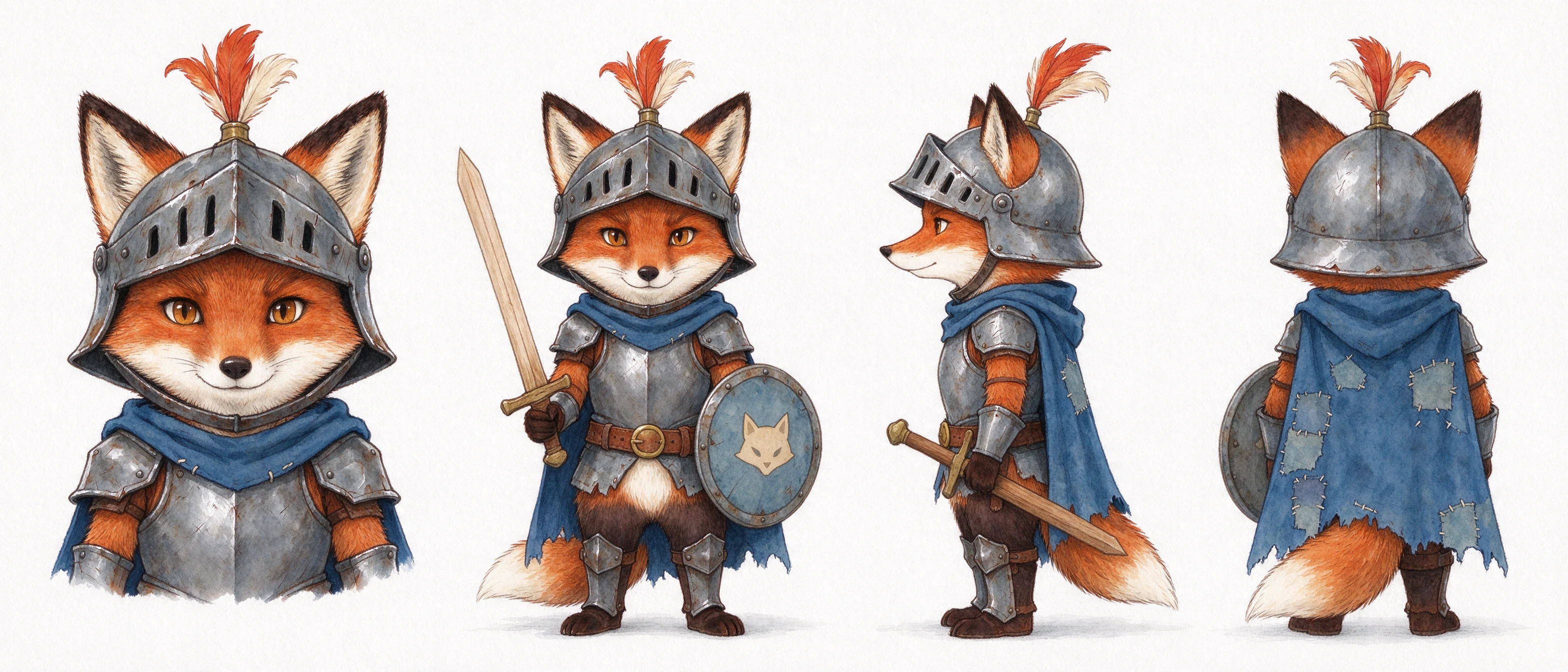
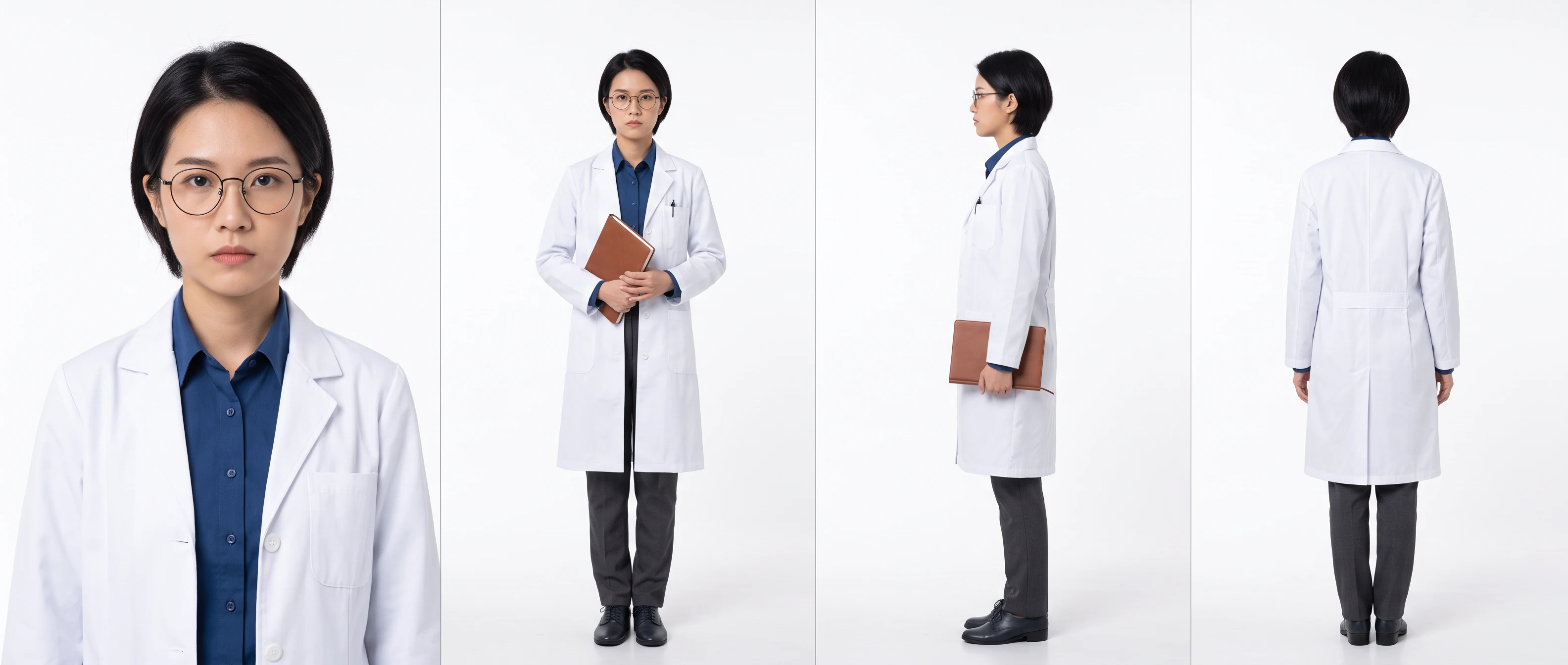
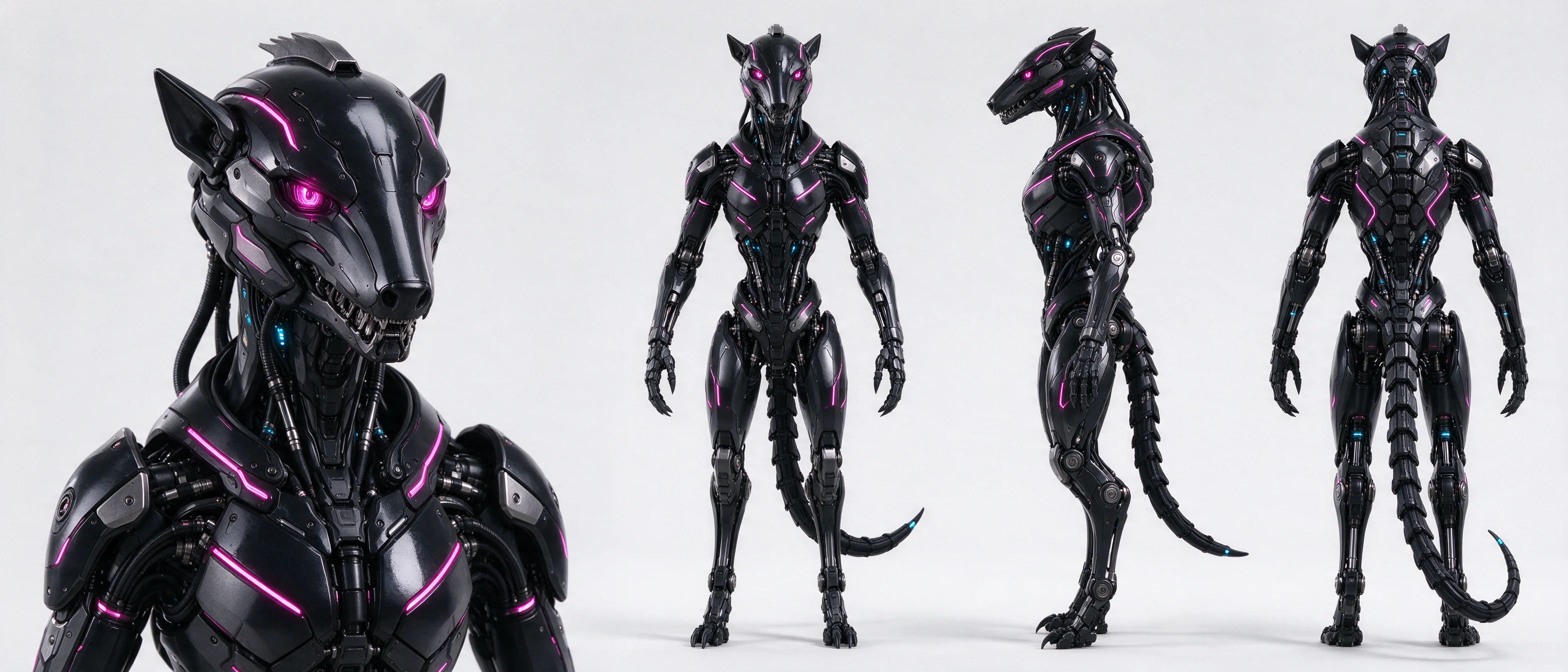
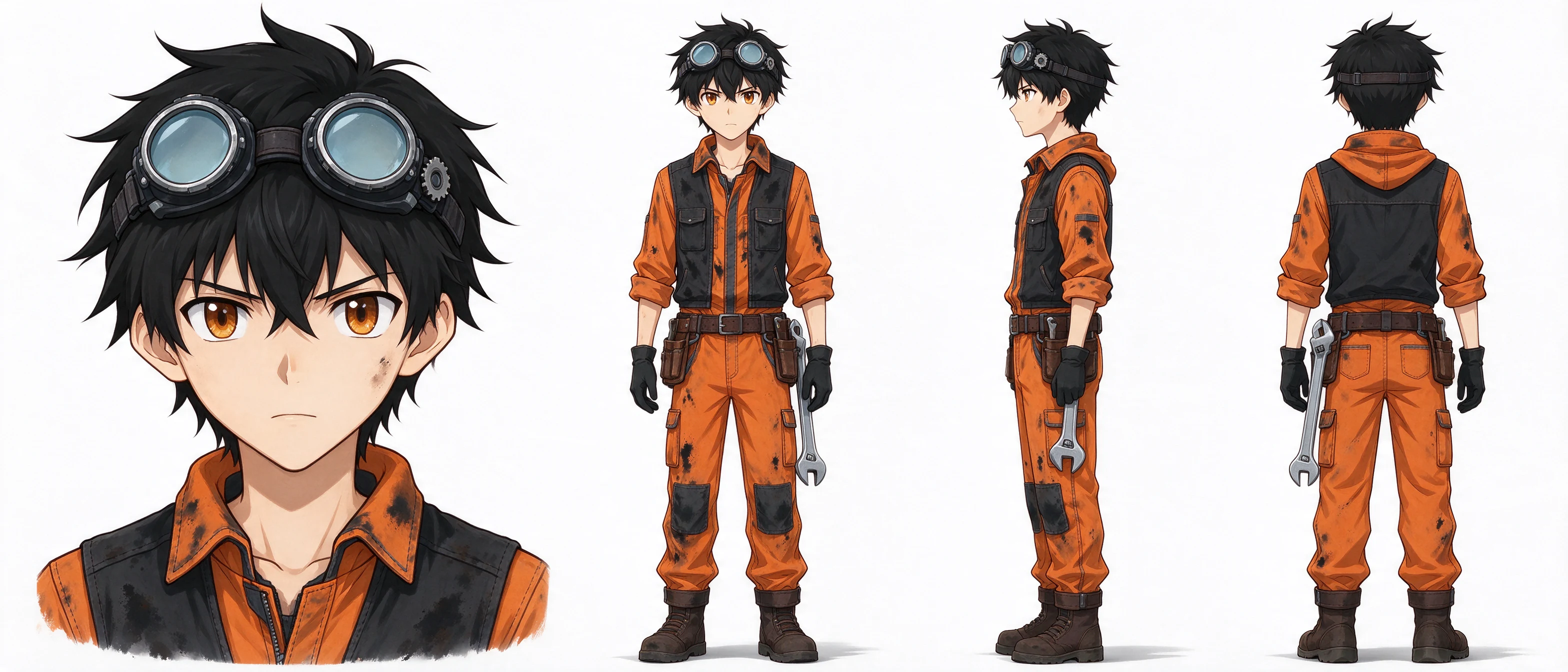
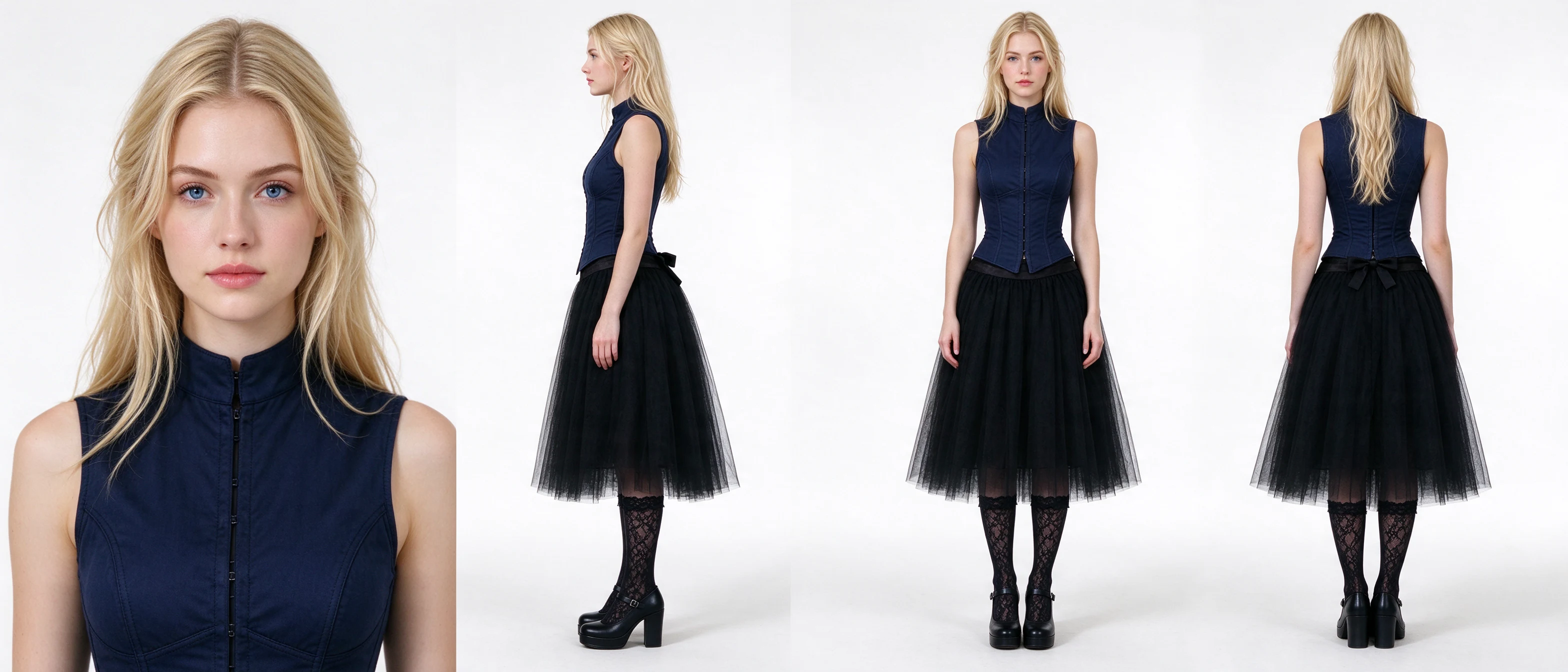
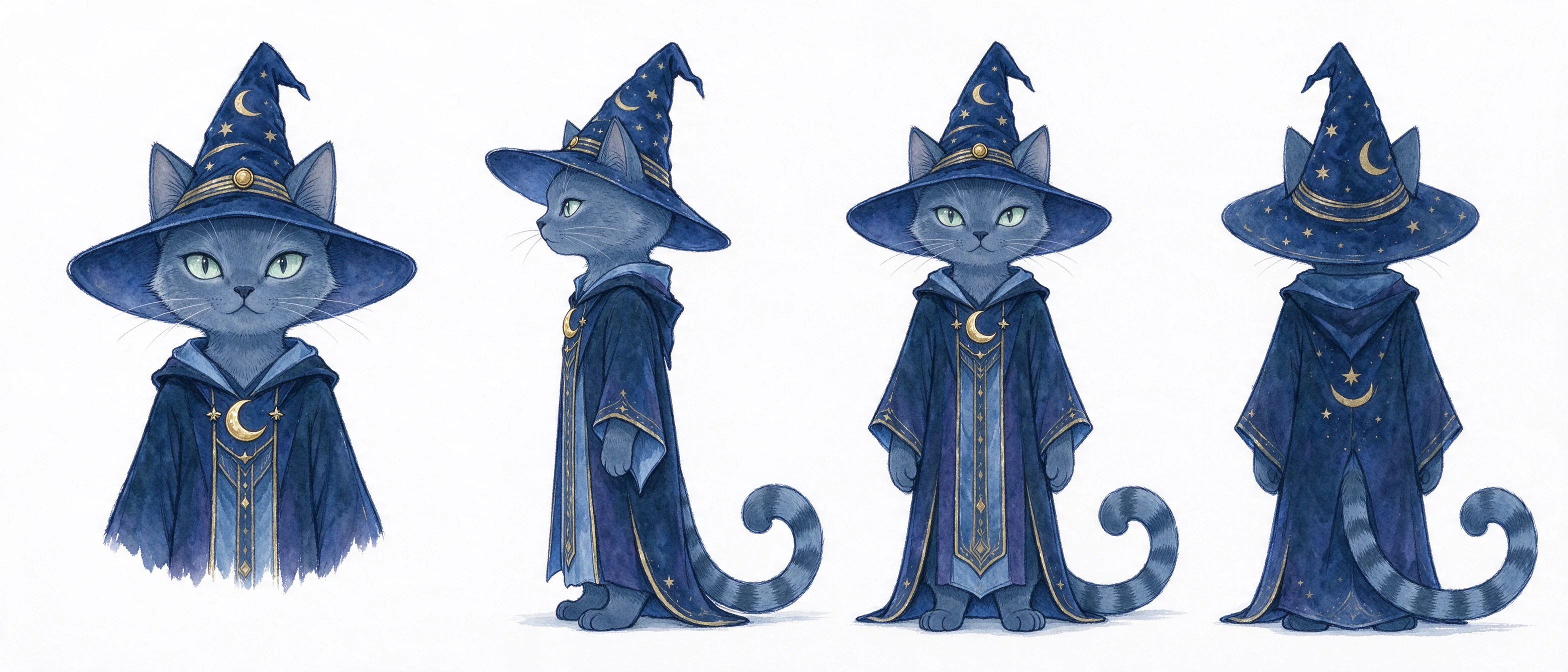

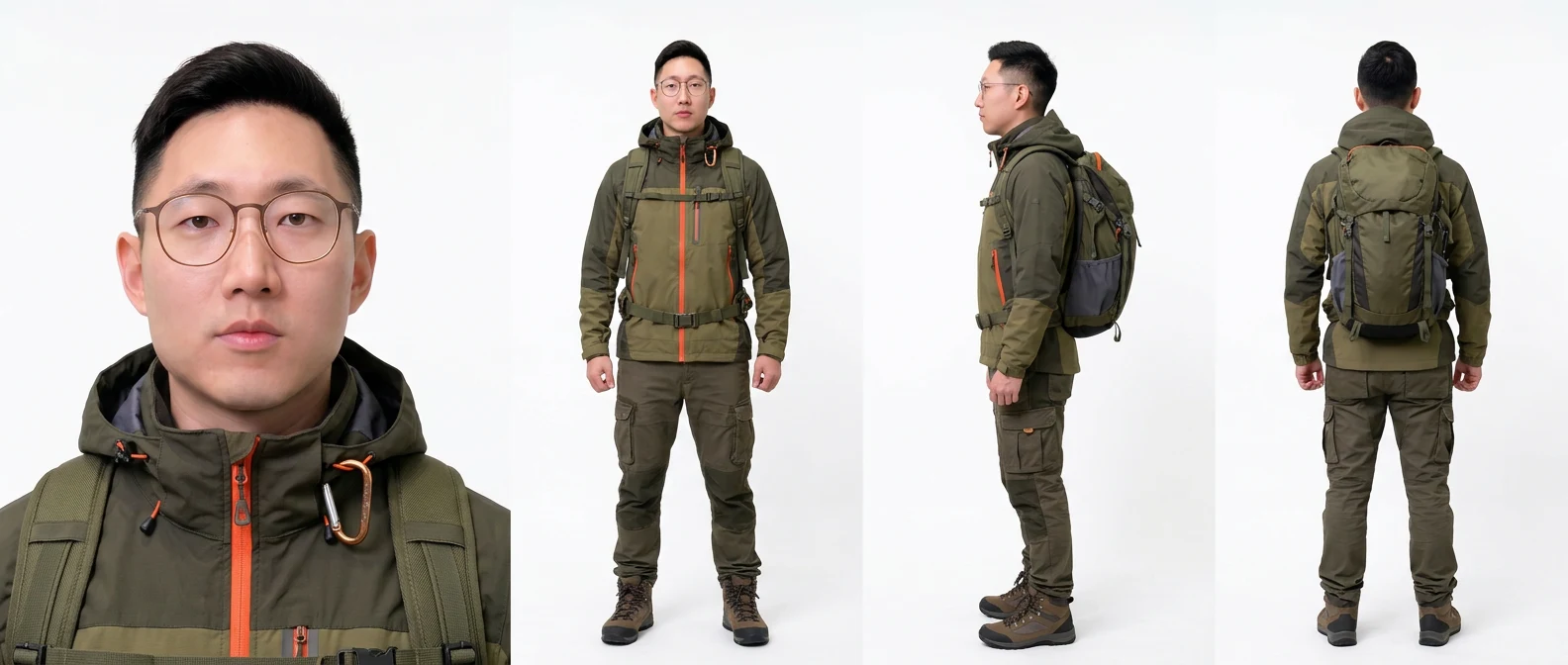
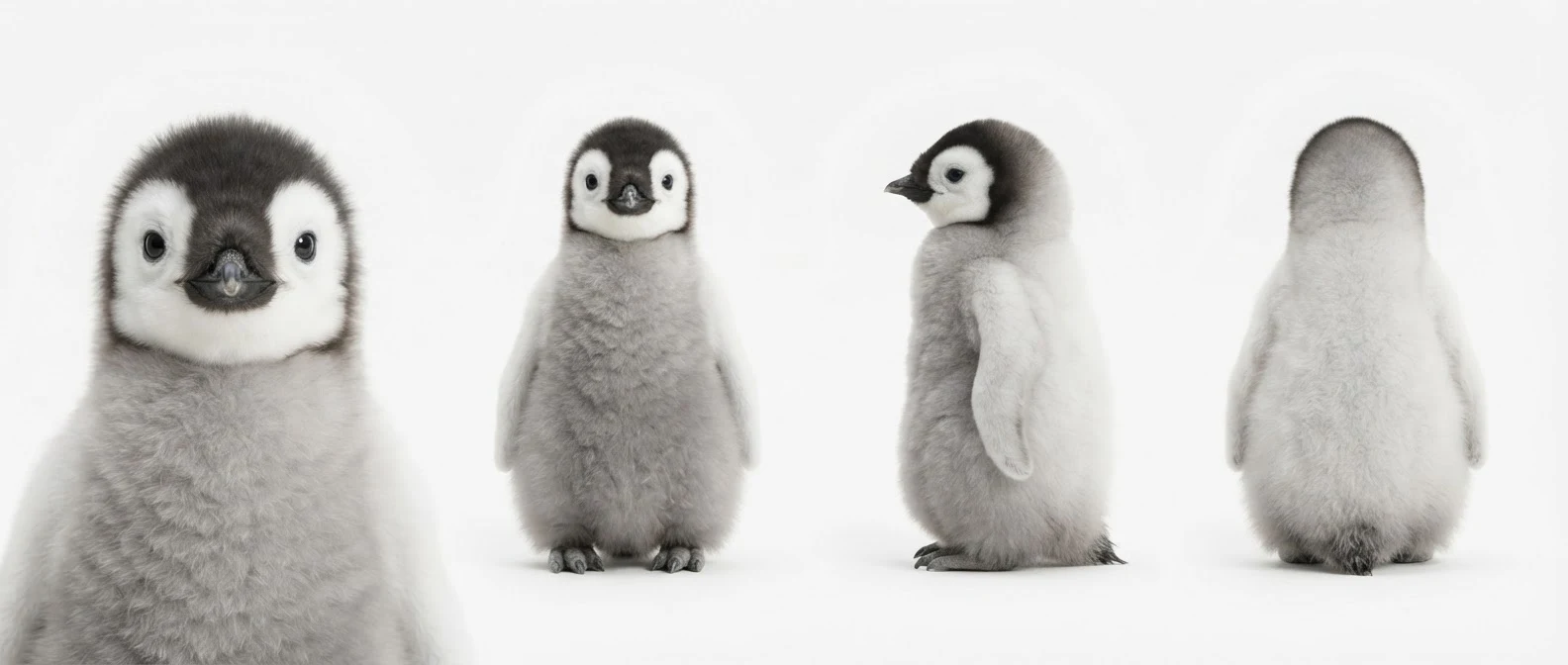
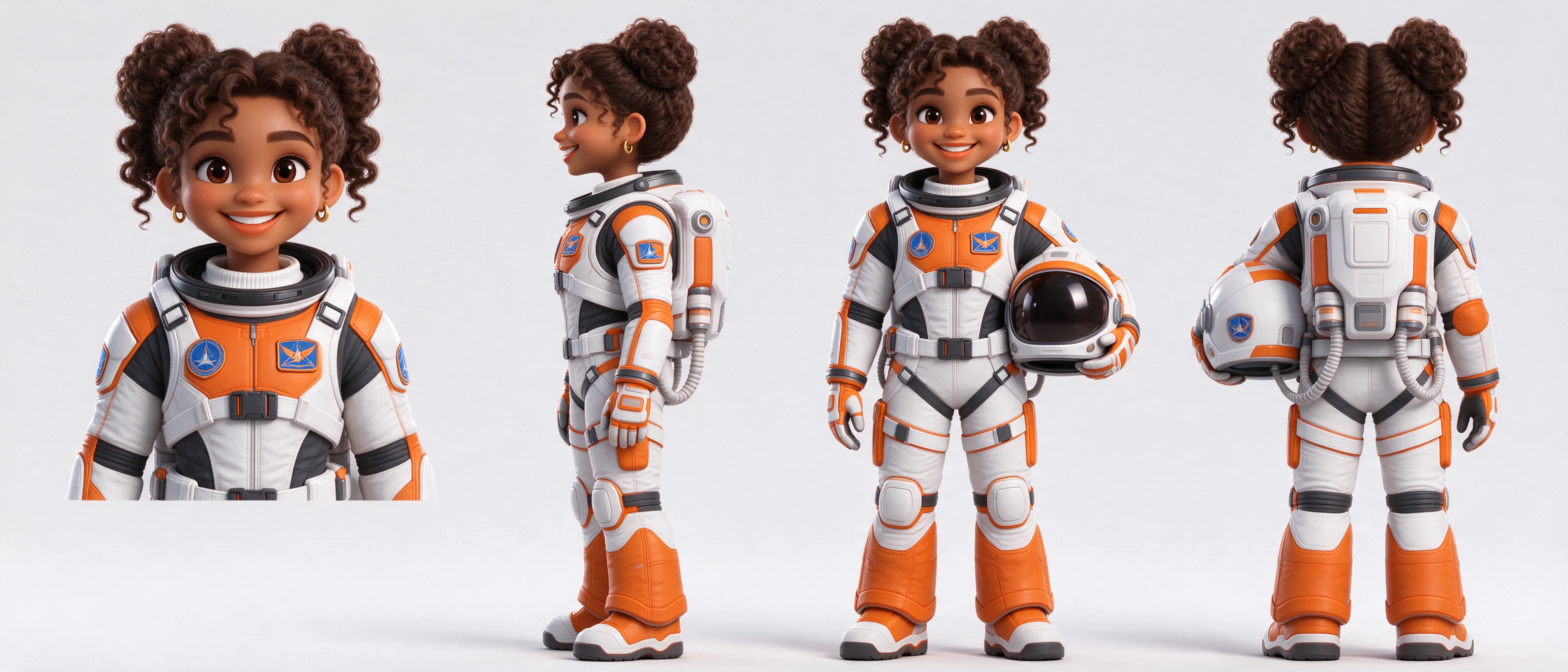
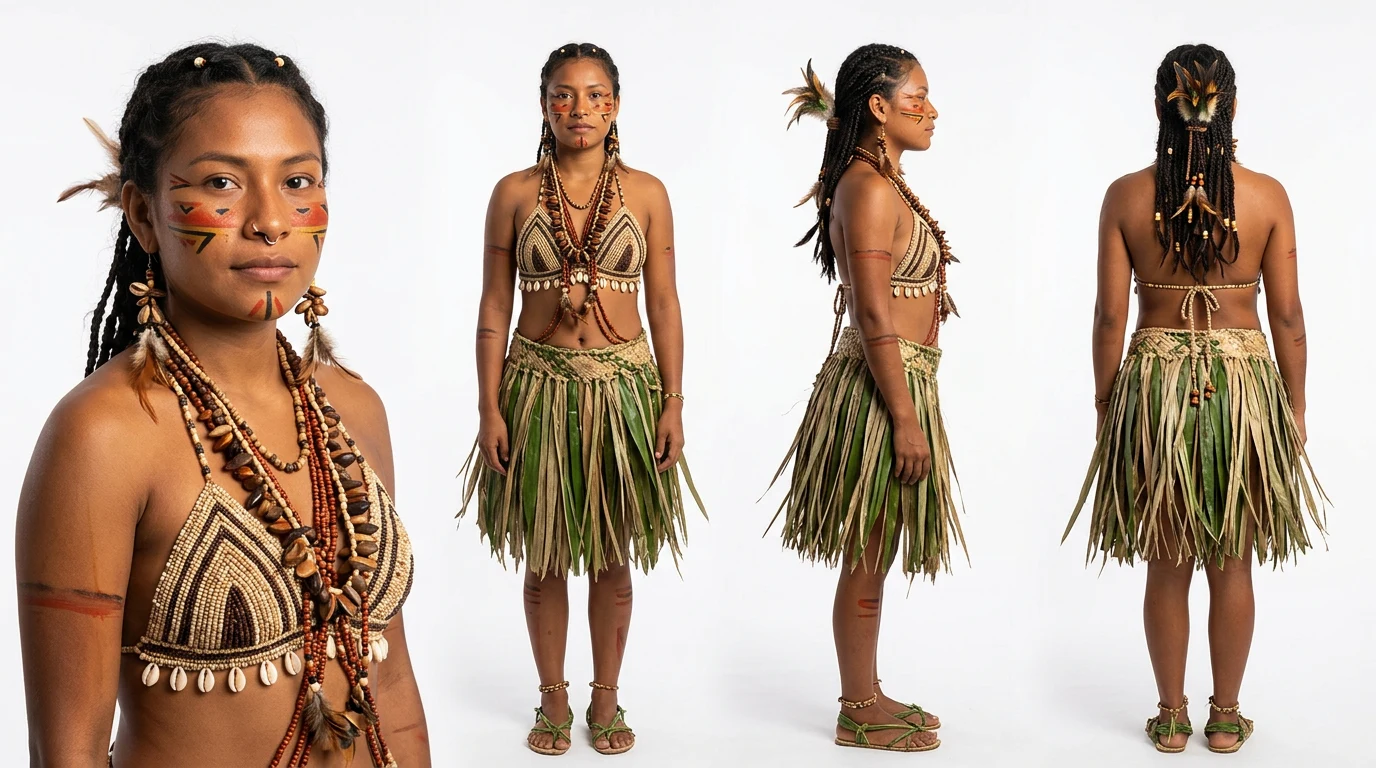
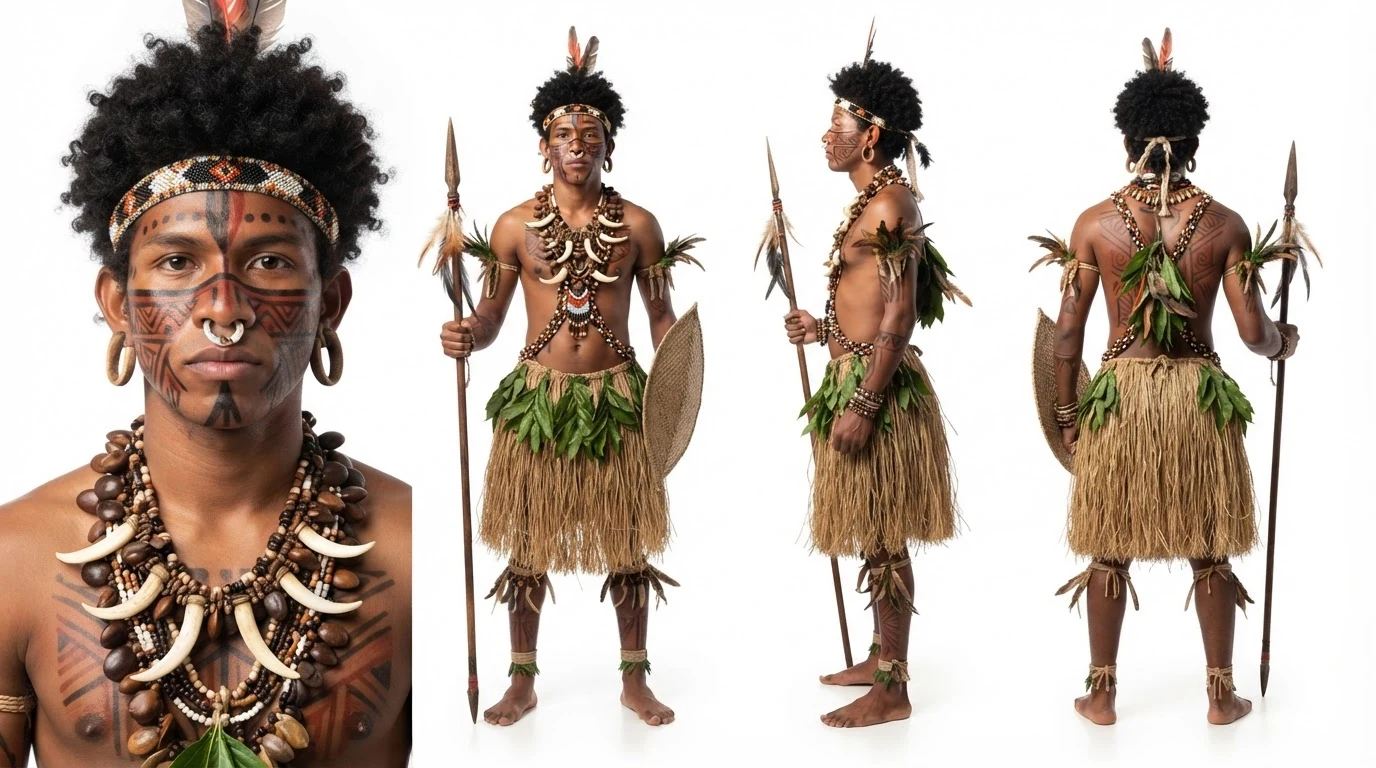
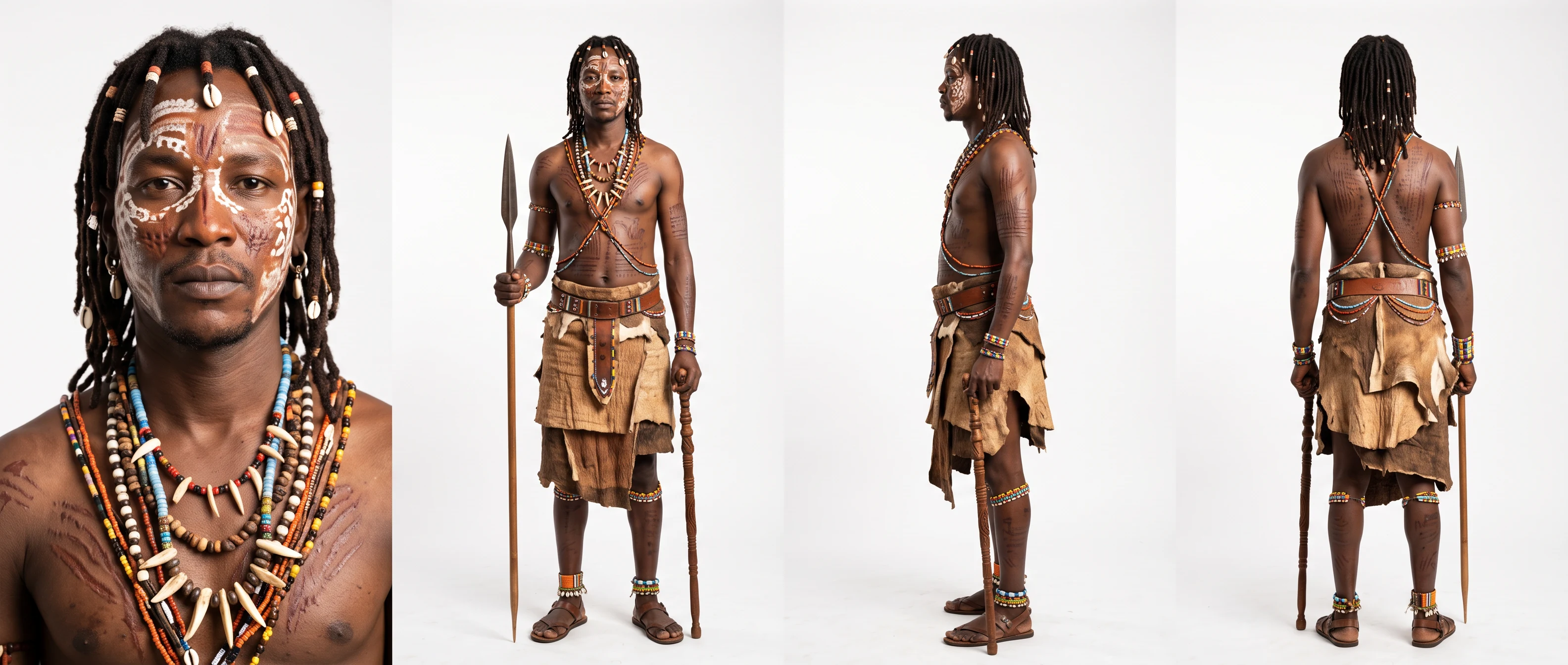
A sheet that shows the same character from several angles, so artists and AI models can keep the design consistent. Sky Studio draws a front close-up, a full-body front view, a side view and a back view on one sheet.
Comics, games, animated shorts, AI films and character concept design: anywhere the same character has to look the same from shot to shot.
No. It aims for consistent designs across views, but AI results can still vary, so review each view before you use it.
Yes. The views are saved as a character in Sky Studio. Download them, or use them as references for image generation, video generation and Cinematic scenes.
Generate images with Nano Banana 2 and Pro, GPT Image 2 and Seedream 5.0 in one place. Compare the models, see samples and pick the right one.
Make AI videos with Veo 3.1, Seedance 2.0, MiniMax H3, Grok Imagine and Gemini Omni in one place: from text, frames or reference images, up to 4K.
Create product studio shots, solid backgrounds, flat lays, and multi-angle e-commerce visuals with Sky Studio.
Remove image backgrounds with Sky Studio Background Remover, running in the browser without uploading the cutout step.
Add draggable local light layers to product photos and create studio-style lighting with Sky Studio Product Relight.
Upload customer room photos, analyze the space, and compose products into real room scenes.
Generate 10 to 300 second music tracks in Sky Studio with simple mode, custom mode, lyrics, instrumentals, and duration control.
Transform ordinary visuals into cinematic-looking concepts for shorts, ads, and creative video style exploration.