Tools
One-click tools for product photos and social media. Open any tool without an account, and sign in when you are ready to generate, download or publish.
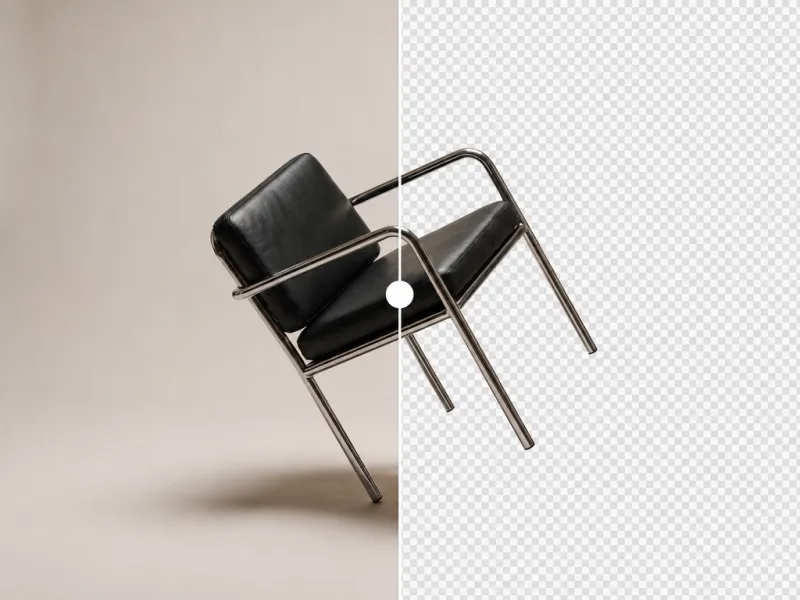
Background Remover
Remove the background from any image in one click. The cutout runs in your browser, so the picture is not uploaded for this step.
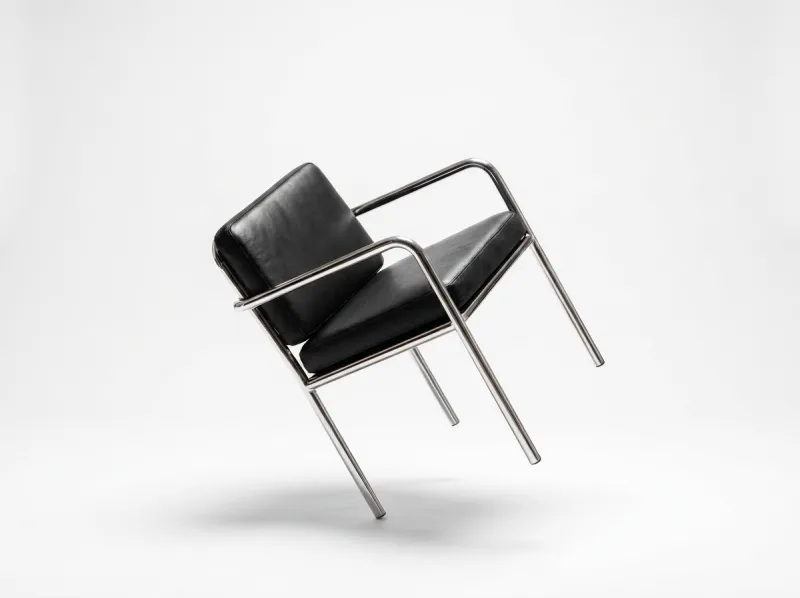
White Background
Put product photos on a clean white background, or black, green screen or any color. Upload several images or a ZIP, and process the batch at 1K, 2K or 4K.
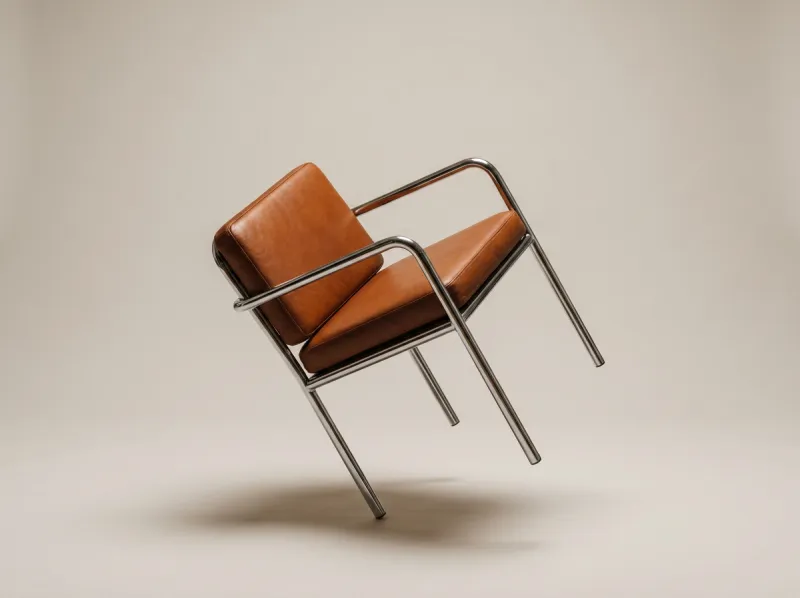
Change Product Color
Recolor one part of a product while keeping its texture and details. Name the part, pick a preset or any color, and generate.
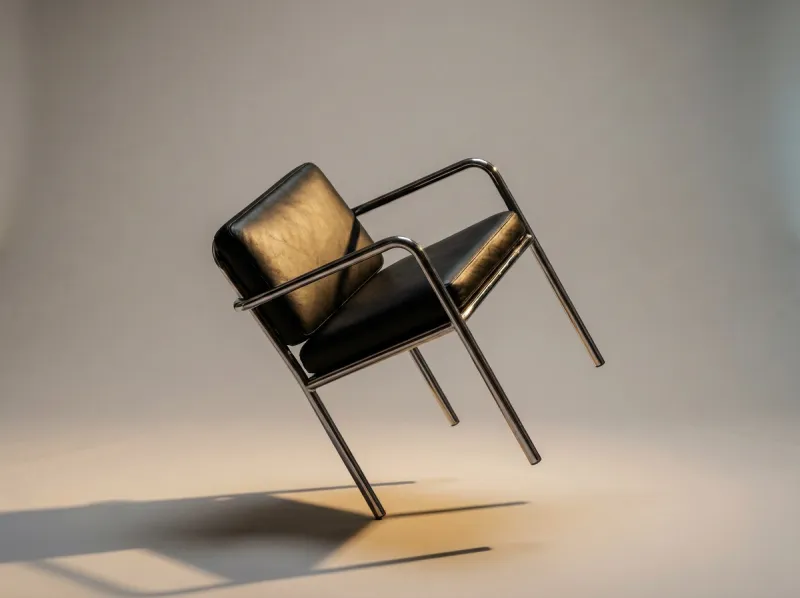
Product Relight
Add studio lights to a product photo and see the result live. Start from presets such as White Studio or Window Glow, then drag the lights.
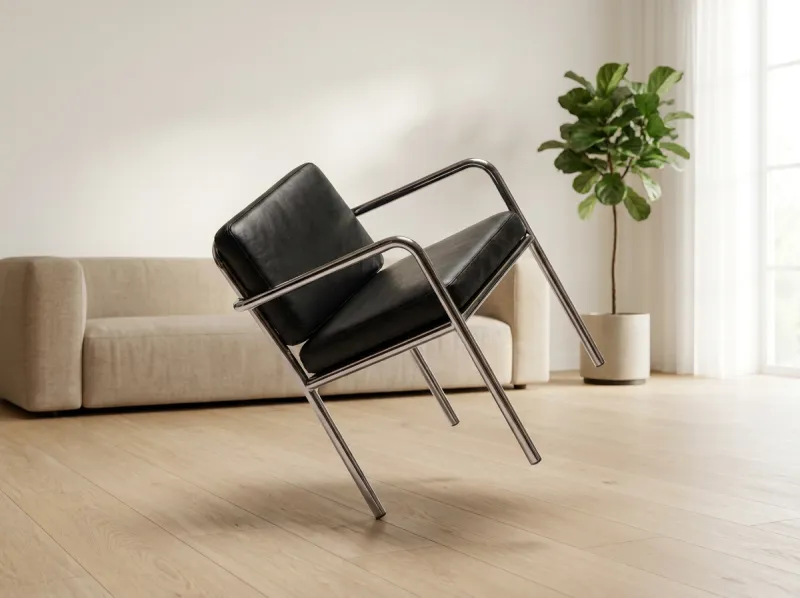
Room Visualizer
Place your products into a customer's room photo, or a generated room: choose products from your team catalog, keep or replace furniture, compose.
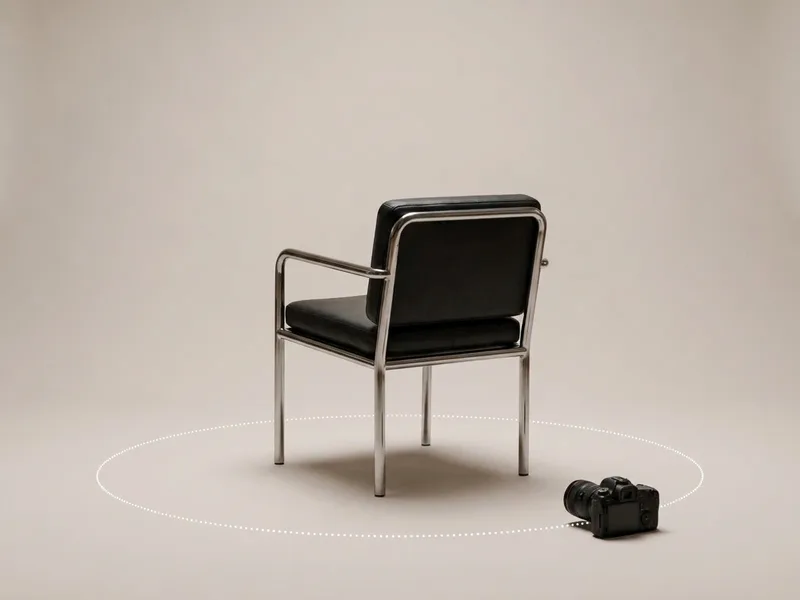
Camera Angle
Move the camera around a photo: turn the subject to the side or behind, look down or up, come closer or pull back, from one image.

Social Media Publisher
Say what to post; the AI plans it, writes a card for X and RedNote, makes the pictures or video after you confirm, and posts on your schedule.