Background Remover
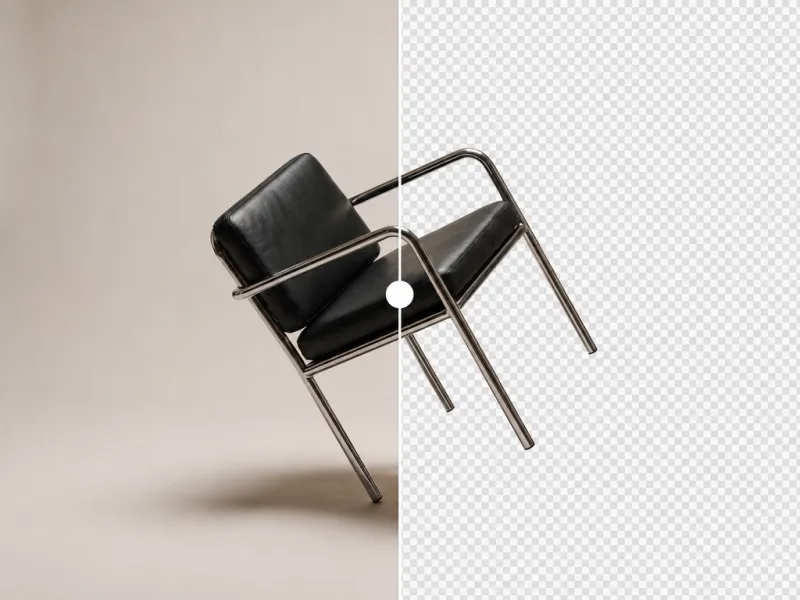
Remove the background from any image in one click. The cutout runs in your browser on your own device, so the picture is not uploaded to a server for this step. Try it without an account: removing the background is free, and downloading a result or sending it to Cinematic uses credits.
- Runs on your device
- No upload for the cutout
- Transparent PNG
- Fix edges by hand
Cut out a background in three steps
- Drop your photo here
Upload a photo
Drop in any image file. The model loads into your browser the first time and runs there, with WebGPU when your device has it or on the CPU otherwise. Nothing is sent to a server for the cutout.
Check the edges
Drag the slider to compare before and after. If hair, straps or thin handles are not quite right, open Refine and fix the edges by hand.
- PNG · transparent
Download or keep going
Save a PNG with a transparent background, or send the cutout to the Cinematic canvas and build a scene around it. A result is charged once, the first time you download it or send it on.
What people use it for
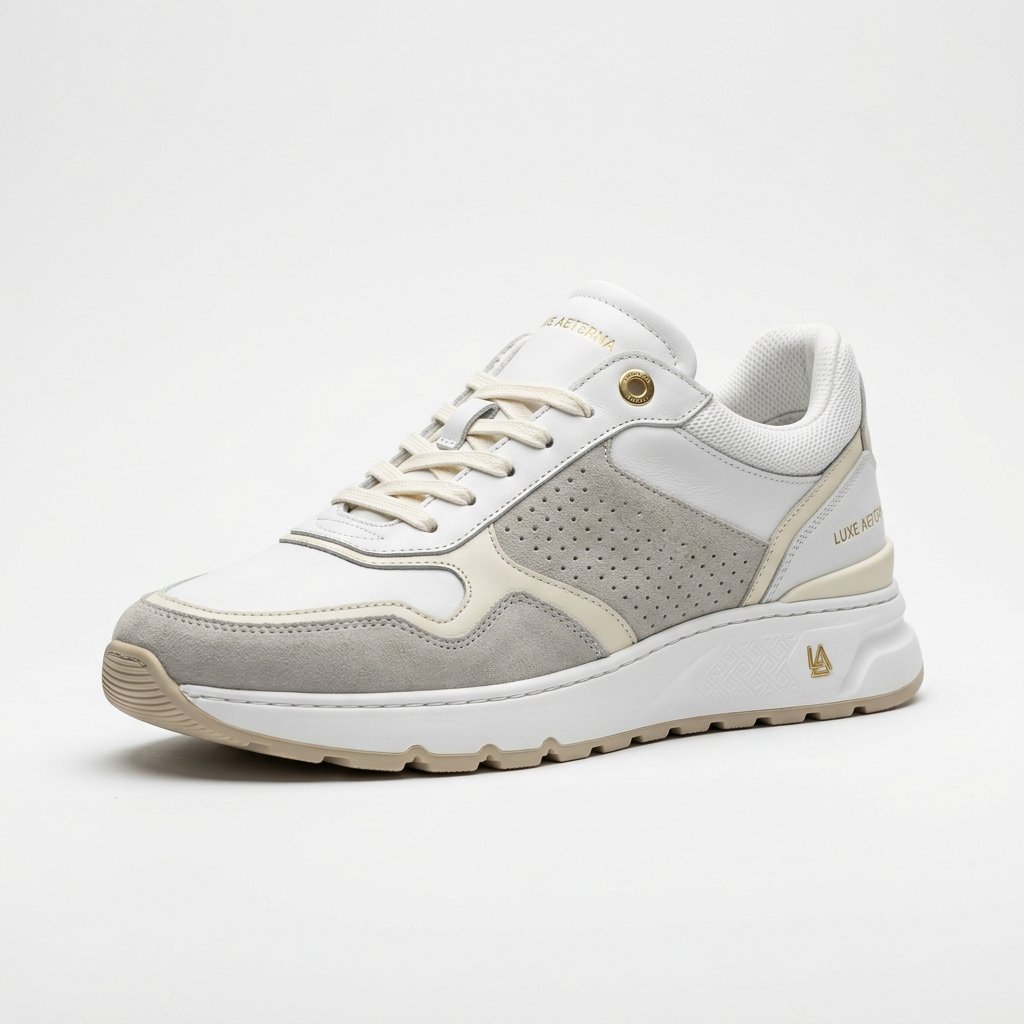
Product photos for listings
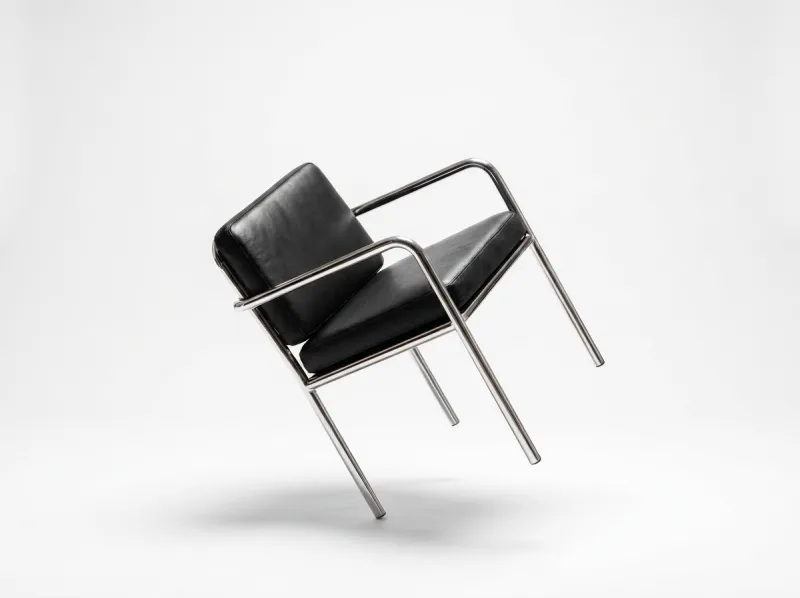
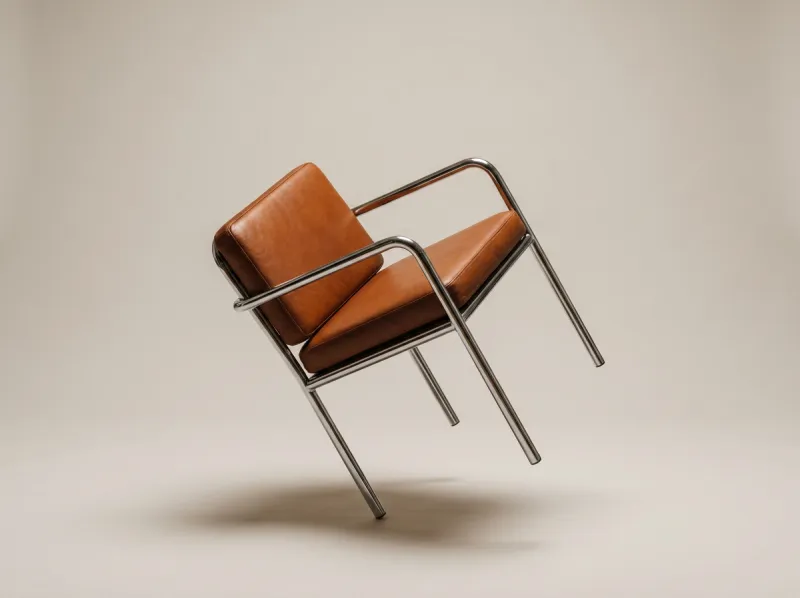
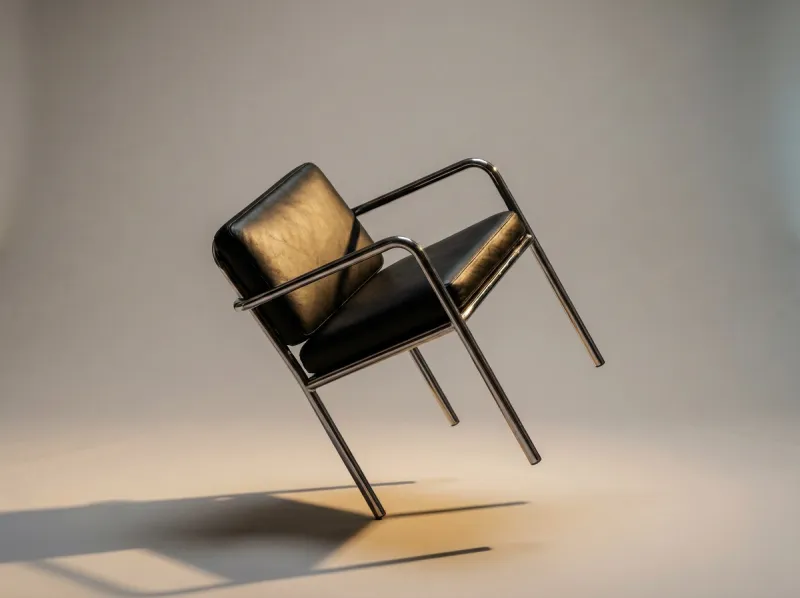
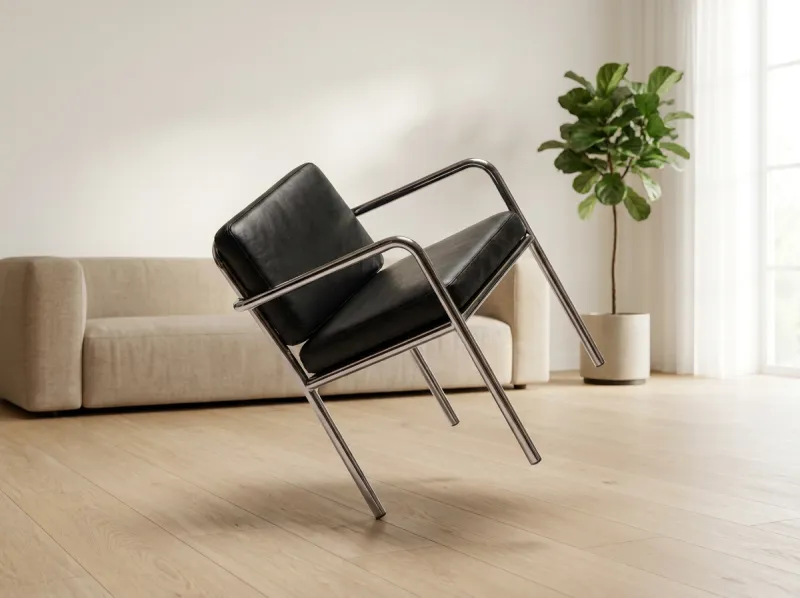
Cut the product out, then put it on white or any color, or add studio light.

Social posts and thumbnails
Isolate a person or an object and drop it on a bold background or into a collage.
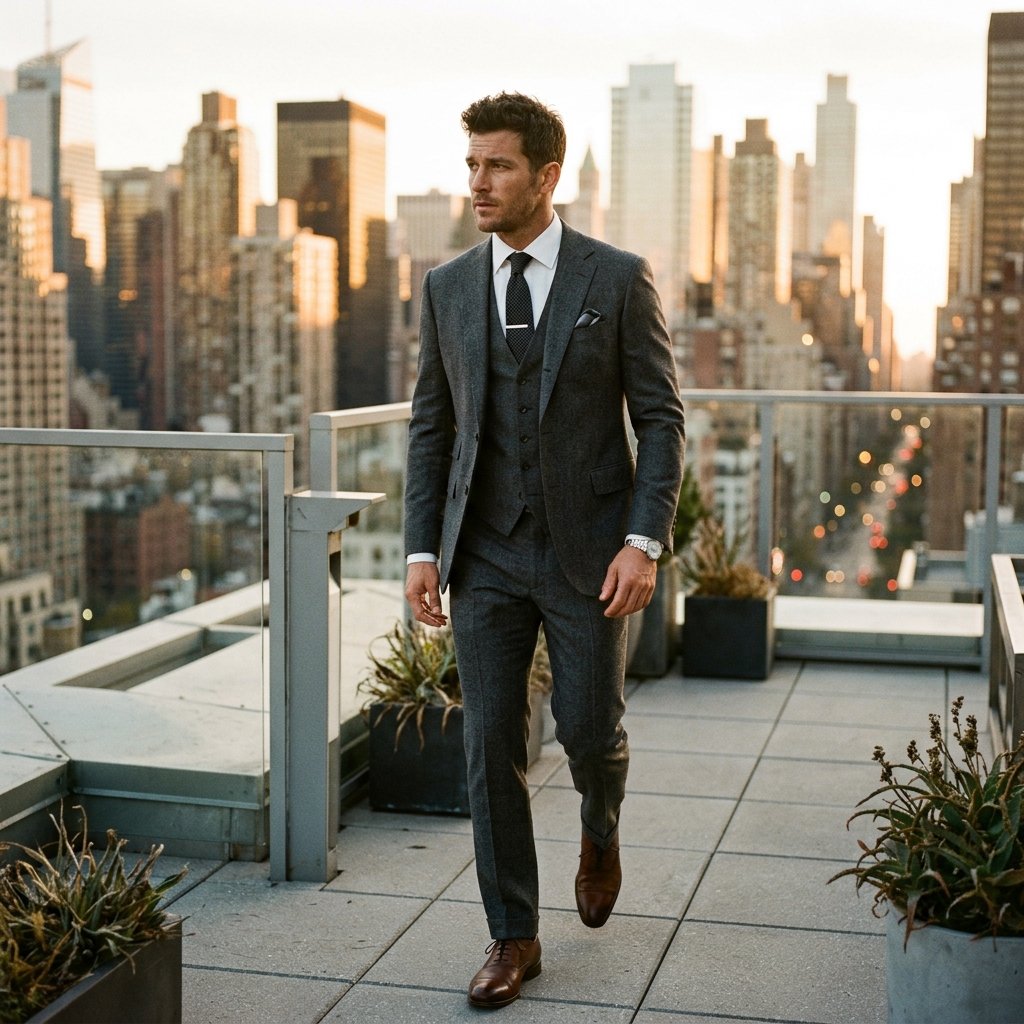
Profile pictures and avatars
Keep the face, lose the messy room, and export a clean PNG.

Scenes for AI video
Send the cutout to the Cinematic canvas and generate the shot around it with the same character.
Frequently asked questions
Is the Background Remover free?
Removing a background is free, with or without an account. Downloading the result or sending it to Cinematic uses credits, charged once per result; the app shows the cost before you confirm.
Is my photo uploaded?
Not for the cutout. The model runs in your browser on your own device, with WebGPU when available or on the CPU otherwise. The picture stays on your device until you download the result or send it on to Cinematic.
What file do I get?
A PNG with a transparent background, named after your original file and keeping its aspect ratio.
Can I fix the edges?
Yes. Compare before and after with the slider, then open Refine to correct the edges by hand before you download.
How is it different from White Background?
The Background Remover cuts one picture out and gives you a transparent PNG. White Background takes several photos or a ZIP, puts them on white, black, green screen or any color, and outputs them at 1K, 2K or 4K.
Can I use the cutout in a video?
Yes. Send it to the Cinematic canvas, where it becomes a layer you can build a scene around and turn into a shot with the video models.