Free video course
AI Filmmaking with Sky Studio
A free video course in 6 short lessons, about 27 minutes in all. You learn how AI creates images and video, set up Sky Studio, then make AI images, an AI video that starts and ends where you choose, an AI song, and a character you can reuse in every shot. Watch without an account; every lesson has subtitles in seven languages.
- 6 lessons
- 27 min
- Free, no sign-up
- Beginner
- Subtitles in 7 languages
What you'll learn
- Understand how AI creates new images and video, and why it sometimes gets details wrong.
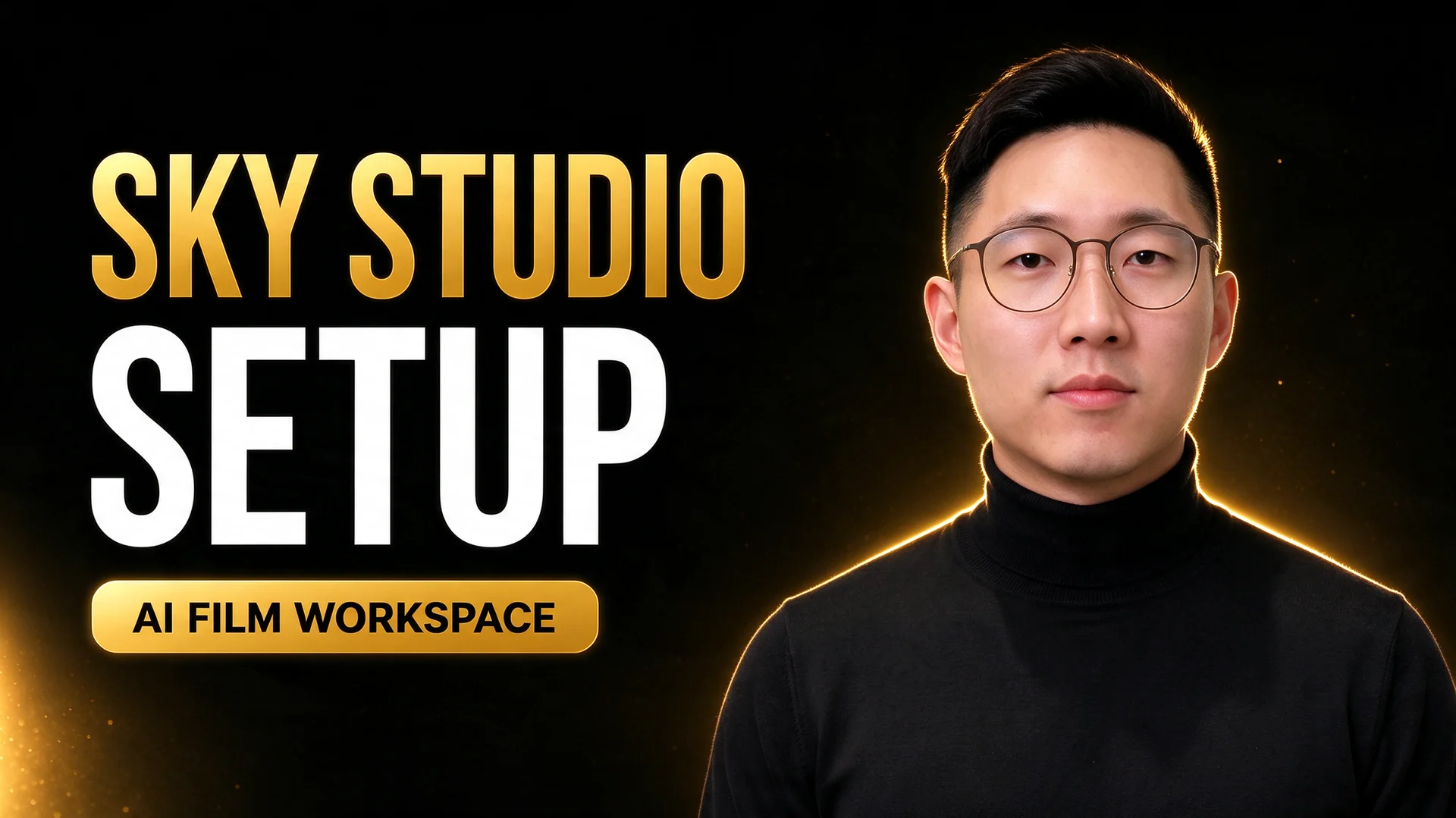
- Set up your account, buy credits, and choose your language and theme.
- Generate an image, pull live information with Web Grounding, and edit a picture by adding it as a reference.
- Control an AI video with a first frame and a last frame.
- Write lyrics with song structure tags and generate a full song.
- Create a character once and reuse the same face in images and videos.
Made in the lessons
What you'll make
Real results from the videos, made in Sky Studio step by step.

An AI image you can edit
Add a cat to a finished picture with one reference and one sentence.
Lesson 3 →♪ Just you and me tonight
Candlelight is dancing on your skin ♪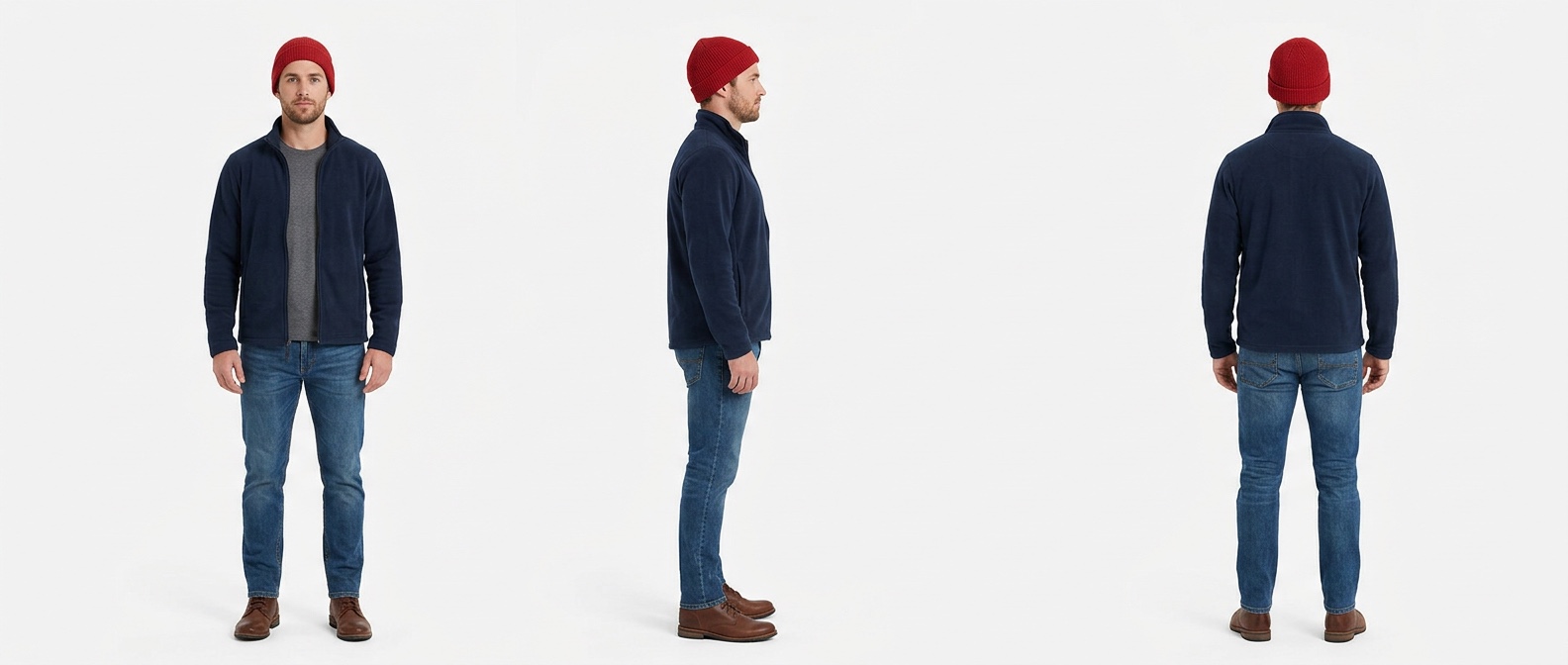
Course content
6 lessons · 27 min
Section 1: Intro1 lesson · 5 min
Section 2: Sky Studio basics5 lessons · 22 min
 2:42
2:42Lesson 2 · 2:42 · ✓ Watched
How to Set Up Sky Studio
Create your Sky Studio account, get to know the Image, Video and Music tabs, buy credits that never expire, and choose your language and theme.
 5:46
5:46Lesson 3 · 5:46 · ✓ Watched
How to Generate, Edit and Organize AI Images
Generate an AI image with Nano Banana 2, add live information with Web Grounding, edit a picture with Add as Reference, and sort your files into folders.
 6:07
6:07Lesson 4 · 6:07 · ✓ Watched
How to Control AI Video with First and Last Frames
Make a first frame and a matching last frame, then let MiniMax H3 or Gemini Omni 1.1 Flash animate the move between them in Sky Studio. With prompts.
 2:21
2:21Lesson 5 · 2:21 · ✓ Watched
How to Write Song Structure Tags for AI Music
Write lyrics with [Intro], [Verse], [Pre-Chorus], [Chorus], [Bridge] and [Outro] tags, describe the style, and generate a song up to five minutes long.
 5:17
5:17Lesson 6 · 5:17 · ✓ Watched
How to Create Reusable AI Characters
Create an AI character once from a text prompt or a photo, then reuse the same face in every image and video in Sky Studio, without describing it again.
Who this course is for
Beginners. You don't need filmmaking or AI experience, only a browser; the lessons use Chrome. If you have made AI images before, you can go straight to the video lessons.
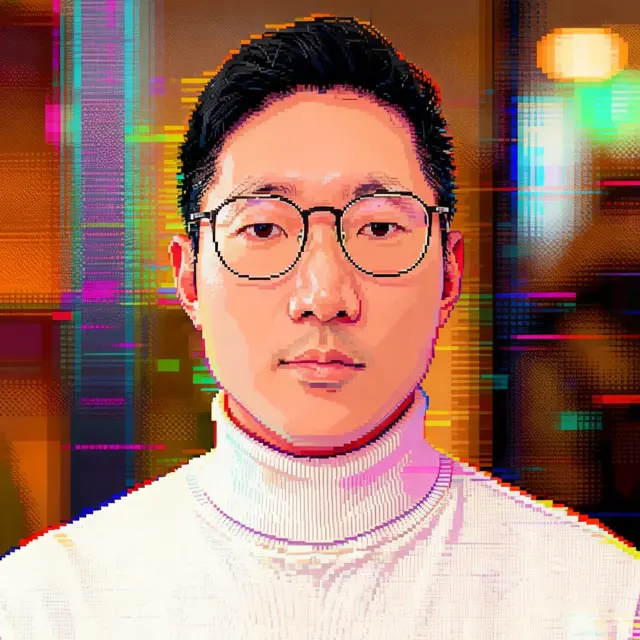
Your instructor: Sky Lu
Founder of Sky Studio. Sky Lu teaches AI filmmaking and records every lesson in the product itself, step by step.
Frequently asked questions
Is the course free?
Yes. Every lesson is free to watch, with no account and no sign-up. Making your own images, videos and songs in Sky Studio uses credits, which you buy as you go and which never expire.
Do I need any experience?
No. The first lesson explains how AI makes images and video, and the next one starts from creating an account.
What languages are the subtitles in?
The lessons are spoken in English. Every video has subtitles in English, Spanish, Japanese, Simplified Chinese, Traditional Chinese, Turkish and French, and you can show two at once.
Which AI models does the course use?
Nano Banana 2 and GPT Image 2 for images, and MiniMax H3 or Gemini Omni 1.1 Flash for video. Seedance 1.5 Pro, shown in two of the videos, has been retired.