1
Prepare the source visual
Start with ordinary footage or an image frame you want to restyle.
Use case
Sky Studio Cinematic Style Transfer transforms ordinary visuals into a more cinematic look. It is useful for short-film creators, ad concept exploration, and video style tests before production, helping teams try lighting, color, and overall visual direction quickly.
Try cinematic styleStart with ordinary footage or an image frame you want to restyle.
Write the lighting, mood, color, and visual direction you want.
Create a cinematic-looking version for review and comparison.
Use the result to guide later video or visual concept work.
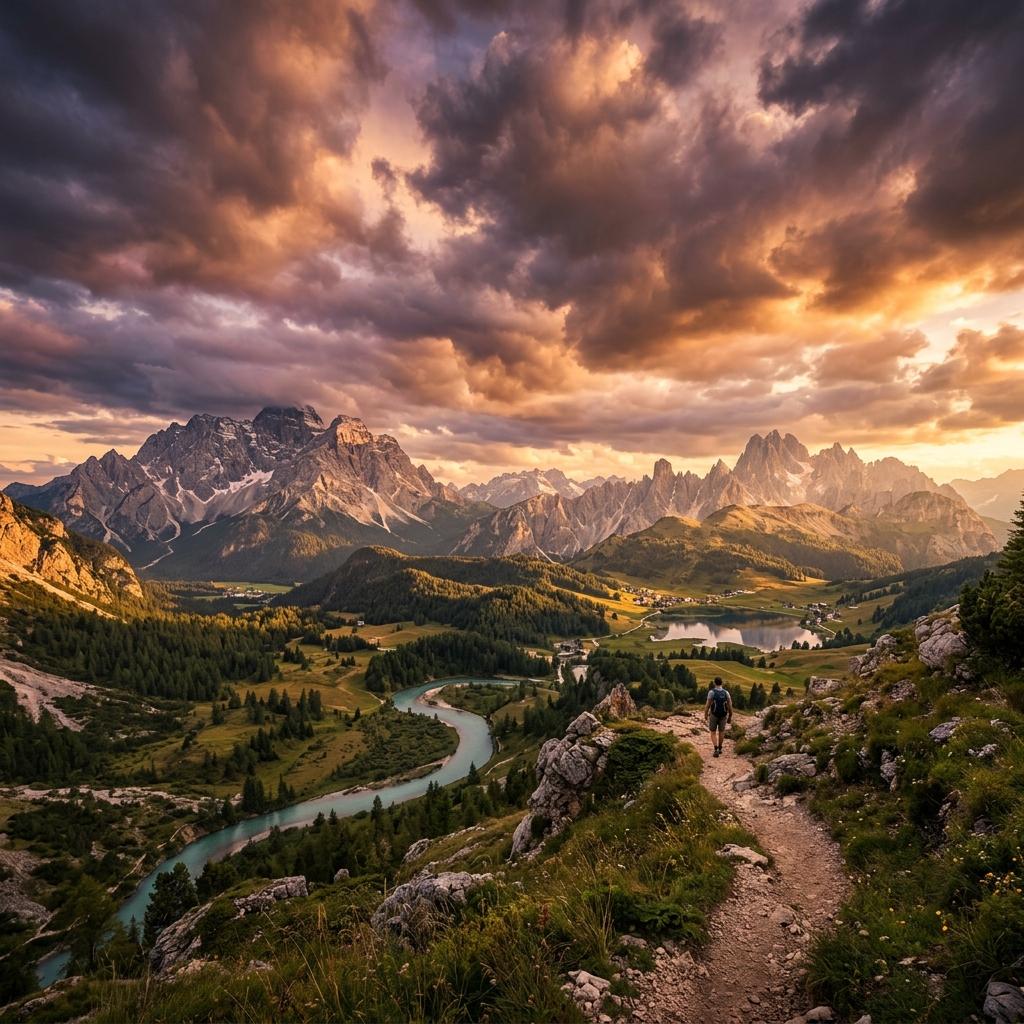
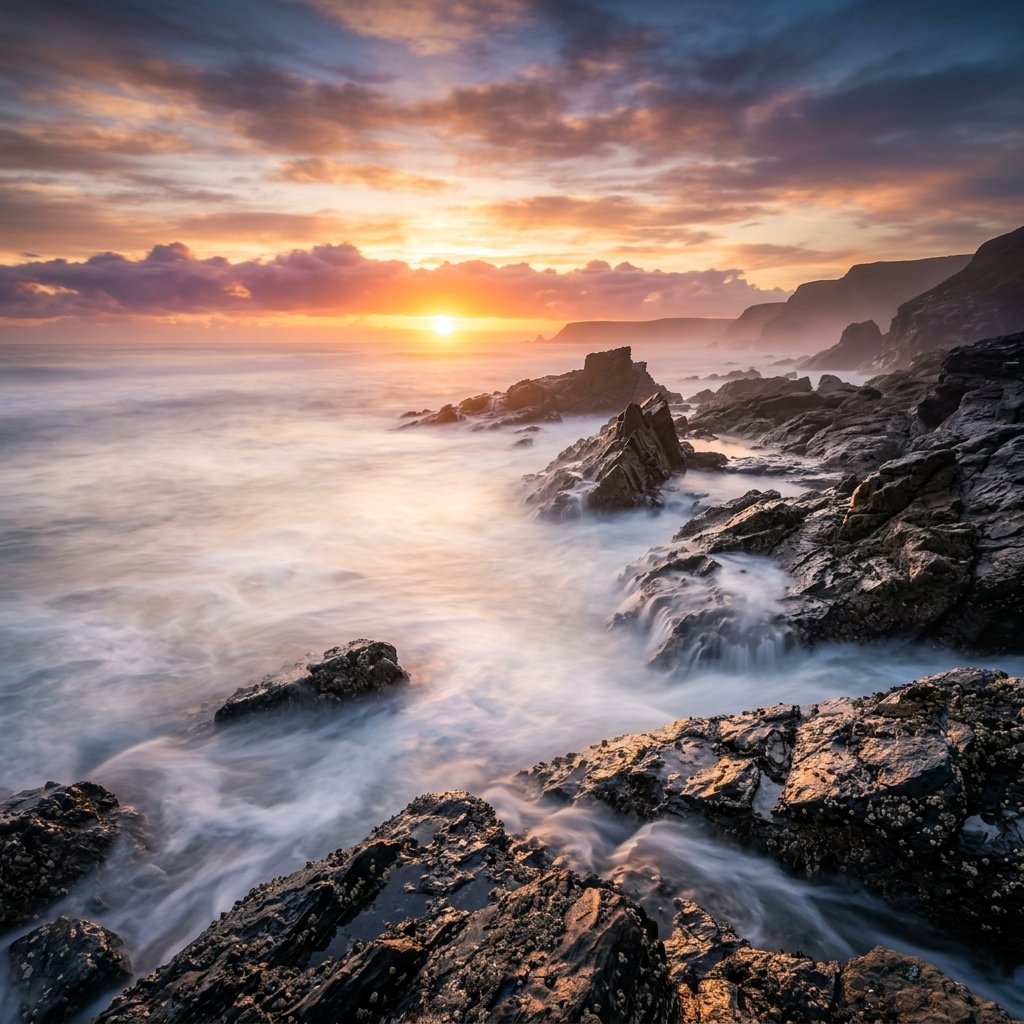
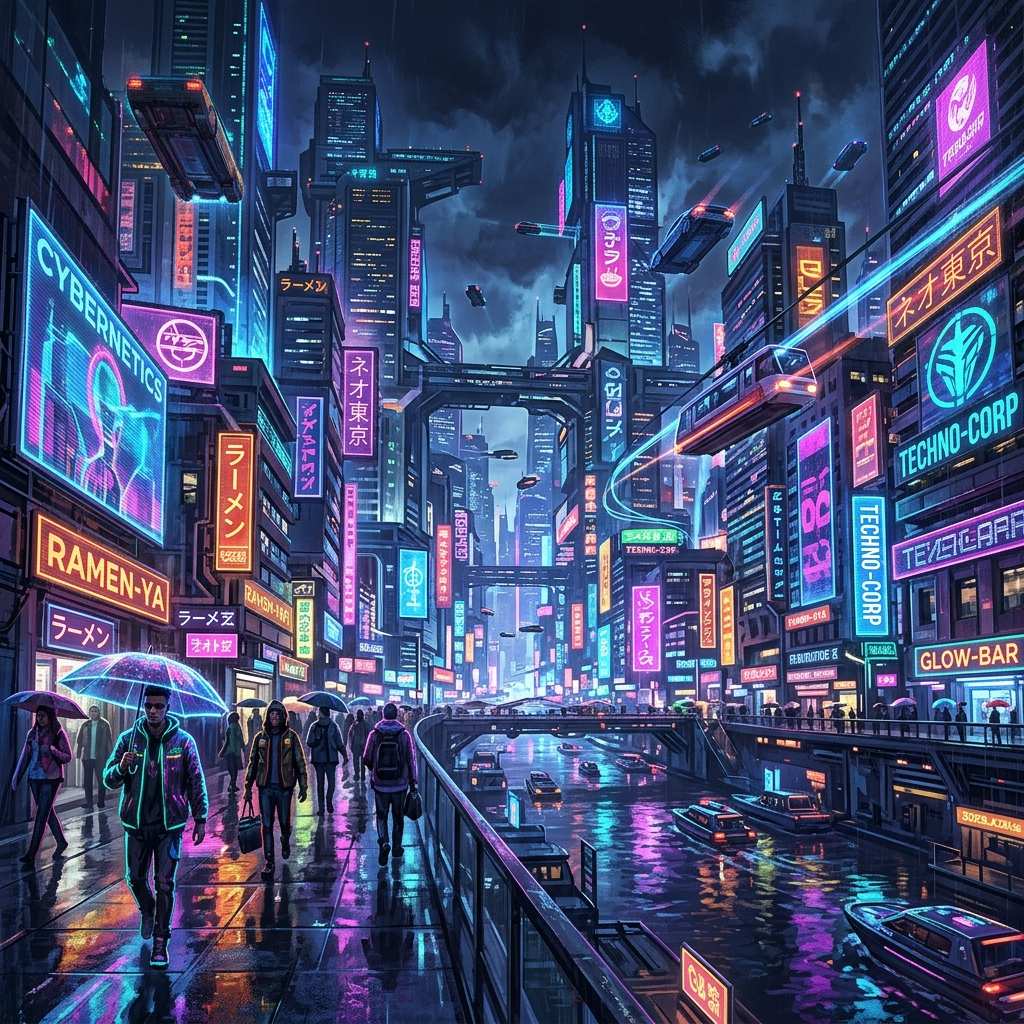
It transforms ordinary visuals into a look closer to cinematic imagery.
It is useful for shorts, ad concepts, social videos, and visuals that need a unified style direction.
No. It is better described as quick visual direction exploration and reference generation.
The styled results work as start frames or references for the video models in Sky Studio, such as Veo 3.1, Seedance 2.0, MiniMax H3, Grok Imagine and Gemini Omni.
Yes. Characters you create in Sky Studio can be used as references in Cinematic scenes, so the same character keeps its look from shot to shot.
Generate images with Nano Banana 2 and Pro, GPT Image 2 and Seedream 5.0 in one place. Compare the models, see samples and pick the right one.
Make AI videos with Veo 3.1, Seedance 2.0, MiniMax H3, Grok Imagine and Gemini Omni in one place: from text, frames or reference images, up to 4K.
Create product studio shots, solid backgrounds, flat lays, and multi-angle e-commerce visuals with Sky Studio.
Remove image backgrounds with Sky Studio Background Remover, running in the browser without uploading the cutout step.
Add draggable local light layers to product photos and create studio-style lighting with Sky Studio Product Relight.
Upload customer room photos, analyze the space, and compose products into real room scenes.
Generate 10 to 300 second music tracks in Sky Studio with simple mode, custom mode, lyrics, instrumentals, and duration control.
Make a four-view character turnaround sheet (front, side, back and close-up) from text or a reference image, then reuse the character in images and video.