1
Upload product references
Start with product photos, reference images, or a ZIP batch for the e-commerce background workflow.
Use case
Sky Studio turns product photos, reference images, and prompts into e-commerce-ready visuals. Replace solid or preset backgrounds, combine Background Remover with the image editing canvas, and create studio-style hero shots, flat lays, multi-angle assets, and social media product images.
Open Sky StudioStart with product photos, reference images, or a ZIP batch for the e-commerce background workflow.
Pick the background, aspect ratio, and resolution that fit a product page, ad, or social asset.
Create studio-style shots, flat lays, or clean product compositions from the prepared assets.
Use the image editing canvas to compose, reuse, and export the final result.
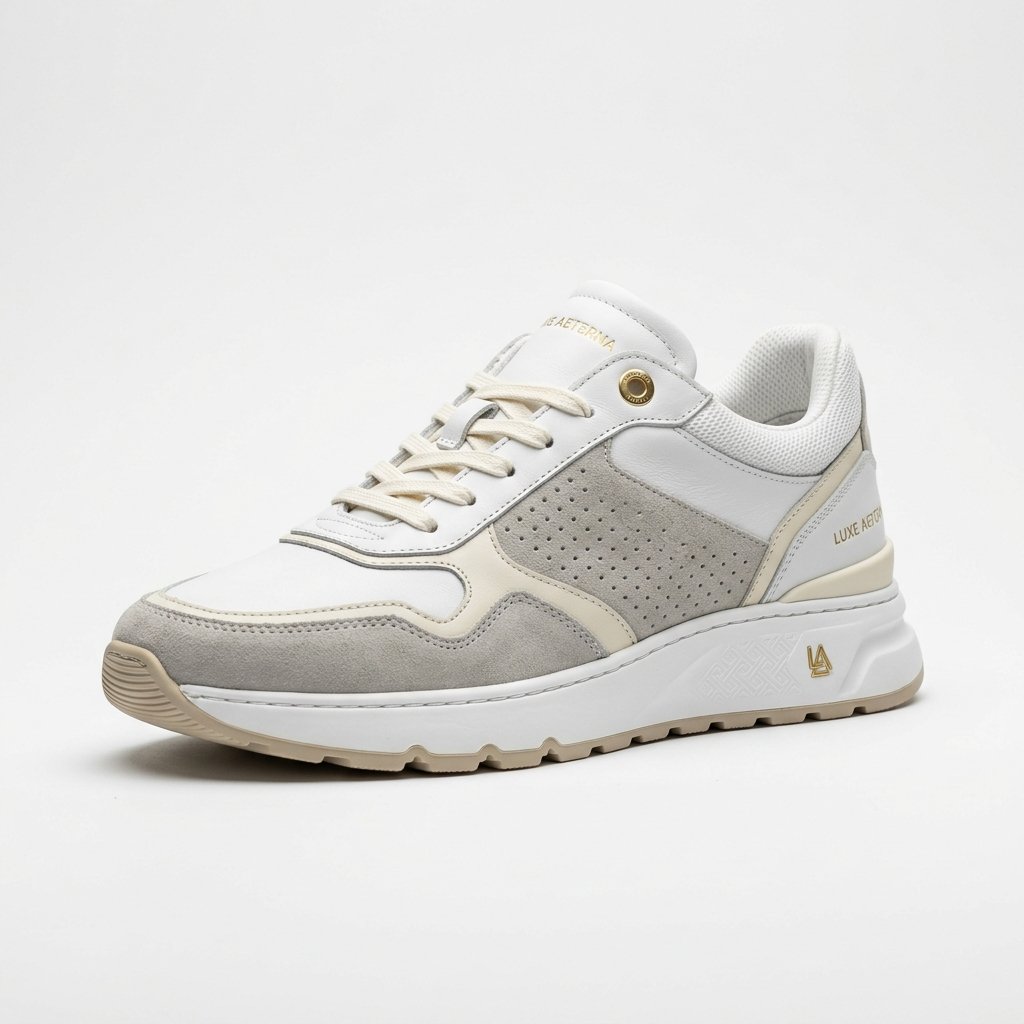
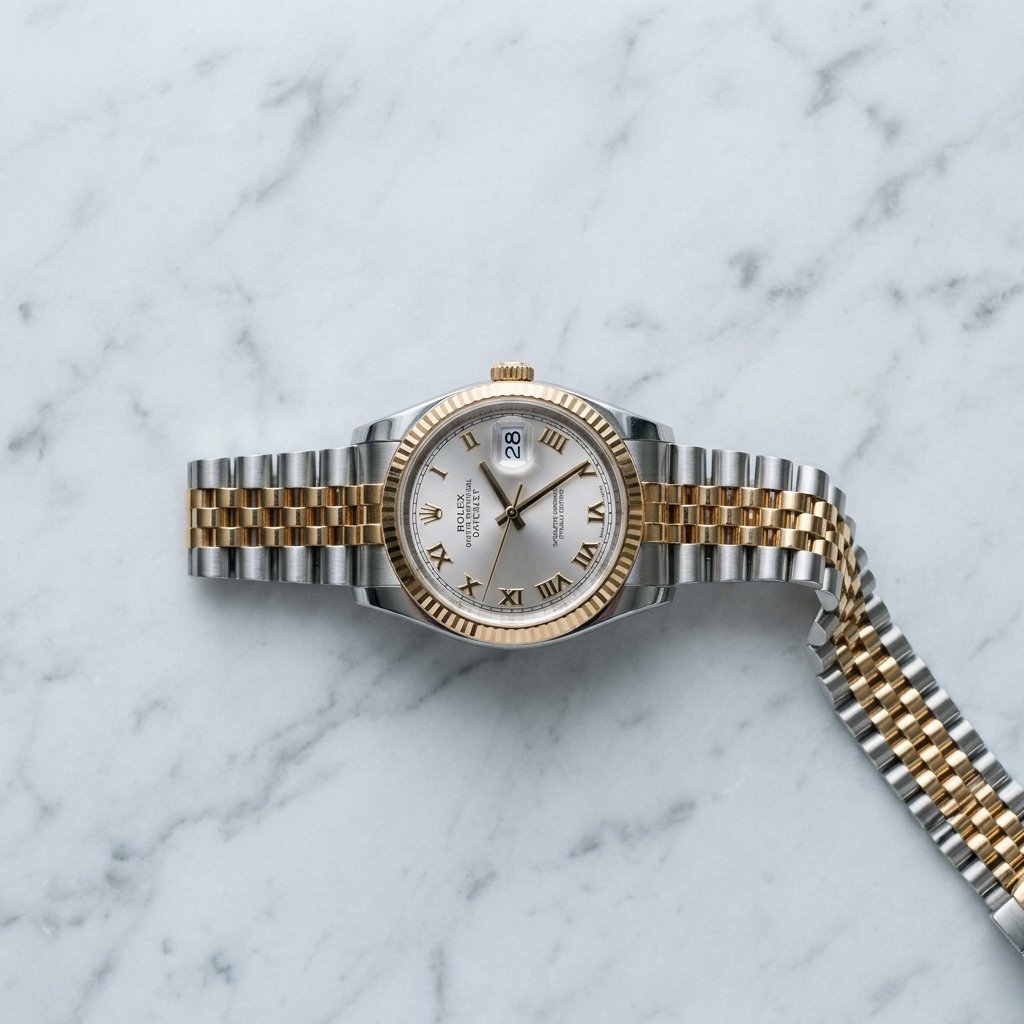

Yes. The e-commerce tools support background removal and replacement with solid colors or presets.
Yes. The upload flow accepts images or ZIP files and prepares them for the tool workflow.
Yes. Results can move into the image editing canvas for composition, reuse, and export.
No. Sky Studio is pay as you go: you buy credits when you need them, there is no subscription, and credits never expire.
Open the White Background tool, upload one or more photos (or a ZIP file), pick white, black, green screen or any color, and process the batch at 1K, 2K or 4K.
Yes. Change Product Color recolors the part you name, such as a strap or a cap, and keeps its texture and details. It handles several photos in one batch.
Generate images with Nano Banana 2 and Pro, GPT Image 2 and Seedream 5.0 in one place. Compare the models, see samples and pick the right one.
Make AI videos with Veo 3.1, Seedance 2.0, MiniMax H3, Grok Imagine and Gemini Omni in one place: from text, frames or reference images, up to 4K.
Remove image backgrounds with Sky Studio Background Remover, running in the browser without uploading the cutout step.
Add draggable local light layers to product photos and create studio-style lighting with Sky Studio Product Relight.
Upload customer room photos, analyze the space, and compose products into real room scenes.
Generate 10 to 300 second music tracks in Sky Studio with simple mode, custom mode, lyrics, instrumentals, and duration control.
Make a four-view character turnaround sheet (front, side, back and close-up) from text or a reference image, then reuse the character in images and video.
Transform ordinary visuals into cinematic-looking concepts for shorts, ads, and creative video style exploration.