1
Upload a product image
Start from a product photo in the Product Relight tool.
Use case
Sky Studio Product Relight adds draggable local light layers to product images. Presets such as White Studio, Window Glow, Fabric Side Light, and High Contrast Premium help original photos gain studio-like brightness, shadows, and texture.
Relight a productStart from a product photo in the Product Relight tool.
Choose a studio, window, fabric, translucent, luxury, or high-contrast look.
Move key, fill, rim, or ambient lights and tune angle, distance, height, intensity, and softness.
Export the relit result or add it to Workspace references for later use.
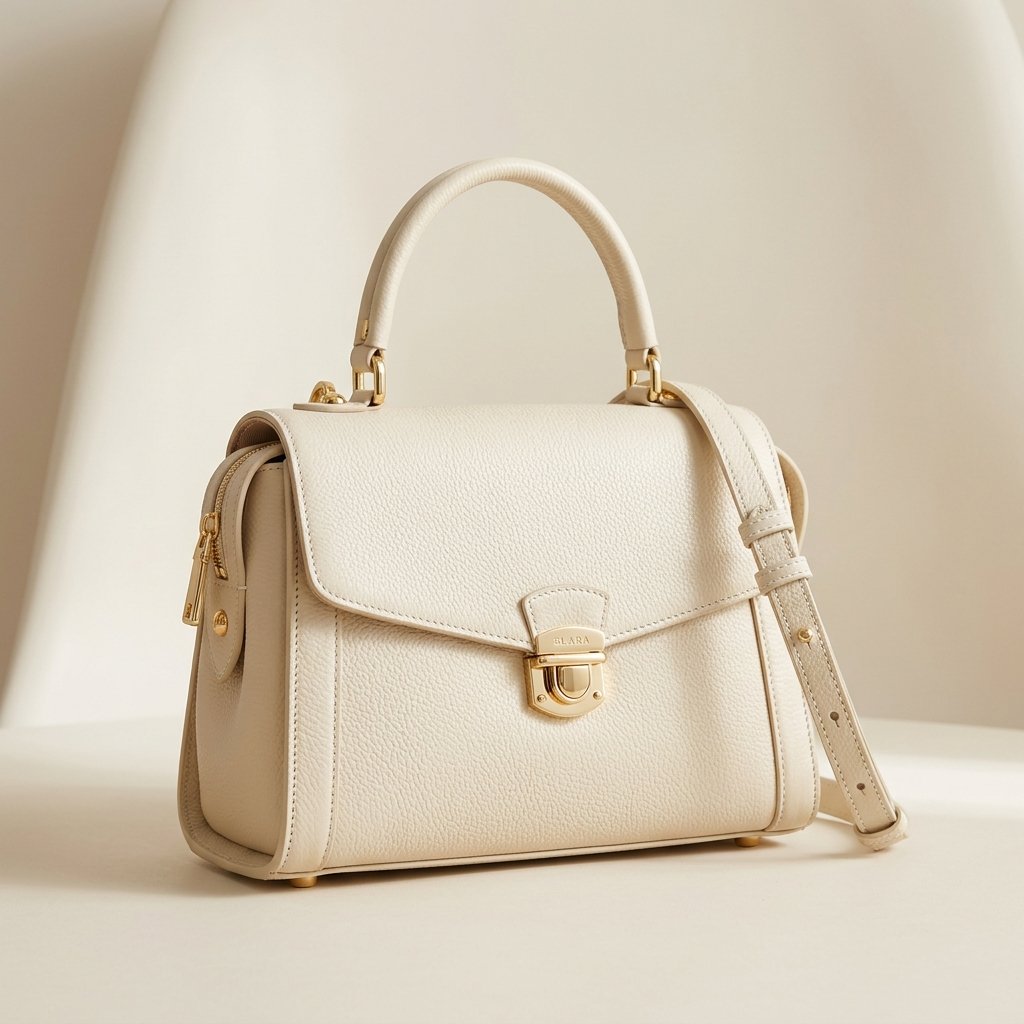
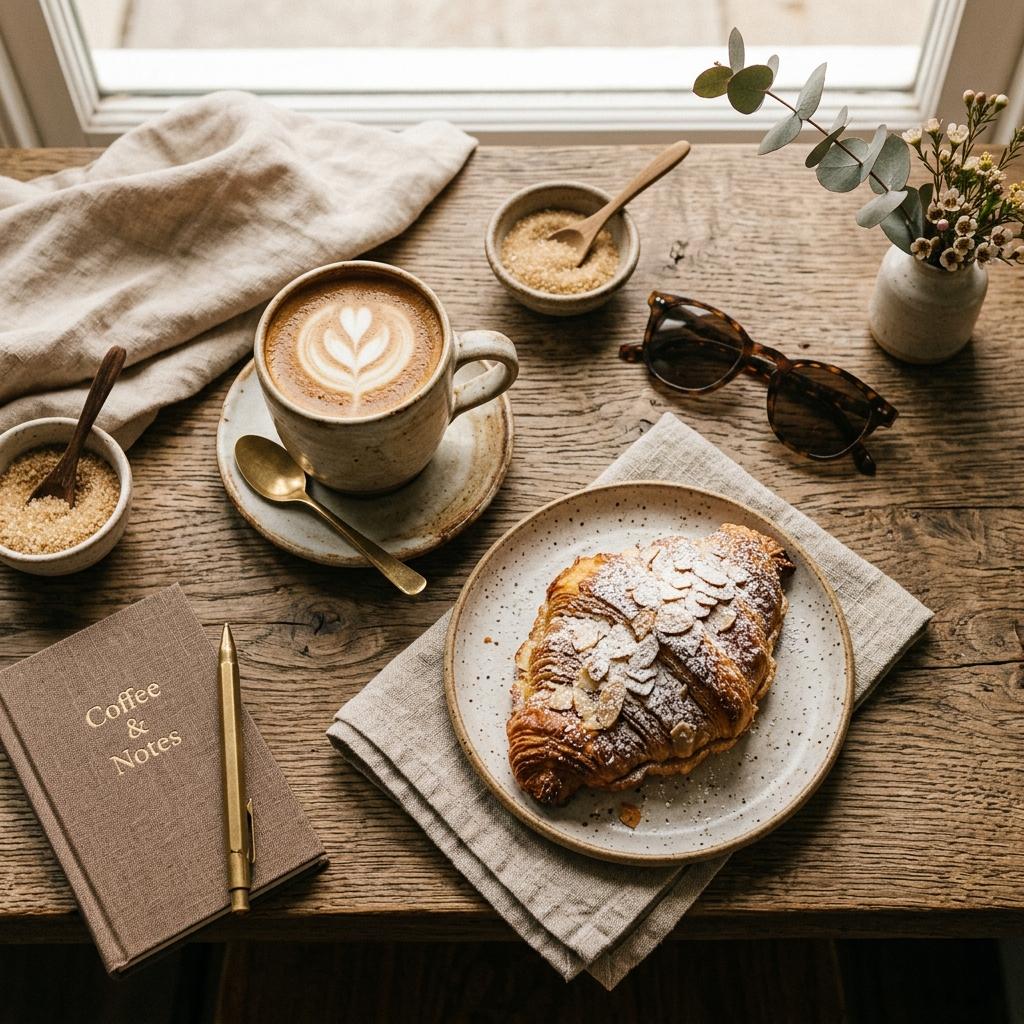
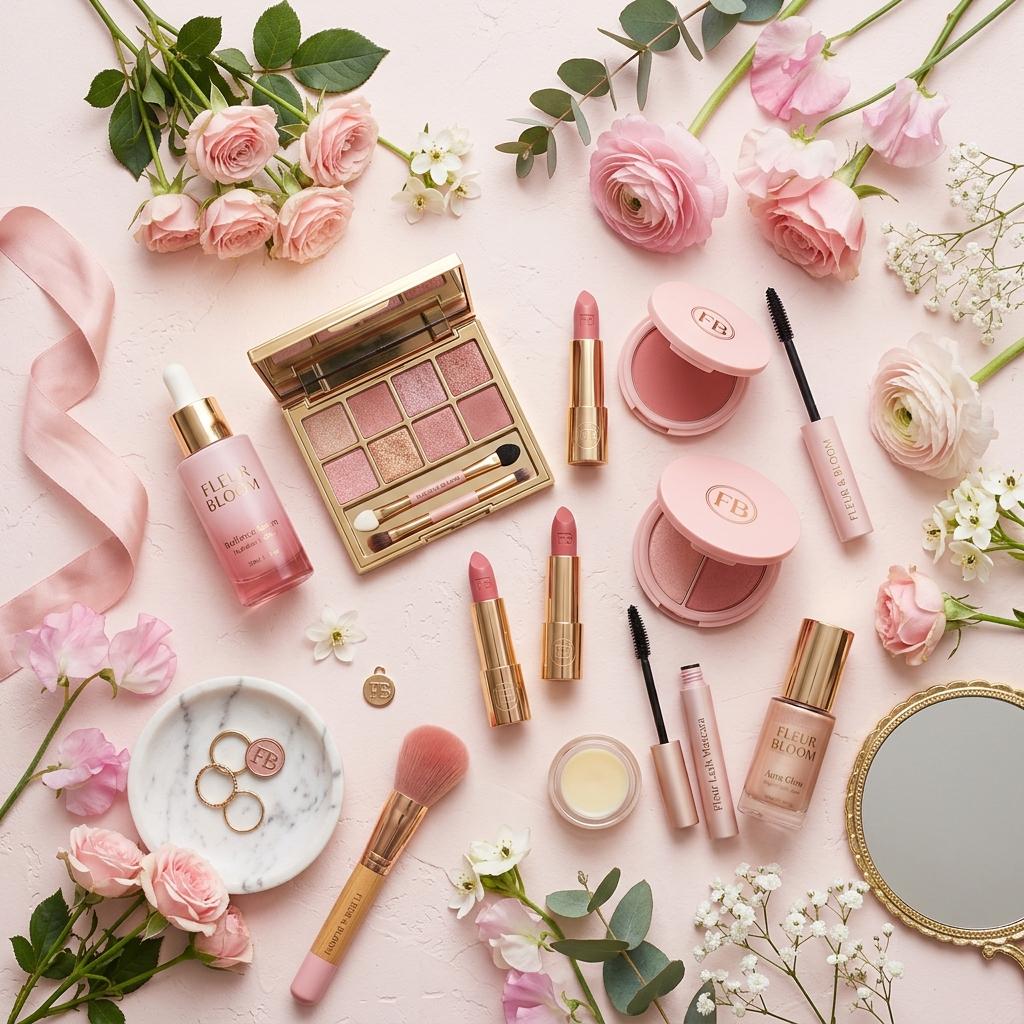
Product Relight reshapes product lighting so an original photo can look closer to studio or ad lighting.
Current presets include White Studio, Fabric Side Light, Window Glow, Backlit Translucent, Soft Luxury, and High Contrast Premium.
Product Relight includes modes such as luminance preserve, with the goal of changing brightness while protecting product color.
Yes. The tool provides local preview and export for relit images.
The lighting runs live in your browser, so you see every change at once. For more, send the result to Workspace and refine it with an AI image model.
Key, fill, rim and ambient lights. Drag each one and tune its angle, distance, height, intensity and softness.
Generate images with Nano Banana 2 and Pro, GPT Image 2 and Seedream 5.0 in one place. Compare the models, see samples and pick the right one.
Make AI videos with Veo 3.1, Seedance 2.0, MiniMax H3, Grok Imagine and Gemini Omni in one place: from text, frames or reference images, up to 4K.
Create product studio shots, solid backgrounds, flat lays, and multi-angle e-commerce visuals with Sky Studio.
Remove image backgrounds with Sky Studio Background Remover, running in the browser without uploading the cutout step.
Upload customer room photos, analyze the space, and compose products into real room scenes.
Generate 10 to 300 second music tracks in Sky Studio with simple mode, custom mode, lyrics, instrumentals, and duration control.
Make a four-view character turnaround sheet (front, side, back and close-up) from text or a reference image, then reuse the character in images and video.
Transform ordinary visuals into cinematic-looking concepts for shorts, ads, and creative video style exploration.