Product Relight
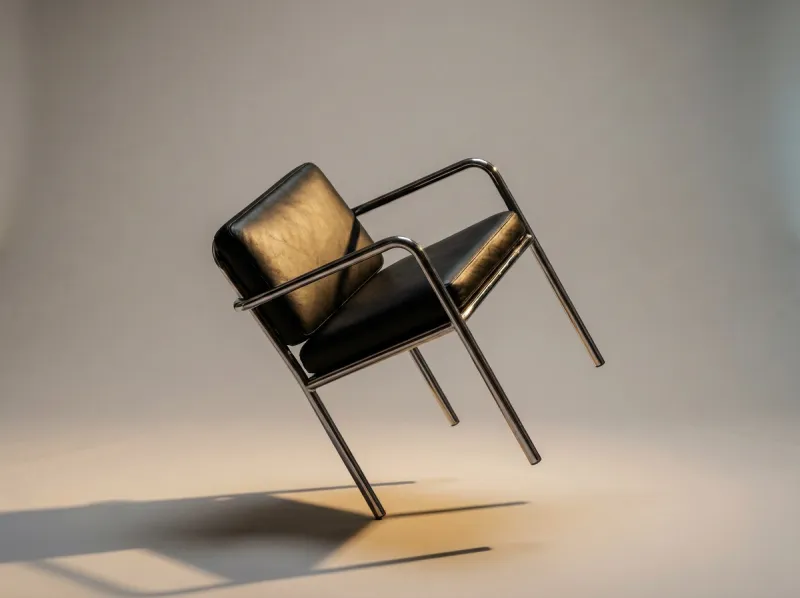
Add studio lights to a product photo and see the result live. Start from a preset such as White Studio, Window Glow, Fabric Side Light or High Contrast Premium, then drag and tune each light before you export. The preview renders in your browser, so you can light a photo without an account; exporting the relit image uses credits.
- Live in your browser
- Six lighting presets
- Key, fill, rim and ambient lights
- Export at the size you need
Relight a product photo in three steps
- Drop your photo here
Upload a product photo
Drop in a photo, or a ZIP of several, and pick the one to light. The preview renders on your device as you work, so every change shows at once.
Start from a preset, then move the lights
White Studio, Fabric Side Light, Window Glow, Backlit Translucent, Soft Luxury or High Contrast Premium. Drag the key, fill, rim and ambient lights on the picture and tune angle, distance, height, intensity and softness; give a light a shape, a color or a temperature.
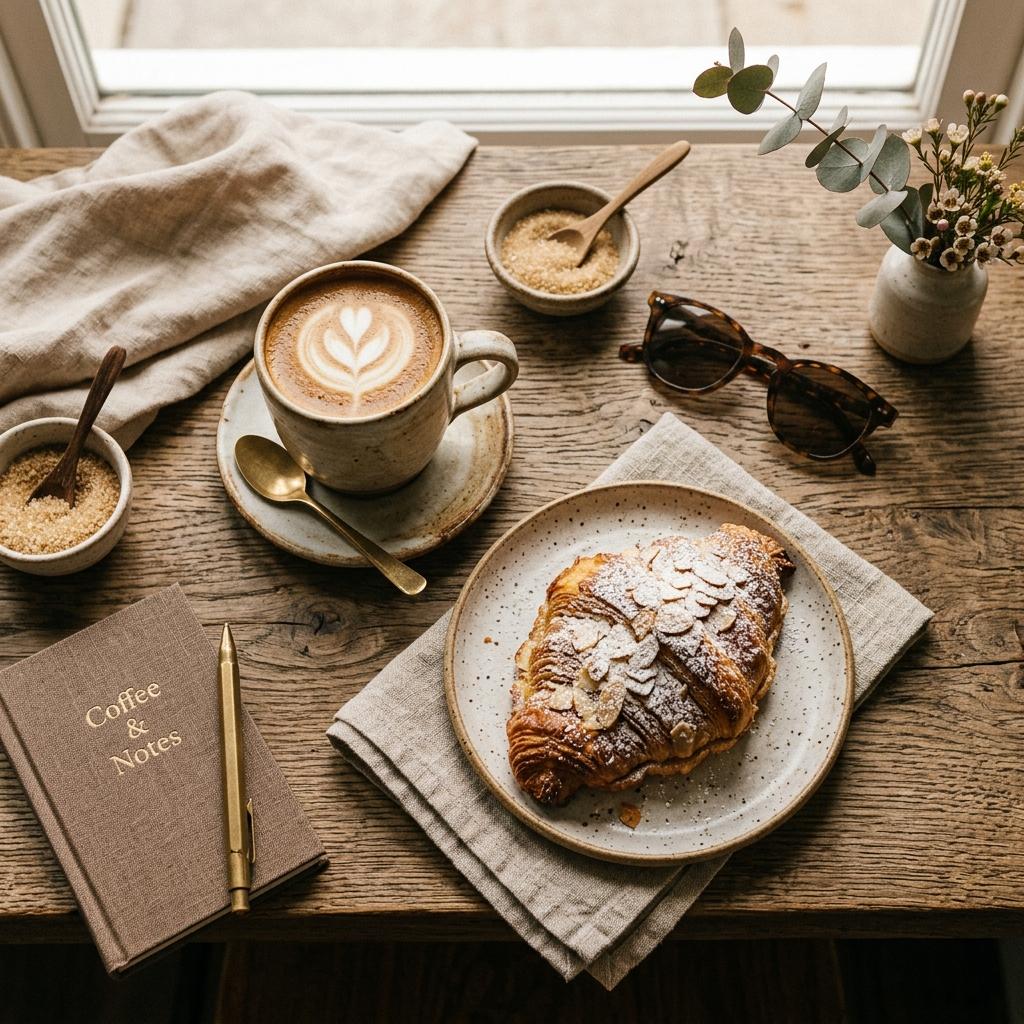 Relit · export
Export, or refine with AI
Export the relit image at the output size you choose. Or send the preview to your Workspace as a reference and refine it with an image model.
What people use it for
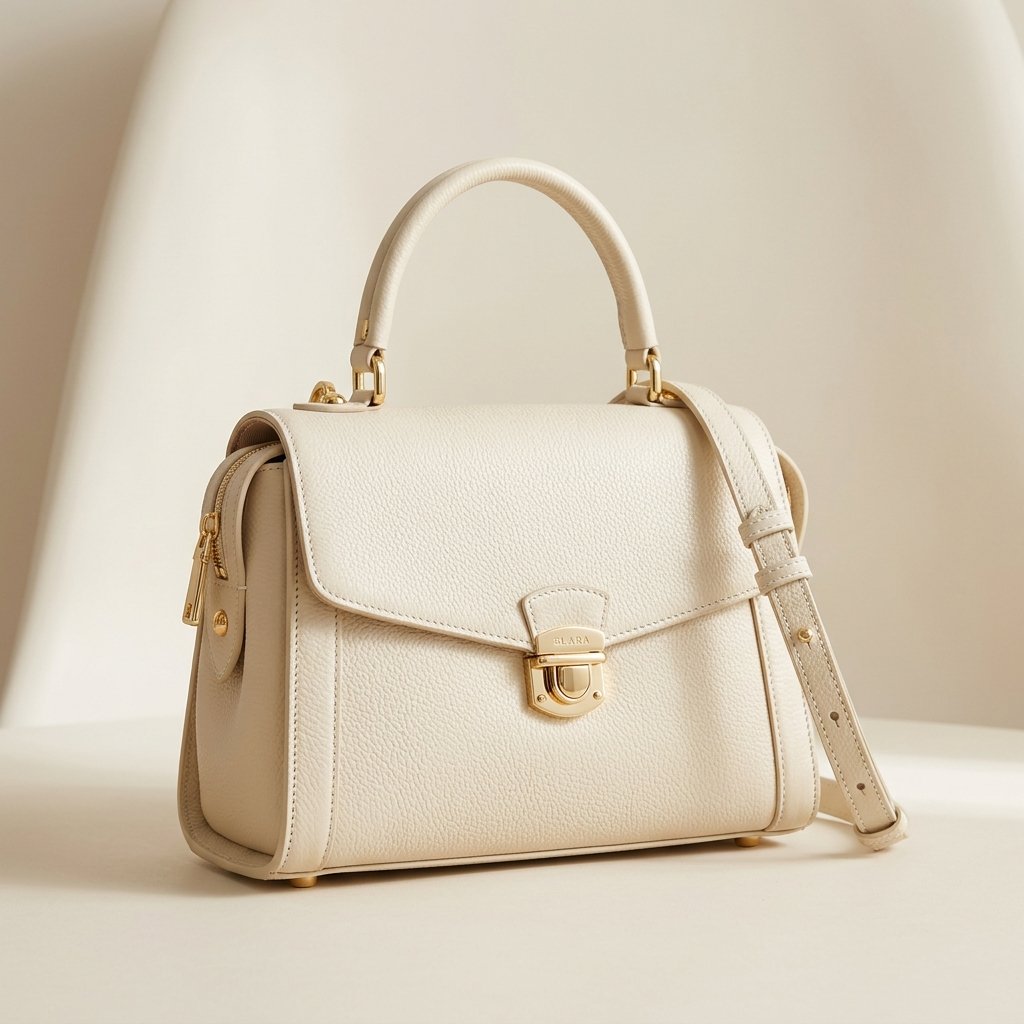
Catalog shots
Turn a flat phone photo into a high-key catalog image with White Studio.
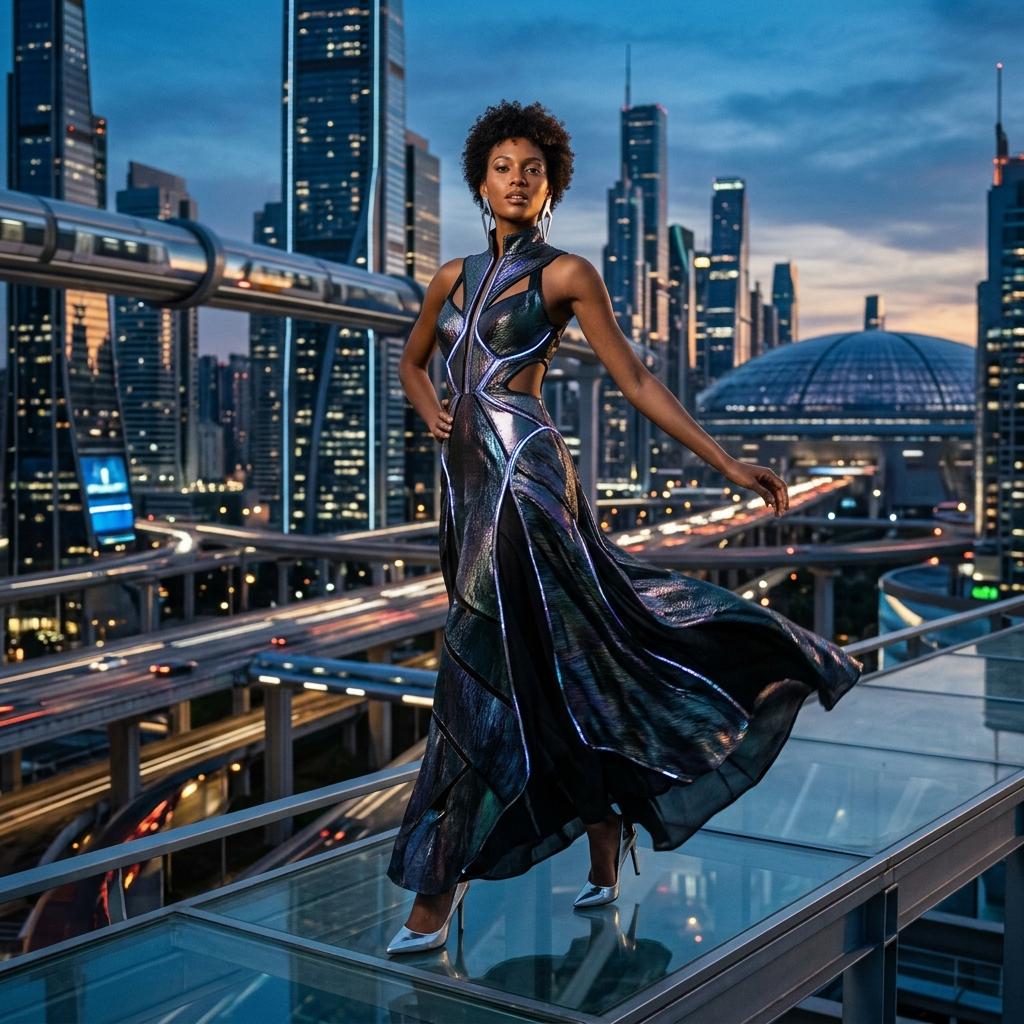
Fashion and fabric
Fabric Side Light brings out folds and weave; Backlit Translucent glows through sheer material.
Food and lifestyle
Window Glow for a warm, natural morning look.
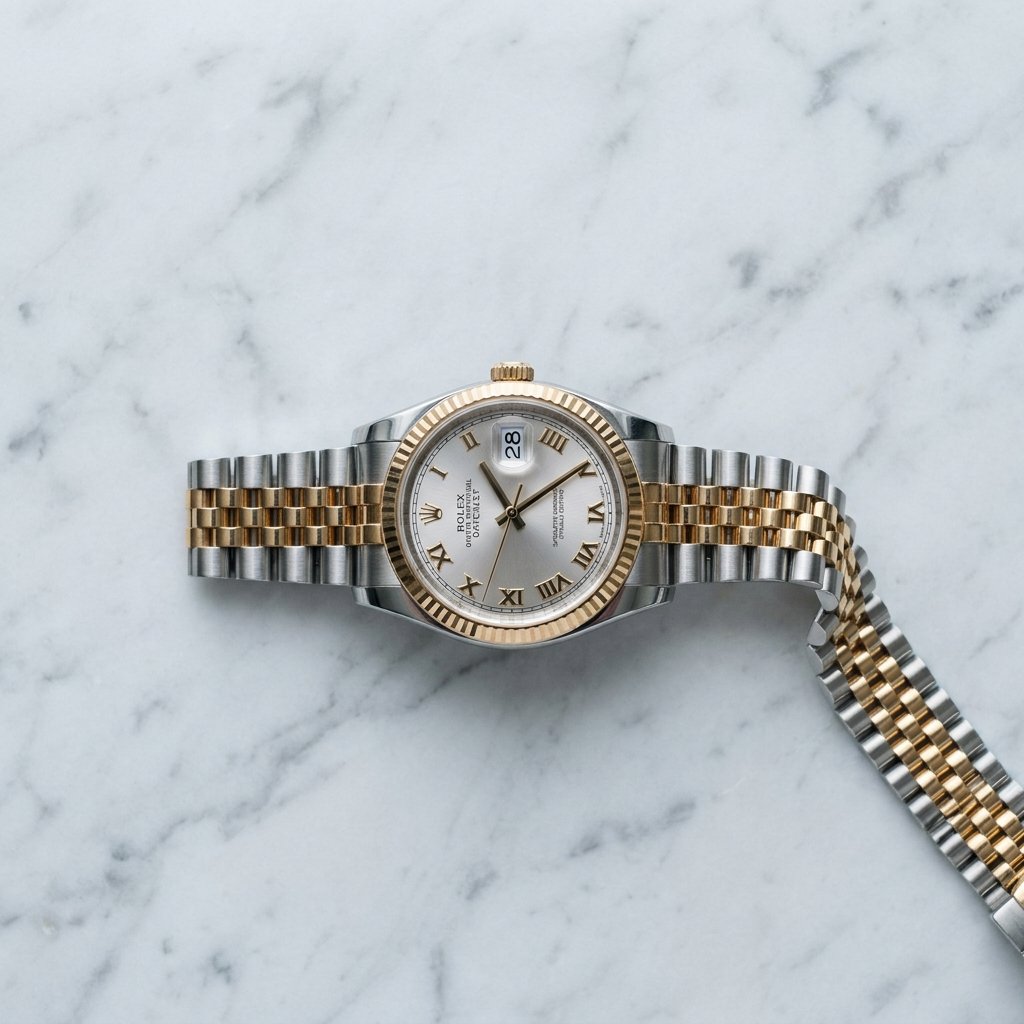
Premium ads
Soft Luxury or High Contrast Premium for watches, perfume and jewelry.
Frequently asked questions
Does Product Relight use AI?
The lighting is computed live in your browser, so every change shows at once and nothing is uploaded for the preview. When you want more than light, send the result to your Workspace as a reference and refine it with an image model.
Which presets are there?
White Studio, Fabric Side Light, Window Glow, Backlit Translucent, Soft Luxury and High Contrast Premium. Each one is a starting point: move the lights after you pick it.
Which lights can I use?
Key, fill, rim and ambient lights. Each can be a point, a softbox, a strip, a window or a neon; drag it on the picture and set its angle, distance, height, radius, intensity, softness, spread, color and temperature.
Will it change the product's colors?
Not if you do not want it to. The Luminance Preserve mode changes brightness while protecting the product's color; OKLab Lightness gives smoother shading on fabric, Fast Gradient is the quickest preview, and Normal Depth Assisted uses a virtual dome when the photo carries no mask or depth.
Is it free?
Lighting and previewing are free, with or without an account. Exporting the relit image uses credits, charged per export.
What do I get when I export?
The relit photo at the output size you set, added to your downloads. Refine with AI instead opens your Workspace with the preview as a reference image, ready for an image model.
More tools
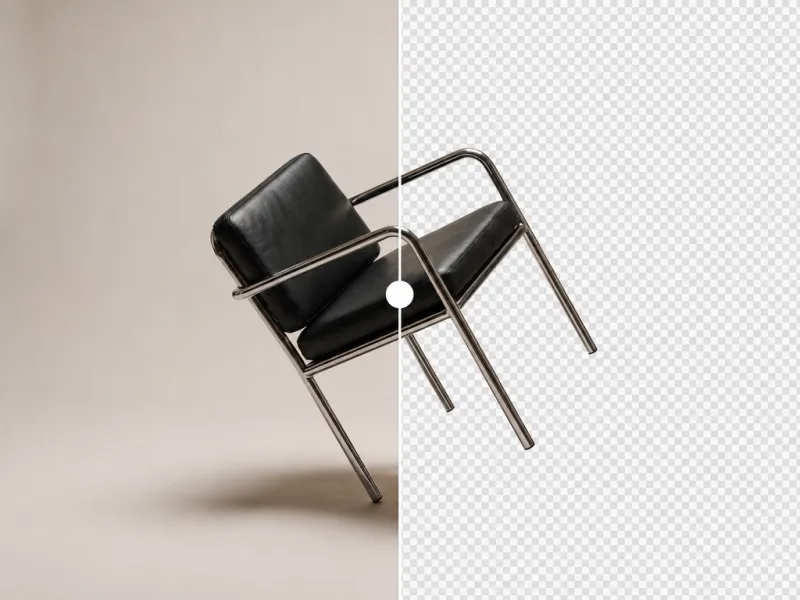 Background RemoverCut one picture out, in your browser
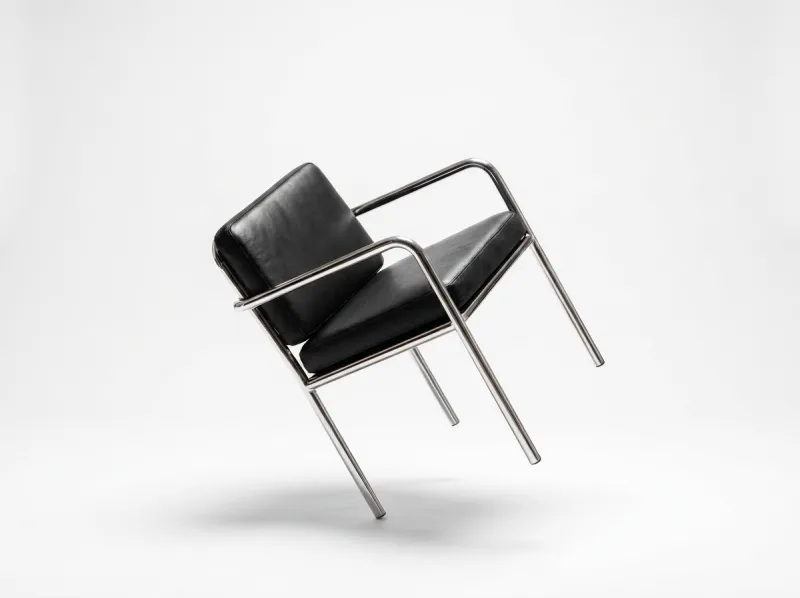 White BackgroundProduct photos on any color, in a batch
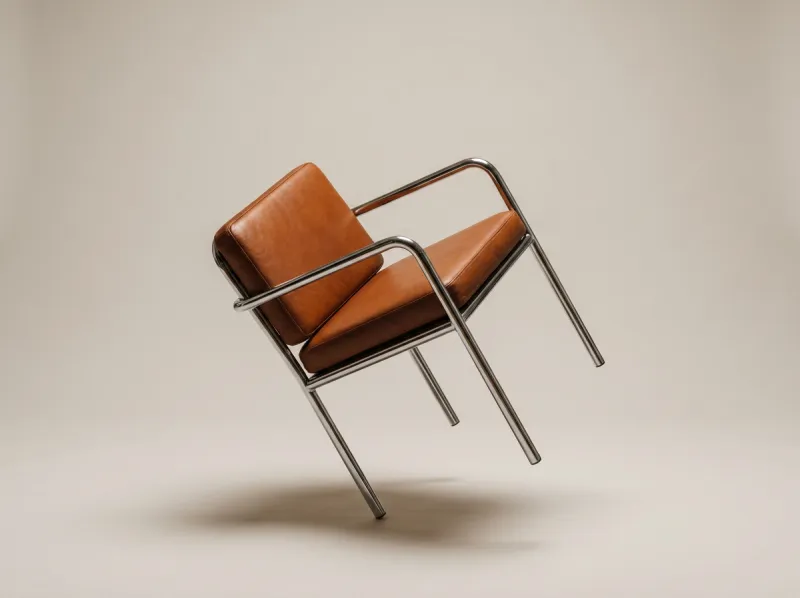 Change Product ColorRecolor one part, keep the texture
 Room VisualizerSee products in a customer's room
 Camera AngleTurn a photo around
 Social Media PublisherAI posts to X and RedNote, on your schedule