Camera Angle
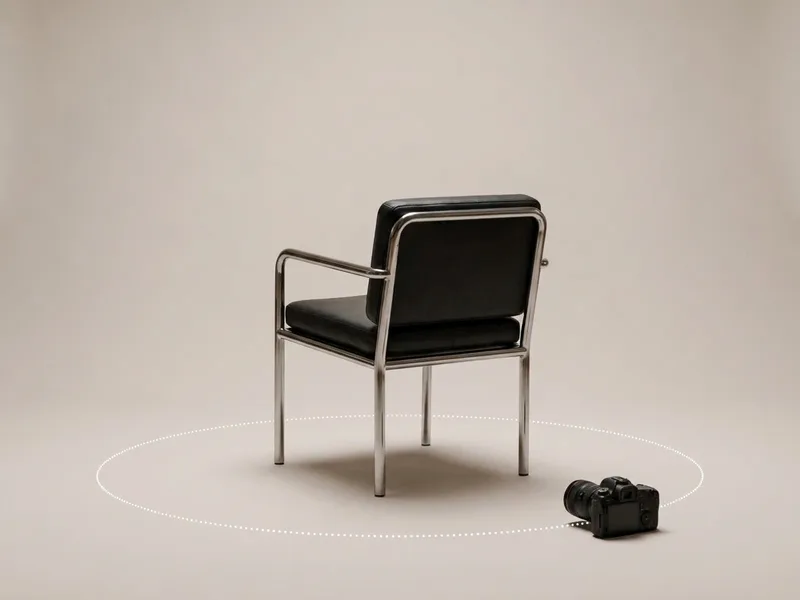
Move the camera around a photo. Drag the camera on a sphere, or set rotation, tilt and distance, and get the same subject from a new angle: a side view, an over-the-shoulder shot, a view from behind, a high or low angle, a close-up. Open it without an account; generating uses credits and every result is saved to your Workspace.
- Drag the camera on a sphere
- Side, behind, high, low, close
- One angle, or 4, 8 or 12
- Results saved to Workspace
Change a photo's camera angle in three steps
- Drop your photo here
Add a source image
Upload a photo, or pick one from your Workspace. It sits at the centre of the sphere, and the camera starts from the angle it was shot at.
Move the camera
Drag the camera around the sphere, scroll to dolly, or use the arrows: rotate up to 180° either way, tilt up to 60° up or down, pull back or come in for a close-up. Pick the model: Qwen Angles moves the camera and turns the scene with it; the other image models turn the subject and keep the background.
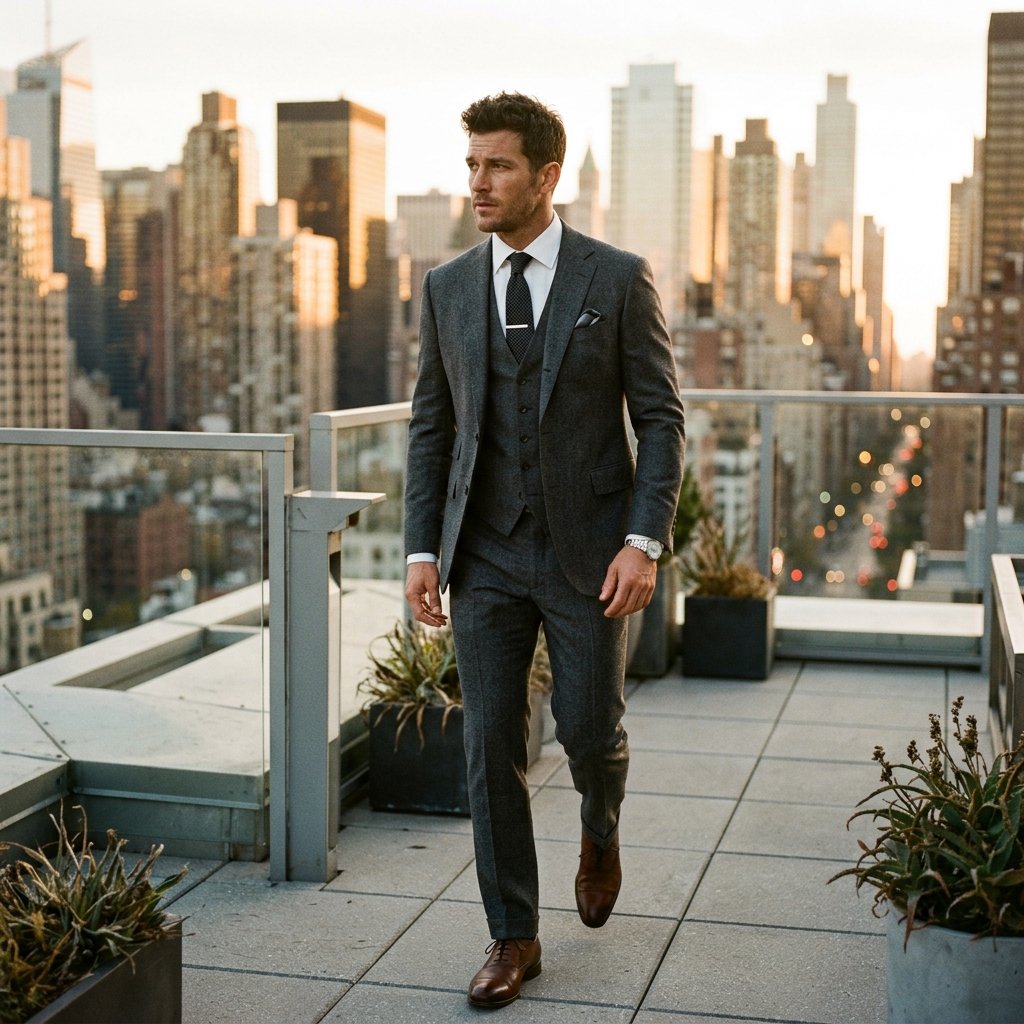 4 · 8 · 12 angles
Generate one angle, or a set
Generate the angle you set, or 4, 8 or 12 preset angles at once, at 1K or 2K. Every result lands in your Workspace, and any result can be the next source.
What people use it for
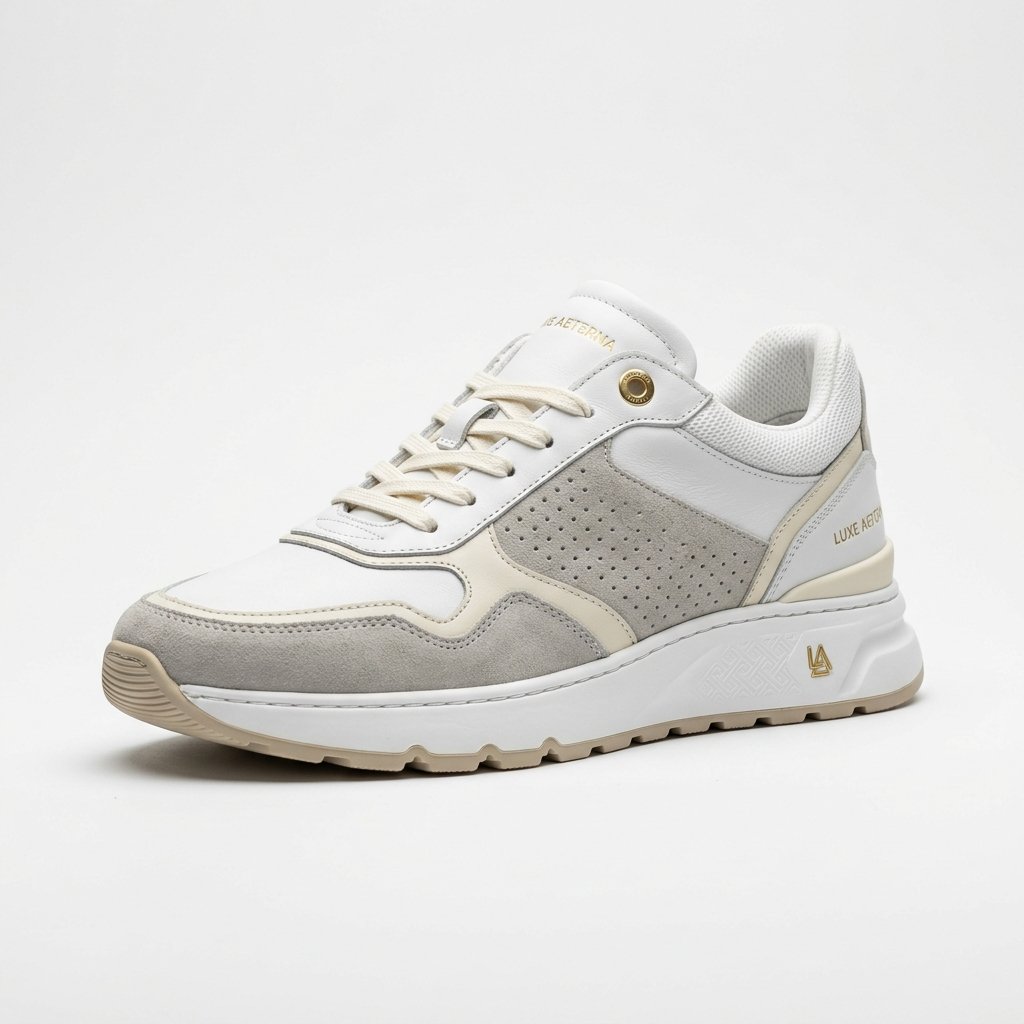
Product shots from every side
The back, the side and a top-down view from one hero photo.
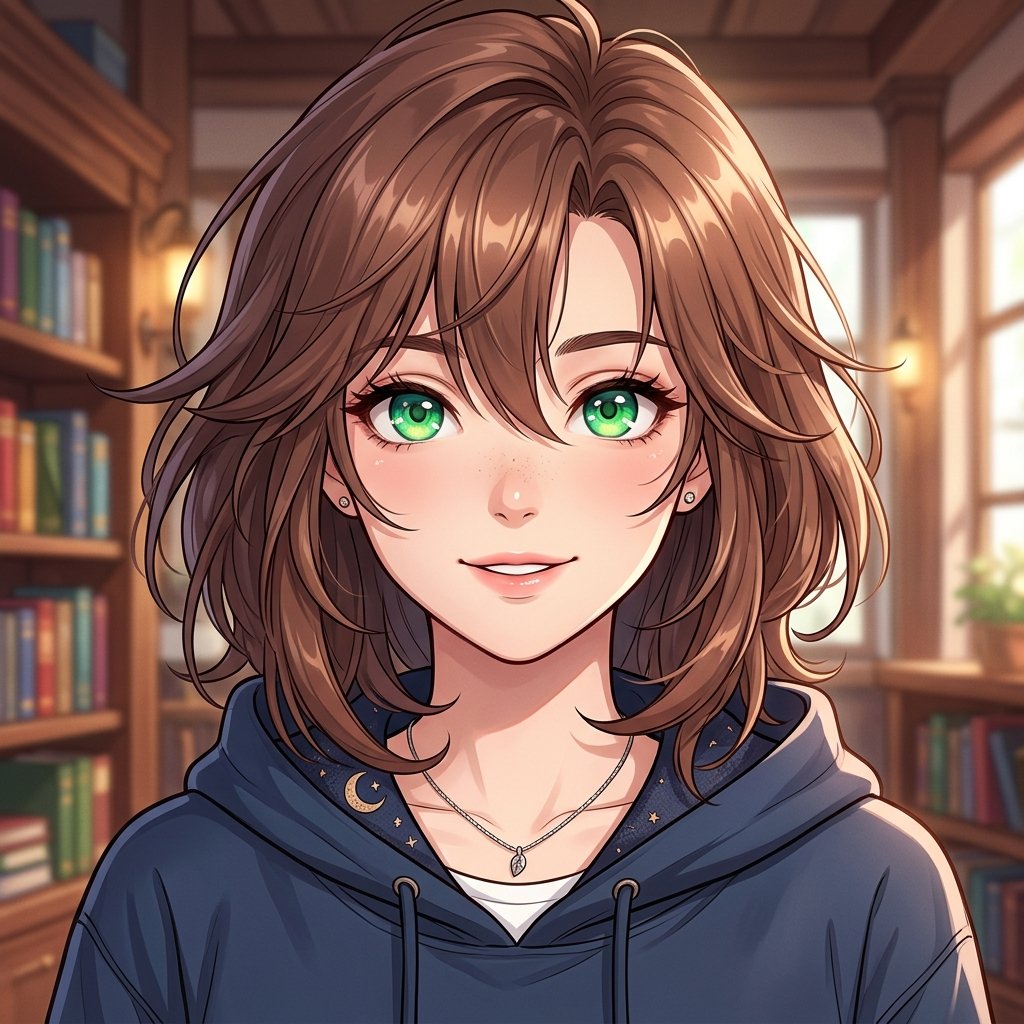
Characters and portraits
Turn a character to the side or behind for a reference sheet that matches the front.
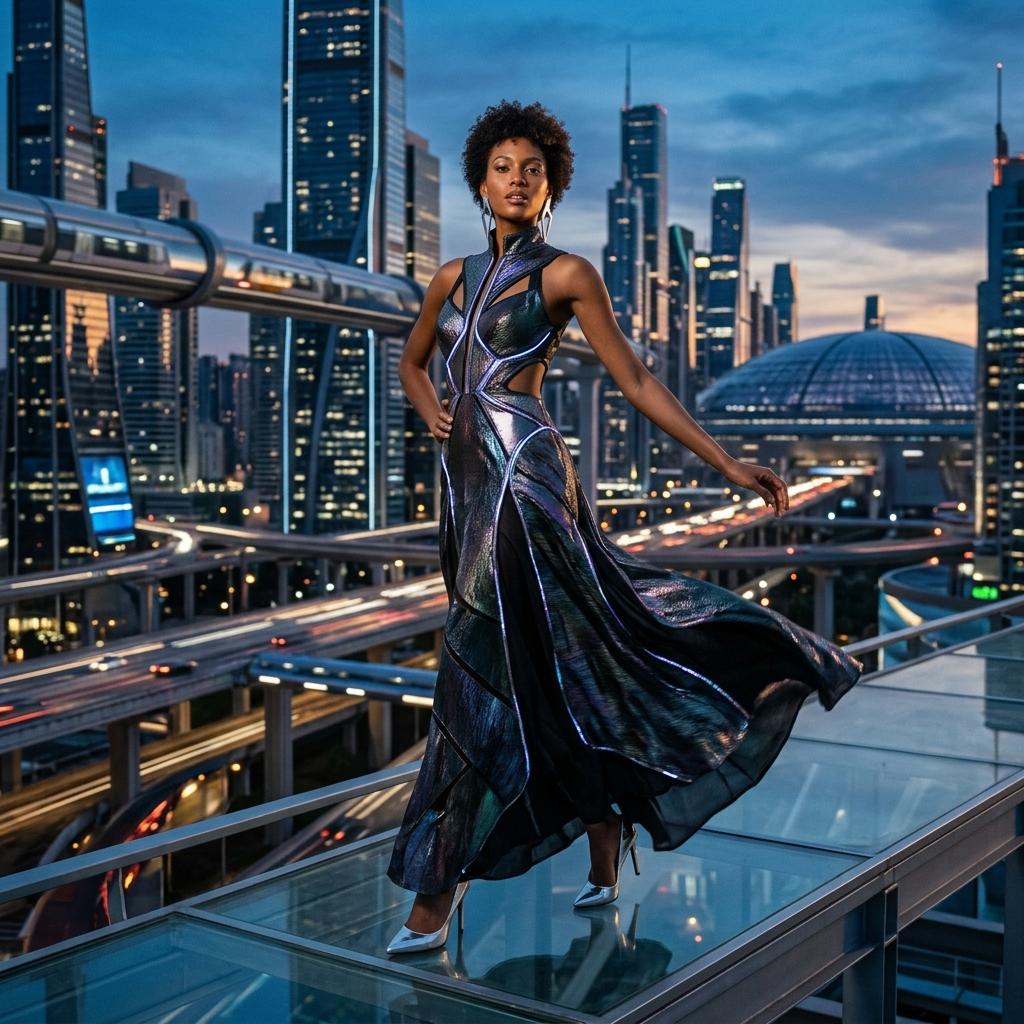
Coverage for a video scene
The over-the-shoulder or reverse angle of a shot, ready to be the next clip's first frame.
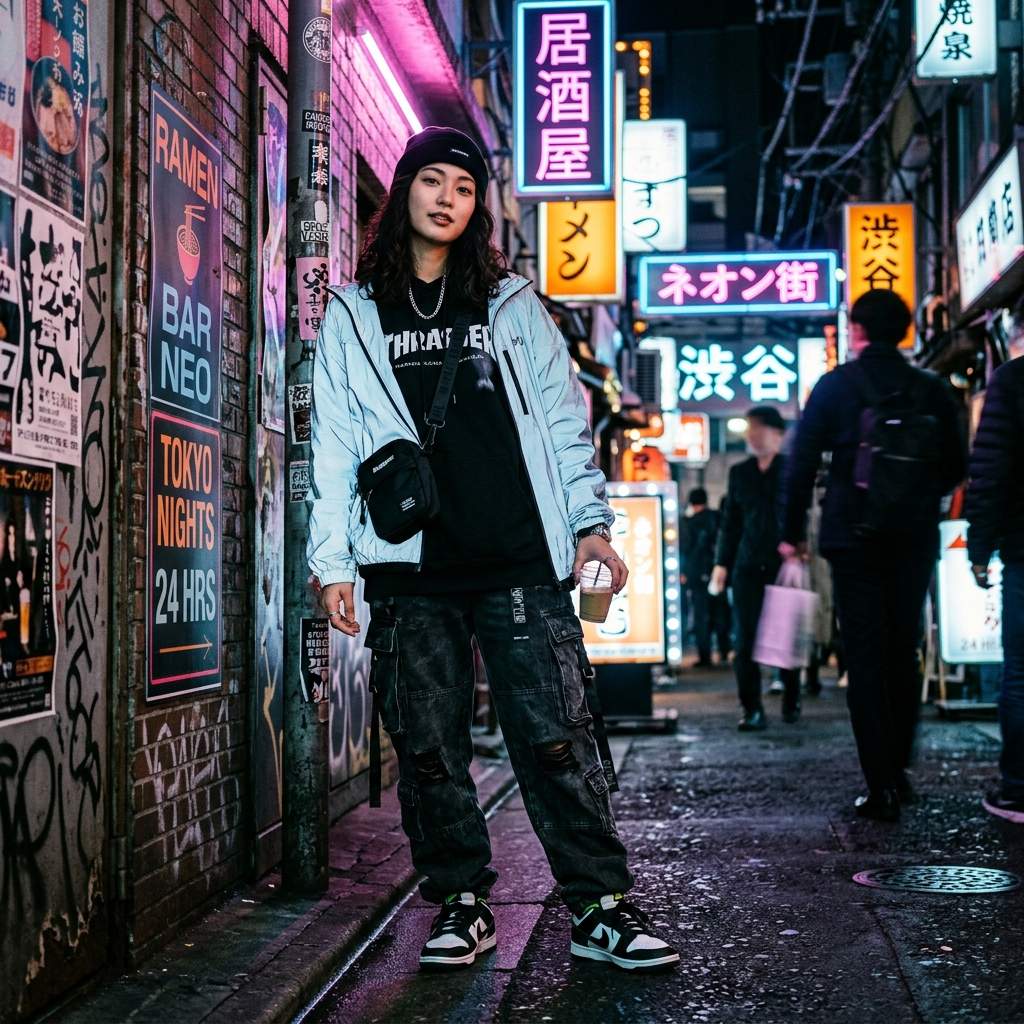
Low and high angles
A hero low angle or a top-down view of the same subject, without a reshoot.
Frequently asked questions
Did the camera move, or did the subject turn?
It depends on the model. Qwen Angles moves the camera, so the scene turns with the subject, as in a real reshoot. The other image models turn the subject and keep the background. The linked guide shows both on the same photo.
How far can I turn?
Rotate up to 180° to either side, so a view from behind; tilt up to 60° up or down; dolly from a wide pull-back to a close-up. With Qwen Angles the position snaps to the angles the model was trained on.
Which models can I use?
Qwen Angles, Nano Banana 2 Lite, Nano Banana 2, Nano Banana Pro, GPT Image 2, Seedream 5.0 Flash and Seedream 5.0 Pro.
Can I generate several angles at once?
Yes. Choose 4, 8 or 12 preset positions around the subject and they are generated in one go, each saved as its own image.
What size are the results?
1K or 2K, in the aspect ratio you choose: 16:9 by default, and the choices follow the model.
Is it free?
You can open the tool and set the angle without an account. Generating uses credits per image, so you sign in when you press Generate; every result is saved to your Workspace.
Can I use a result as the next source?
Yes. Press Use as source on any result and move the camera again from there, for a walk around the subject in several steps.
More tools
 Background RemoverCut one picture out, in your browser
 White BackgroundProduct photos on any color, in a batch
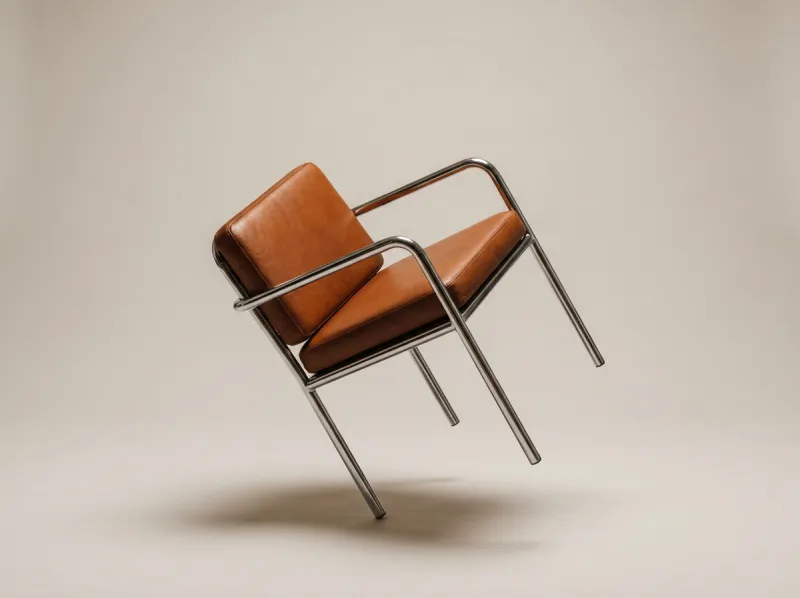 Change Product ColorRecolor one part, keep the texture
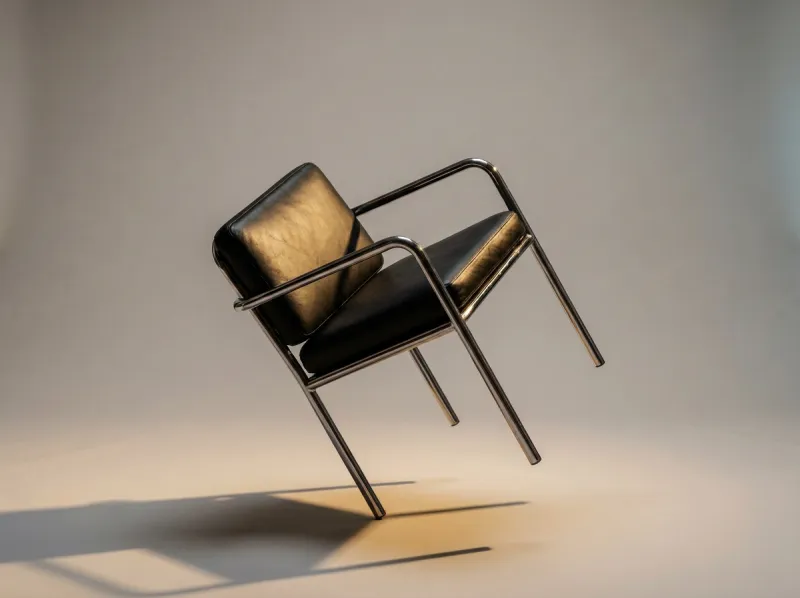 Product RelightDrag studio lights onto a photo
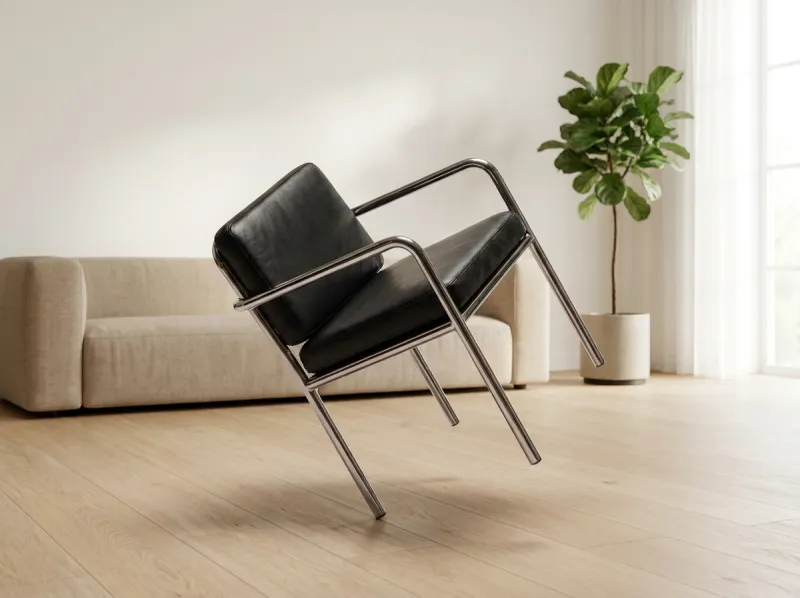 Room VisualizerSee products in a customer's room
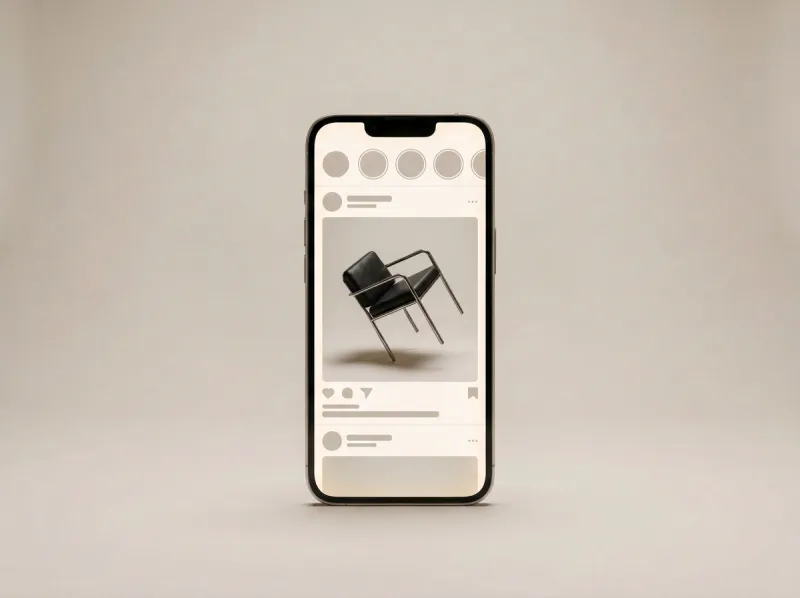 Social Media PublisherAI posts to X and RedNote, on your schedule