Room Visualizer
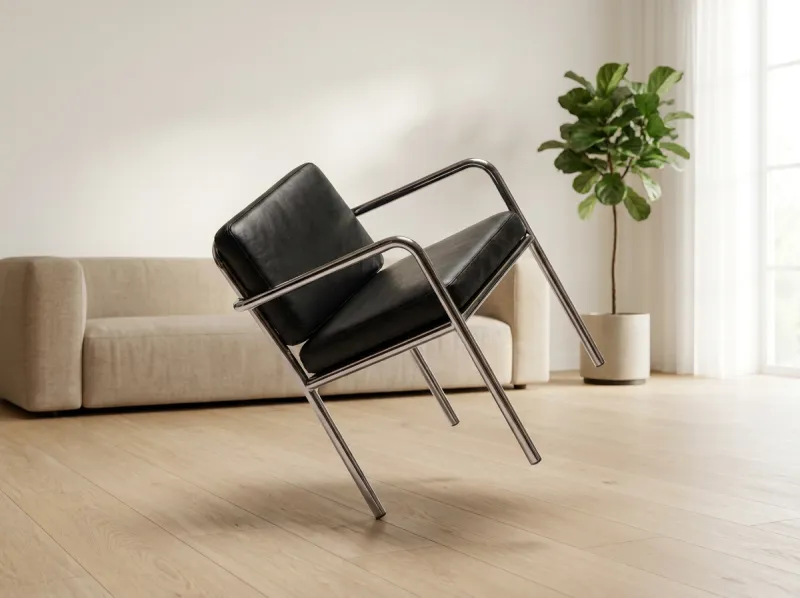
Place your products into a customer's room photo. Room Visualizer is a team tool: upload the room, or pick a style and a space type and let the room be generated; choose products from your team's published catalog, by hand or from an AI proposal; keep the furniture that is there or replace pieces one for one; and compose the scene with the image model you pick. Composing uses the team's credits.
- A customer's own room photo
- Products from your team catalog
- Keep or replace furniture
- Three image models
Show a product in a room in three steps
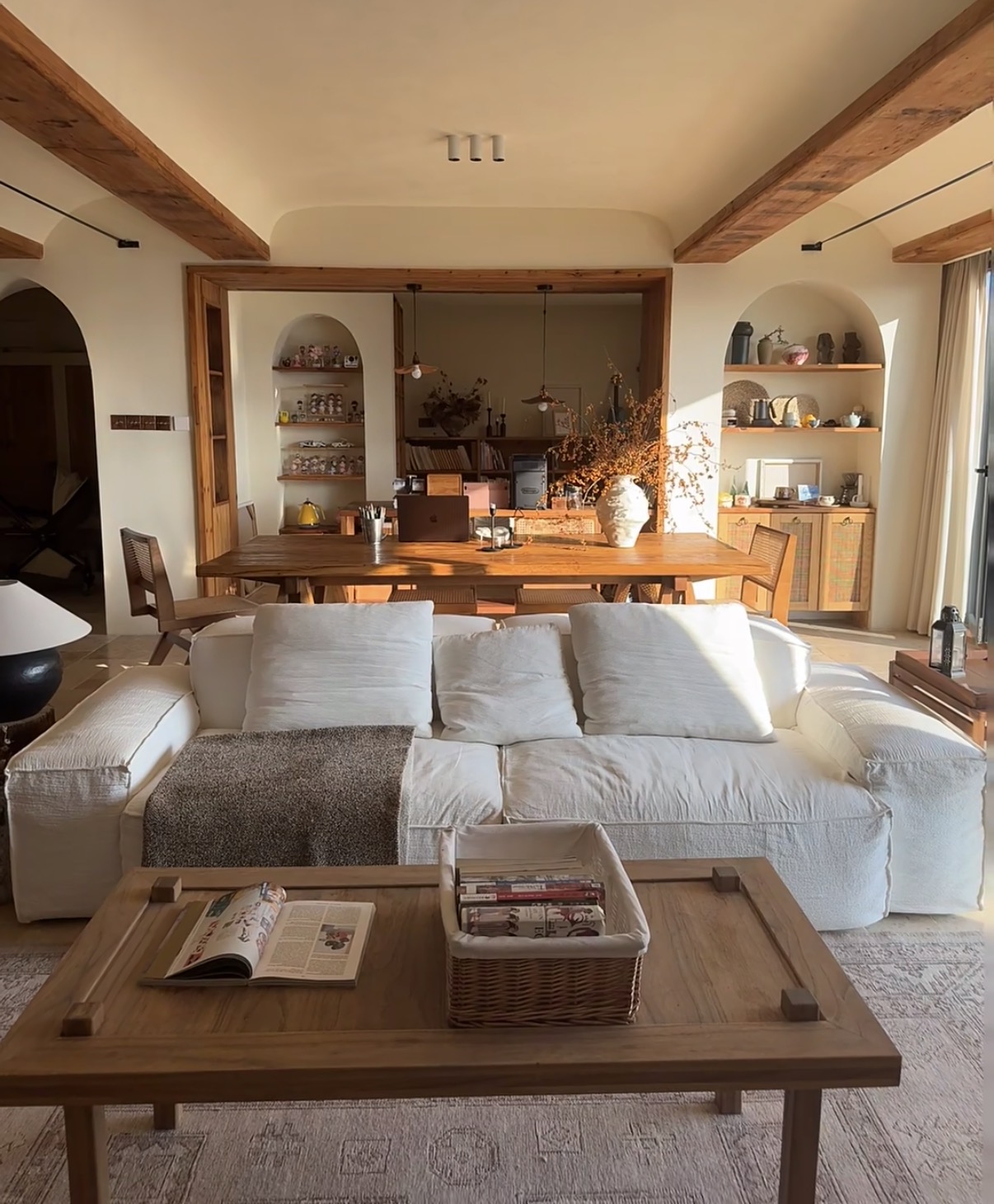
Start from the room
Upload the customer's room photo (JPG, PNG, WebP or HEIC, up to 50 MB), or skip the photo: pick a style and a space type and the room is generated around your products.
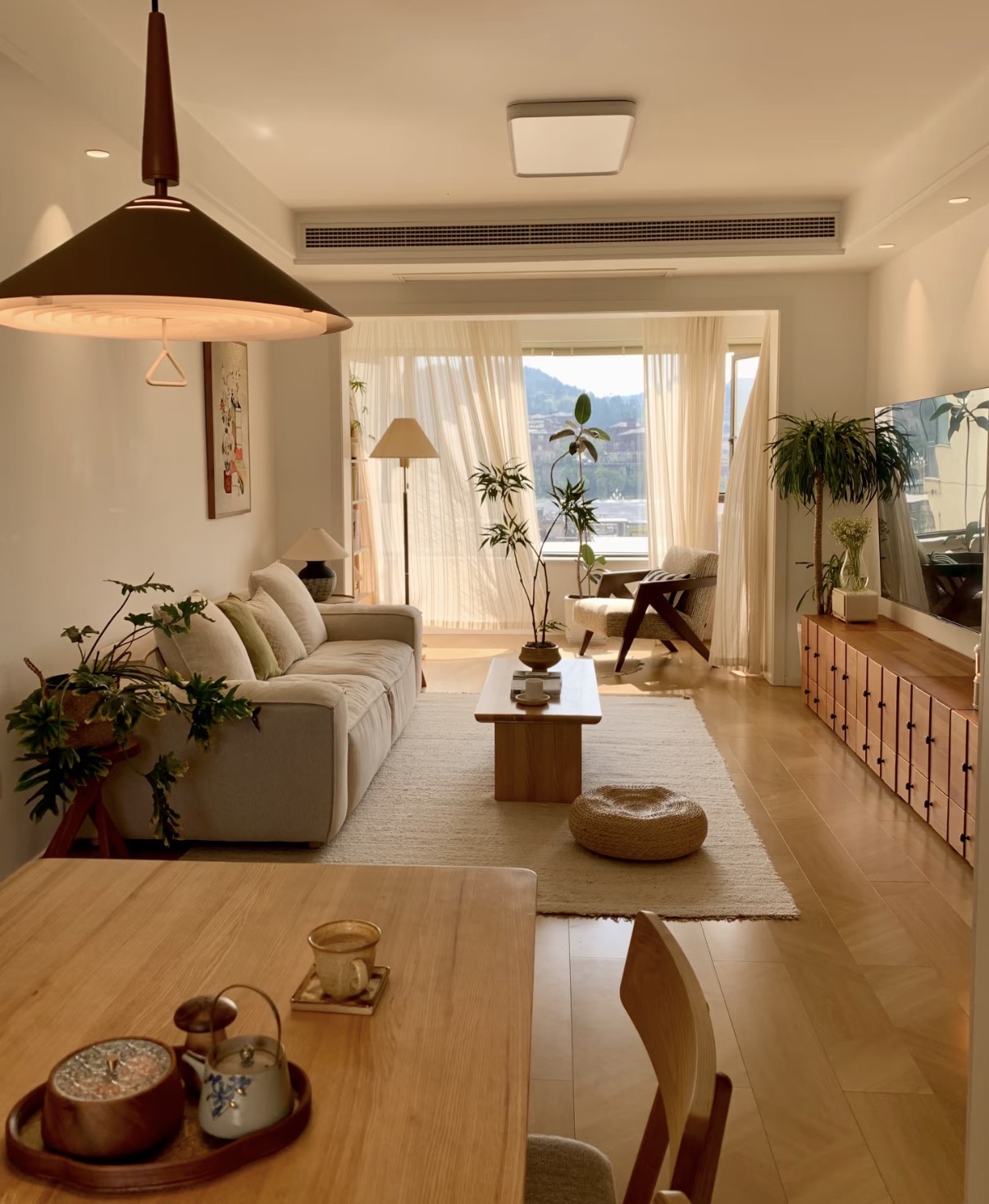
Choose the products
Let the AI propose a set from your team's published catalog for that style and space, or search the catalog and pick products and variants yourself. Keep the furniture that is there and add to it, or replace pieces one for one.
- Composed
Compose and review
Pick the image model, confirm the products and the references, and the room is composed with your products in place. Download the image, or compose again with another set. Every case stays with the team.
What people use it for
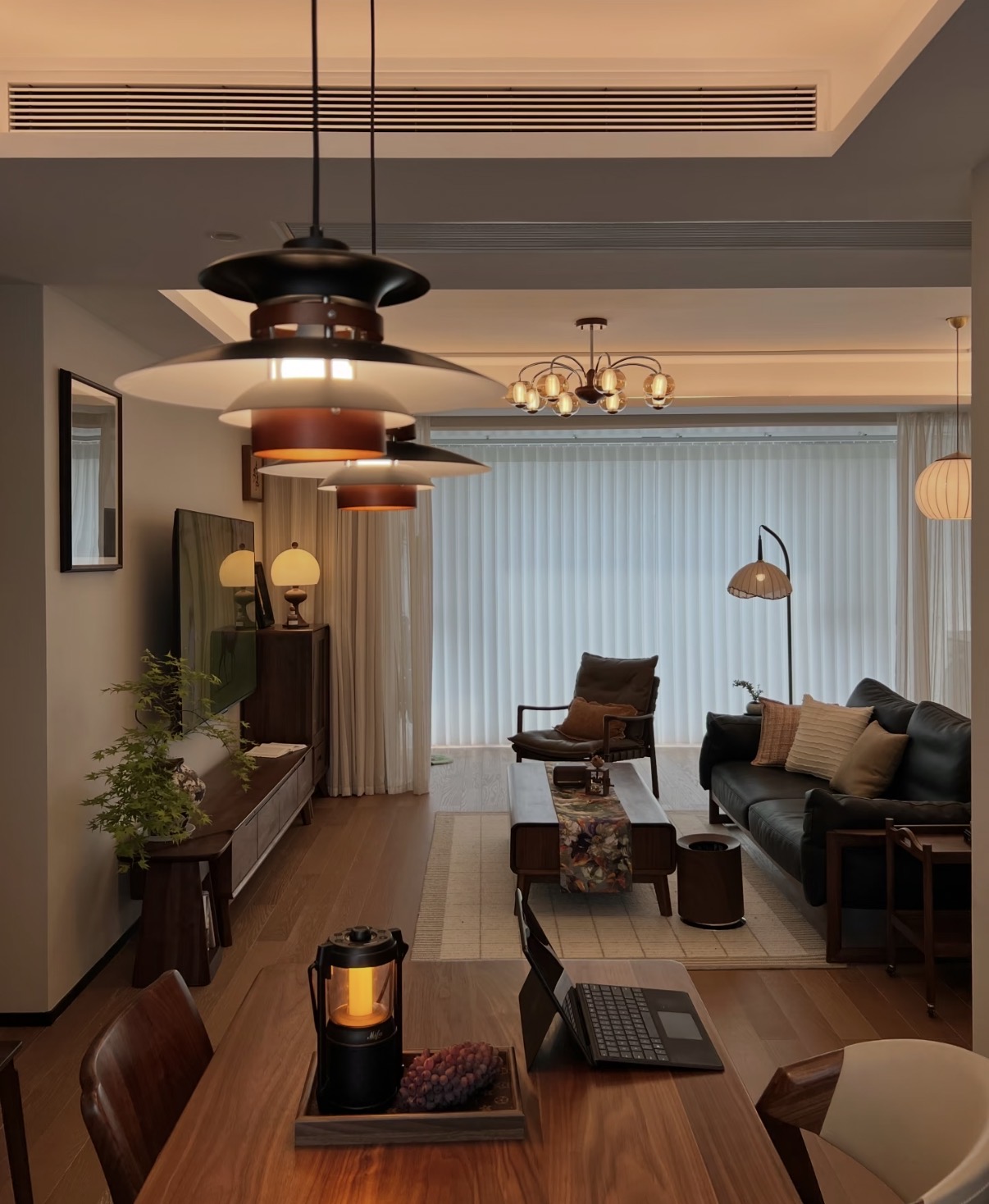
Sofas and furniture
Show the sofa in the customer's living room before they order.
Lamps, rugs and decor
Place a lamp, a rug or a print into the photo a customer sent.
Room makeovers
Replace the old pieces with yours, one for one, and show the room after.
Rooms without a photo
No room photo yet? Pick a style and a space and get a scene for the catalog or a post.
Frequently asked questions
Do I need a team?
Yes. Room Visualizer is a team tool: each room is saved as a team case, and the products come from your team's published catalog. Create a team from your avatar menu, add products in the Product Library with a main image each, and publish them.
Can I use it without a room photo?
Yes. Choose a style and a space type, and the room is generated around the products you pick.
Can it replace the furniture that is already there?
Yes. Choose Replace furniture: the tool detects the pieces in the photo (draw a box around any it missed), you pick the ones to replace and pair each with the product that takes its place. Or keep everything and add your products.
Does it pick the products for me?
If you want. AI recommendations propose one set from your catalog for the style and space; you add or remove items and confirm. Nothing is composed until you confirm.
Which image models compose the room?
Nano Banana 2, Nano Banana 2 Lite or GPT Image 2; pick one when you set up the case.
What photo formats work?
JPG, PNG, WebP, HEIC or HEIF, up to 50 MB. HEIC photos from an iPhone are converted on upload.
What does it cost?
Setting up a case, choosing products and reviewing references are free. Composing the room charges the team's credits, shown before you confirm; a failed compose is refunded.
More tools
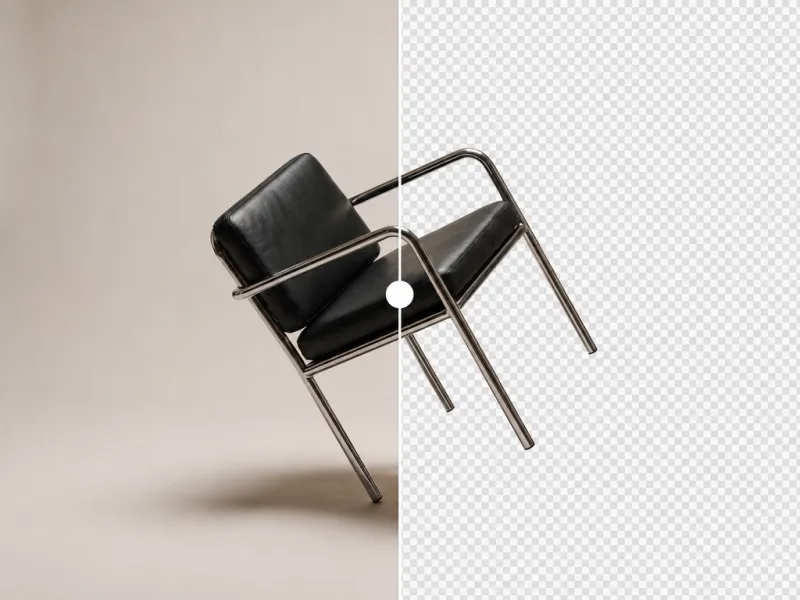 Background RemoverCut one picture out, in your browser
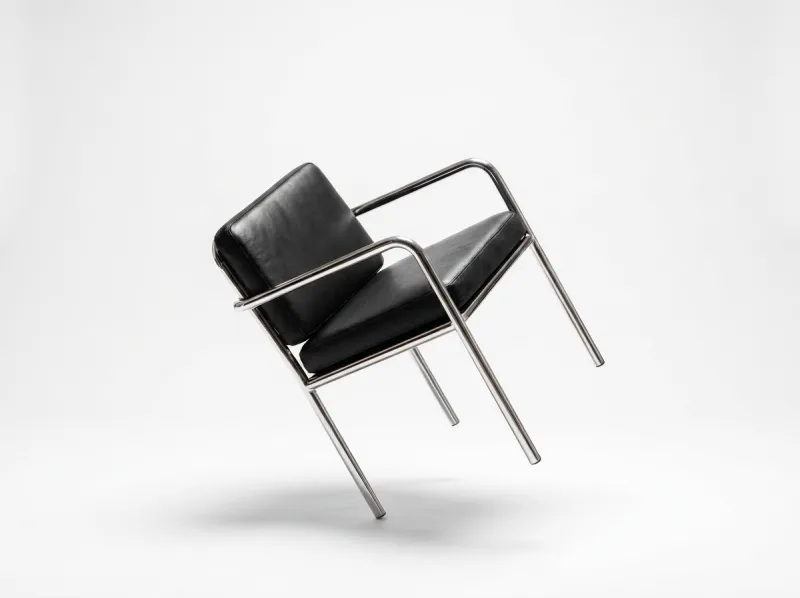 White BackgroundProduct photos on any color, in a batch
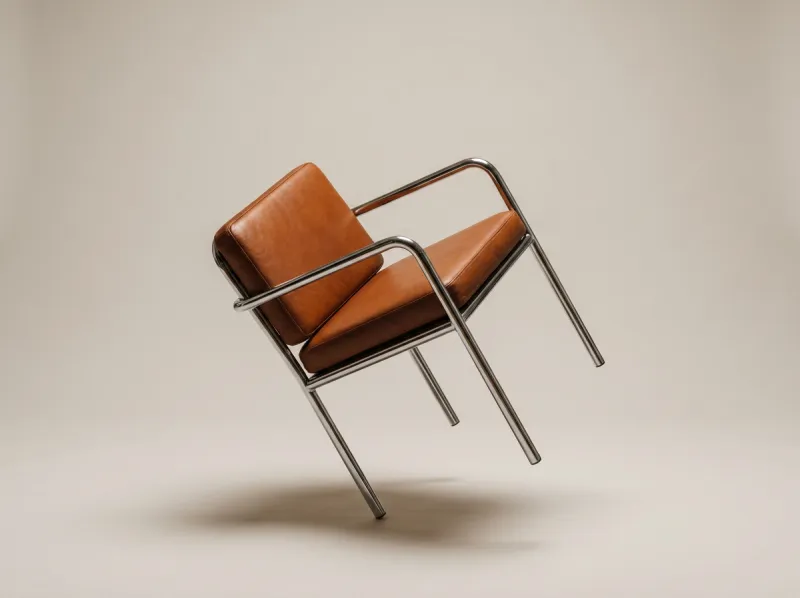 Change Product ColorRecolor one part, keep the texture
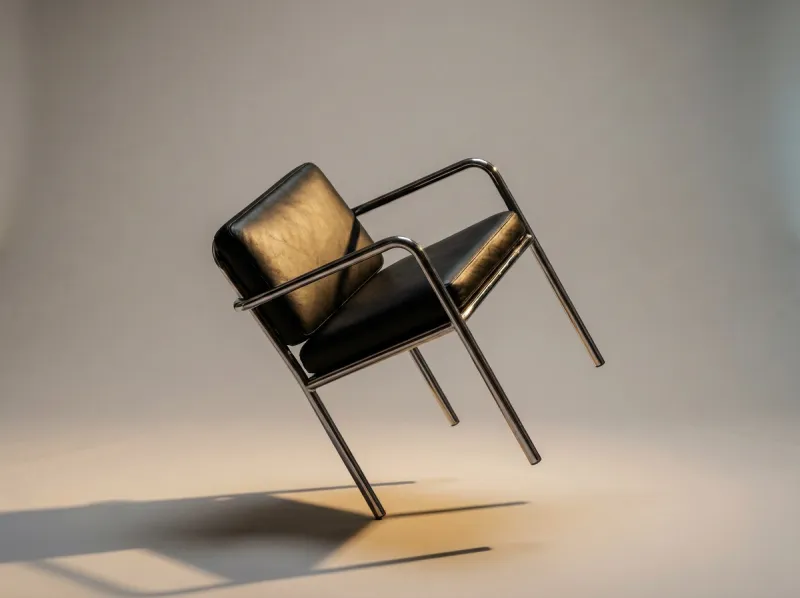 Product RelightDrag studio lights onto a photo
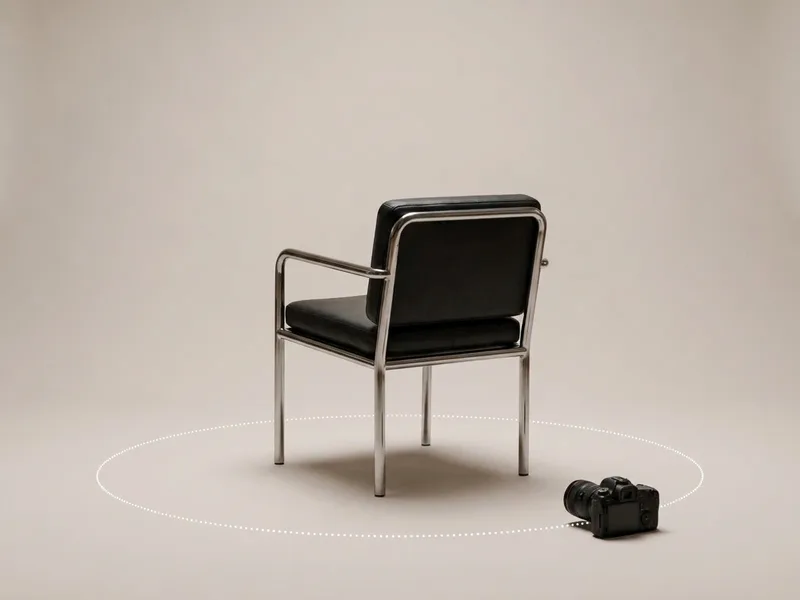 Camera AngleTurn a photo around
 Social Media PublisherAI posts to X and RedNote, on your schedule