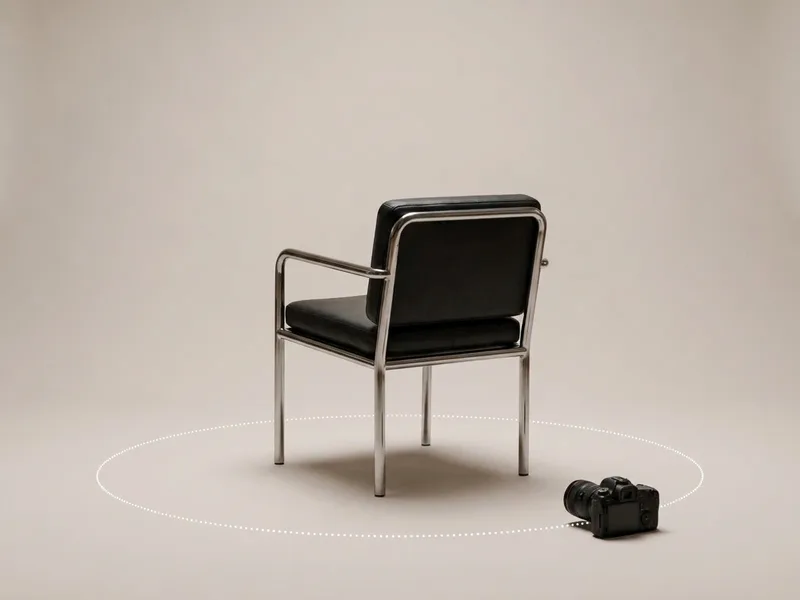
White Background
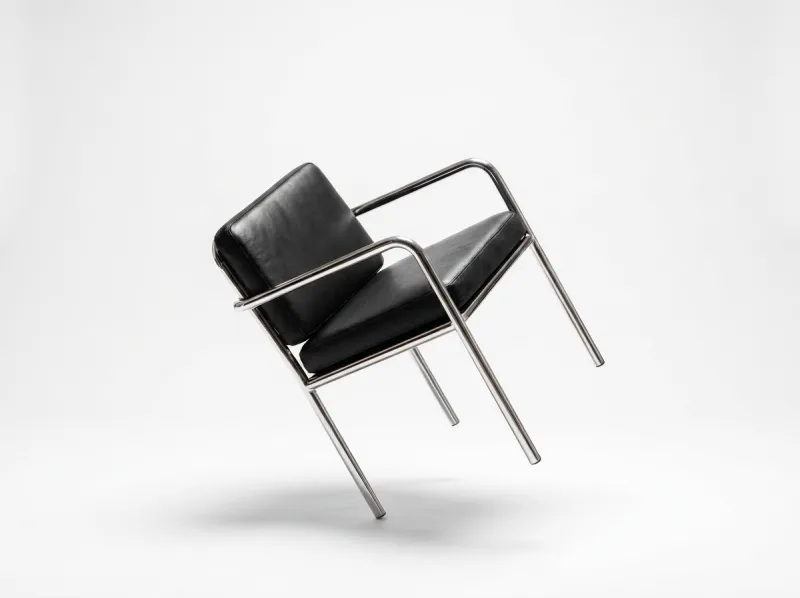
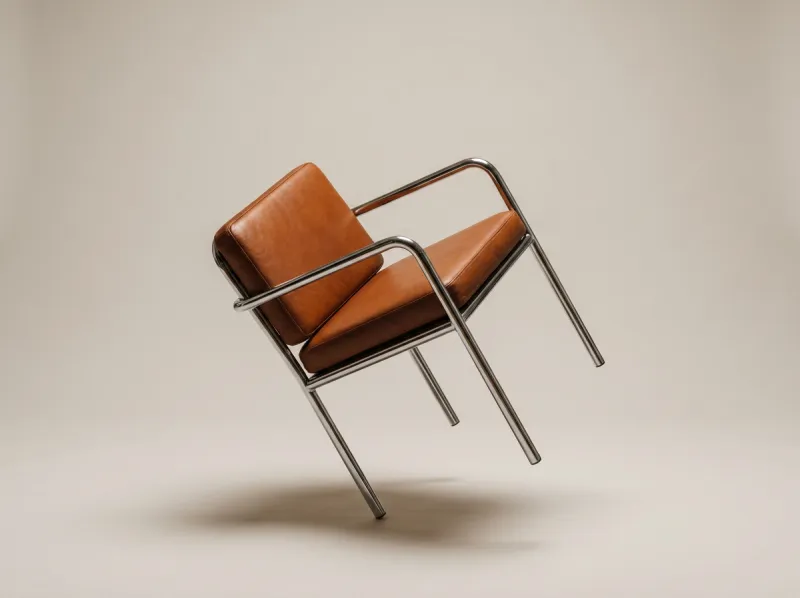
Put product photos on a clean white background, or black, green screen or any color. Upload several images or a ZIP file, pick the color, aspect ratio and resolution, and process the whole batch. Set it up without an account; processing uses credits, and every result is saved to your Workspace.
- White, black, green or any color
- Several photos or a ZIP
- 1K, 2K or 4K
- Ratio per photo
Put products on a white background in three steps
- Drop your photo here
Upload the photos
Drop in product photos one by one, or a ZIP file with the whole batch (up to 50 MB). Each photo appears in a list, and you tick the ones to process.
Pick the color, ratio and size
White, black and green screen are one click; the color picker takes any other color. Keep each photo's own aspect ratio, set one ratio for the batch or one per photo, and choose 1K, 2K or 4K.
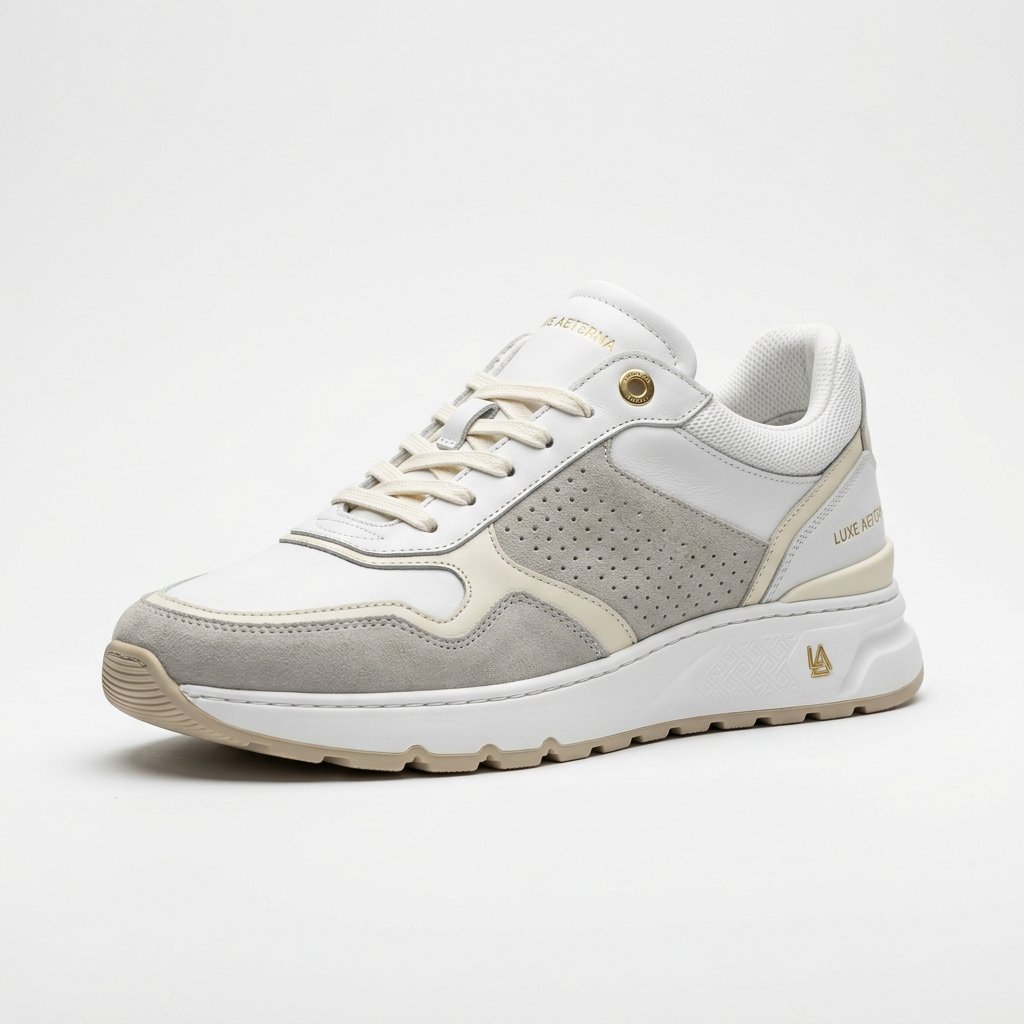 Batch · up to 4K
Process the batch
Press Start Processing. An image model keeps each product as shot and replaces everything behind it with the color and matching studio light. The results land in a folder in your Workspace, ready to download.
What people use it for
Marketplace listings
A clean white background for every product in the catalog, at the ratio the listing asks for.
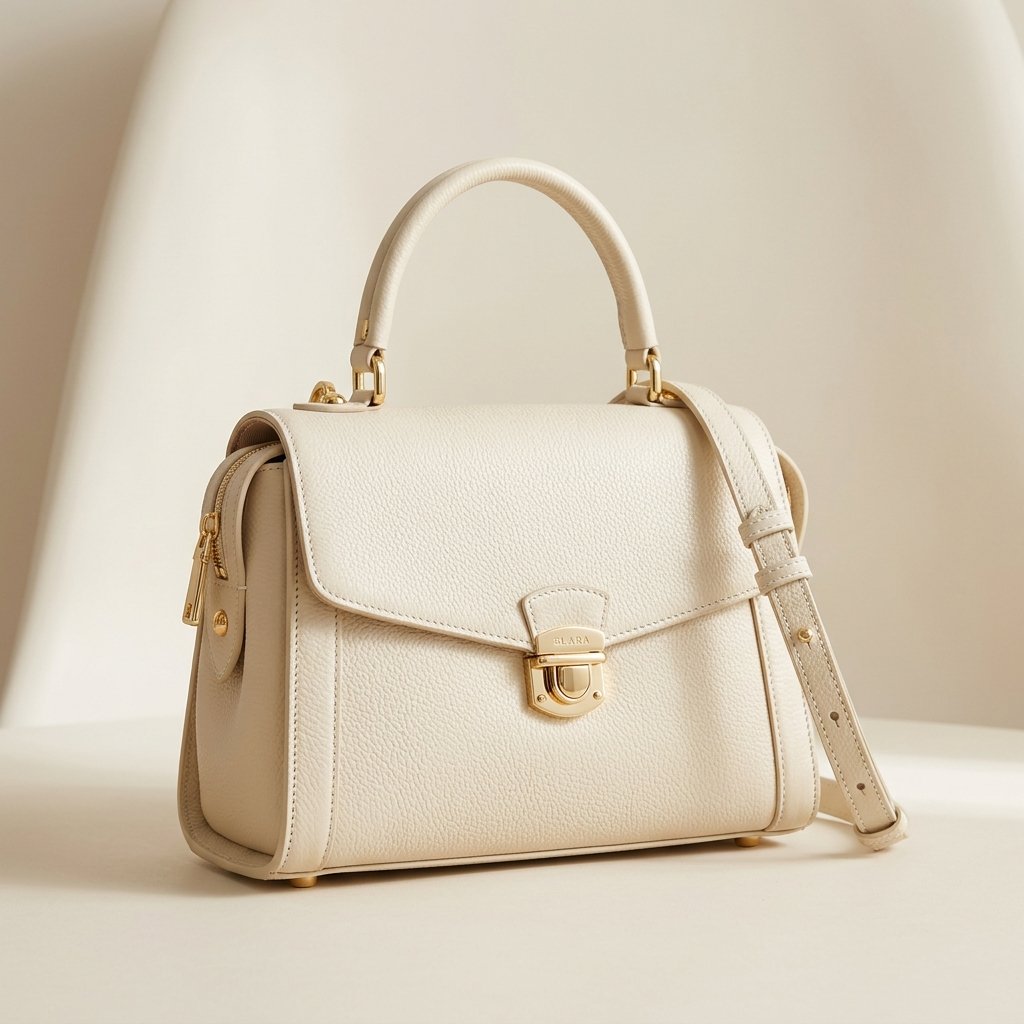
Catalog and lookbook pages
One background color across a whole collection, so the pages look like one shoot.
Ads and social posts
A bold color behind the product for a banner or a story, then studio light on top.
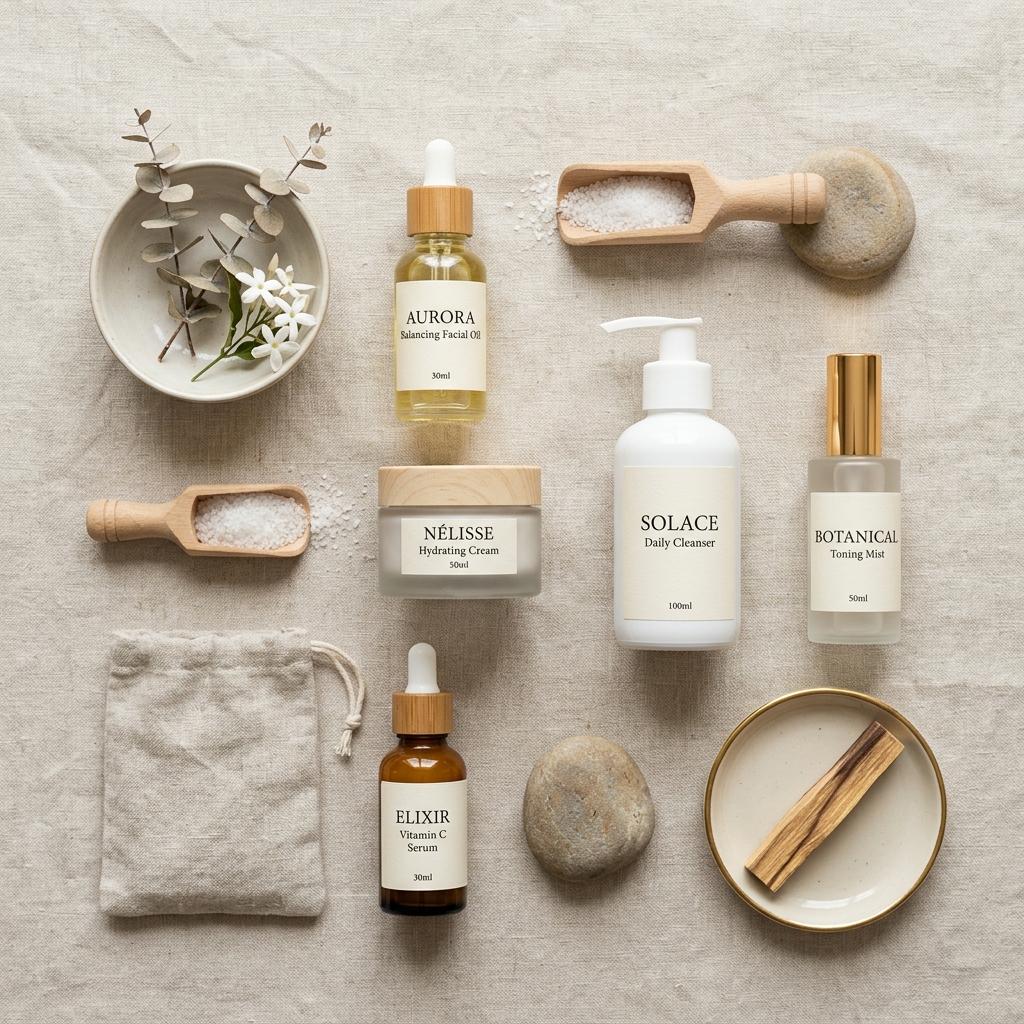
Sets and flat lays
Several items in one photo get the same clean background in one pass.
Frequently asked questions
Does it cut the product out, or redraw the photo?
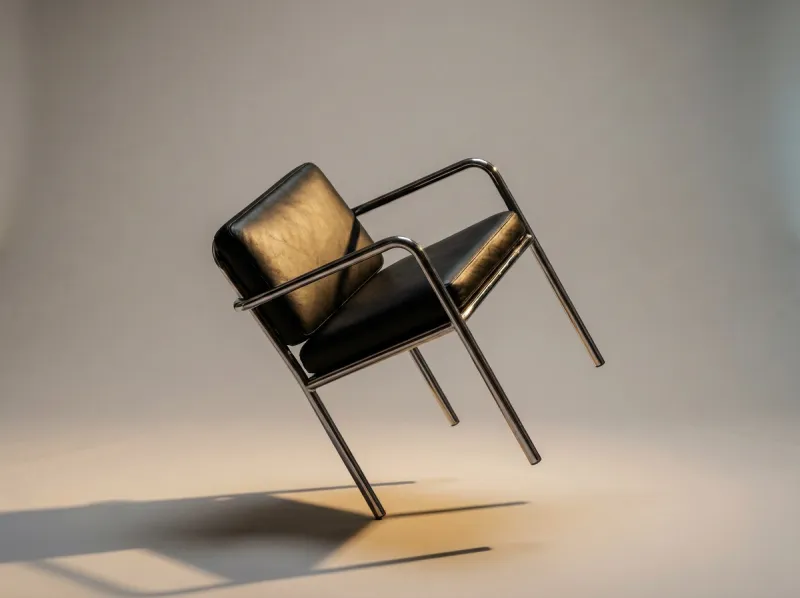
An image model keeps your product as shot and replaces everything behind it with the color you chose, with studio lighting to match: white gets clean high-key light, black a low-key look with a reflection, green screen flat, even light with no shadows.
How many photos can I process at once?
Upload photos one by one or as a ZIP file of up to 50 MB, tick the ones you want, and process them in one batch. Each result is saved to its own folder in your Workspace.
Can I choose a color other than white?
Yes. White, black and green screen are presets, and the color picker takes any other color, for a brand background or a seasonal campaign.
What sizes and ratios can I get?
Output at 1K, 2K or 4K. Keep each photo's original aspect ratio, set one ratio for the whole batch, or pick a ratio per photo. Uploads are resized to 2K before processing.
Is it free?
You can open the tool and set up the batch without an account. Processing uses credits per photo, so you sign in when you press Start Processing; a new account can claim a welcome credit gift in its first days.
How is it different from the Background Remover?
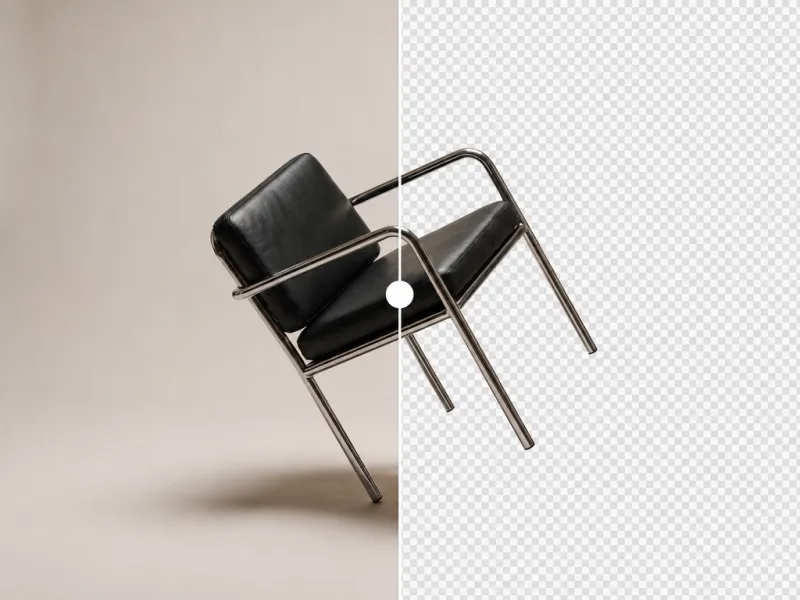
The Background Remover cuts one picture out in your browser and gives you a transparent PNG. White Background works on a batch and returns finished photos on a solid color, at the size and ratio you pick.