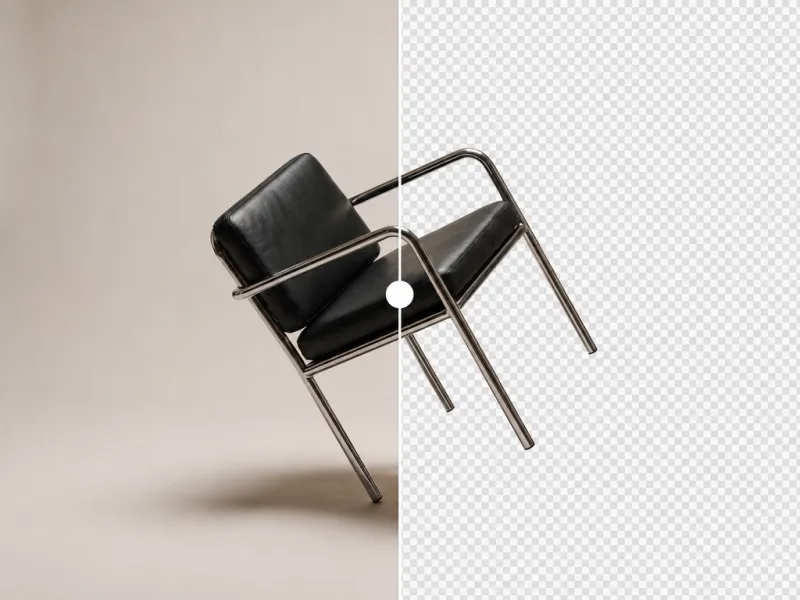
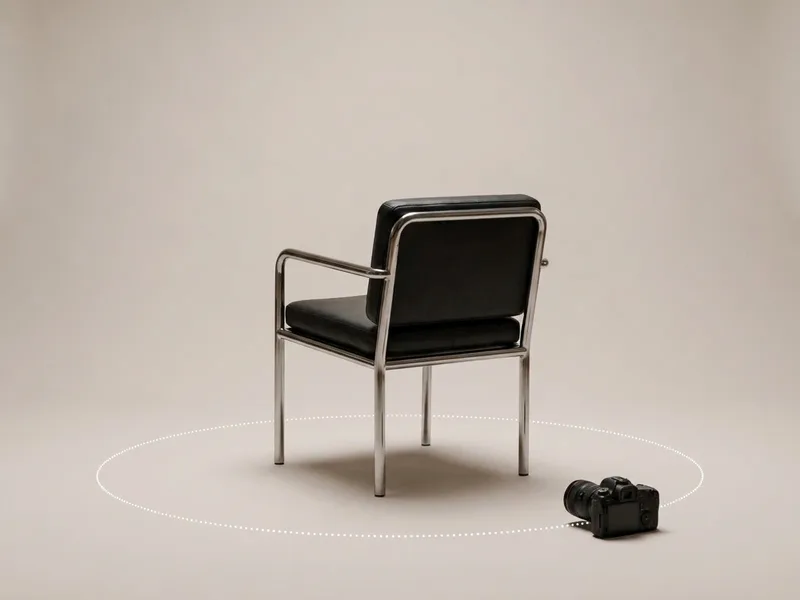
Change Product Color
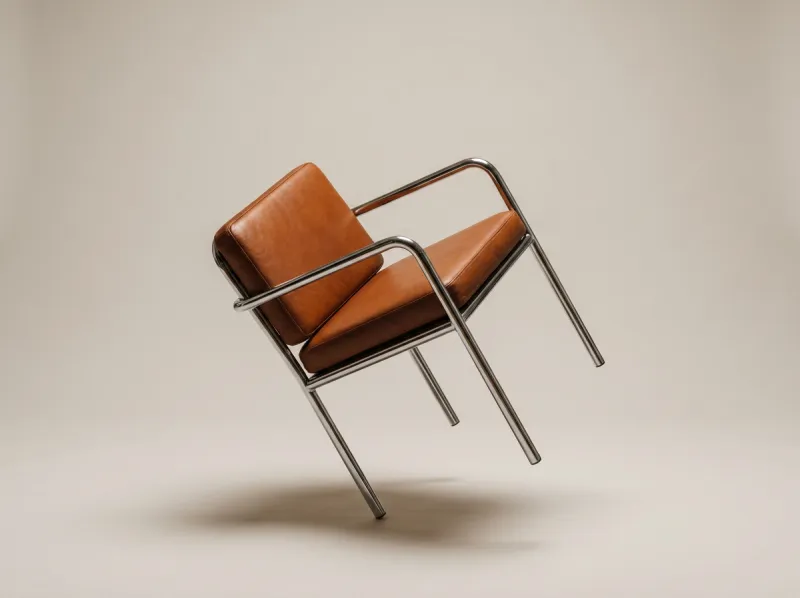
Recolor one part of a product while keeping its texture and details. Name the part you want to change, pick a preset or any custom color, choose the model and the size, and generate the new version, for one photo or a whole batch. Set it up without an account; generating uses credits, and every result is saved to your Workspace.
- Only the part you name
- Texture and details kept
- Any color
- Several photos at once
Recolor a product in three steps
- Drop your photo here
Upload the photos
Add one product photo or several, and tick the ones to recolor. The same part name and color apply to all of them.
Name the part and pick the color
Type the part to change, such as "handbag strap", "bottle cap" or "shoe lace". Choose white, black or green, or any color from the picker; then pick Nano Banana Pro, Nano Banana 2 or both, and 1K, 2K or 4K.
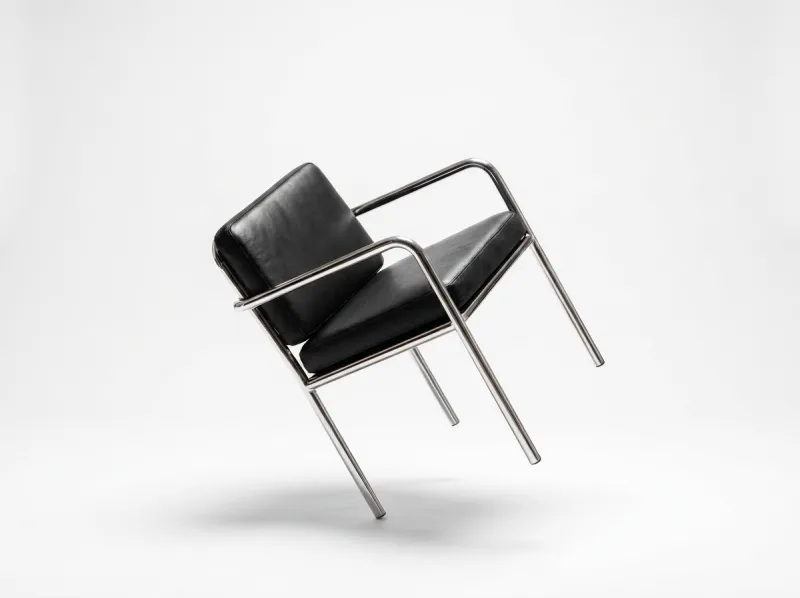
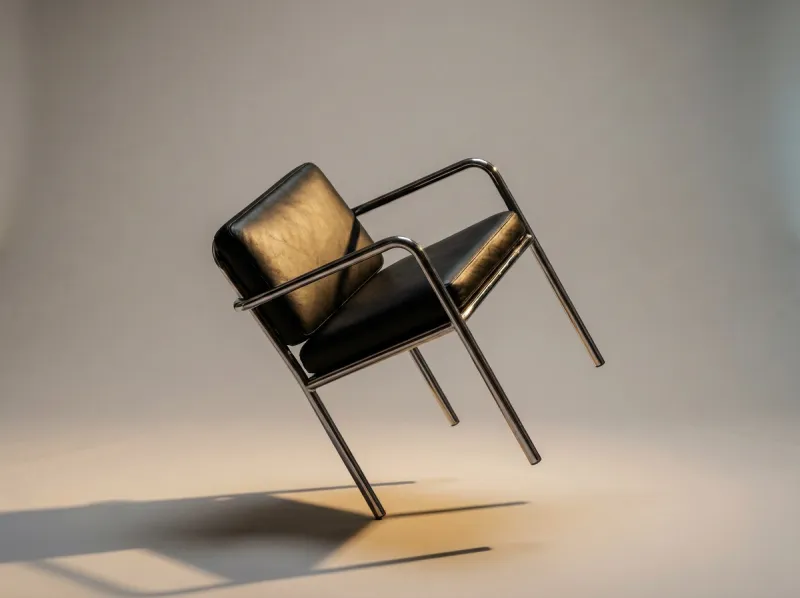
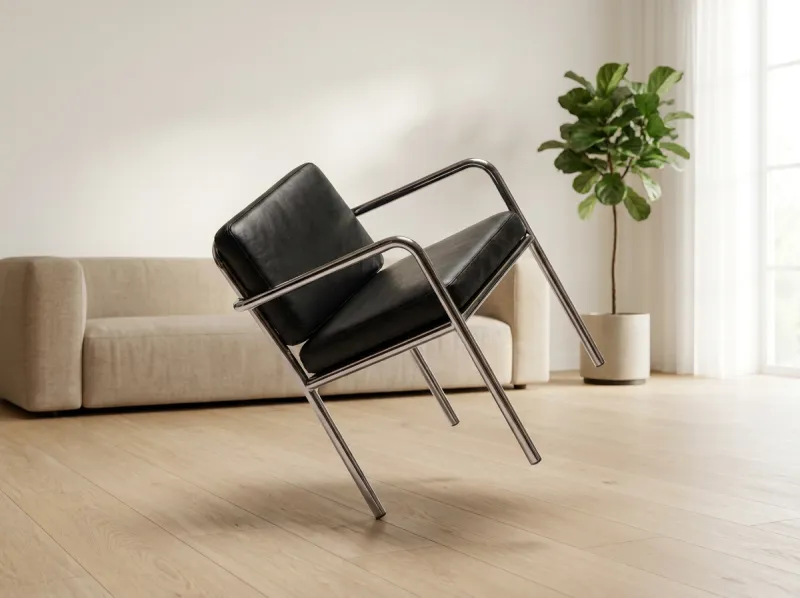
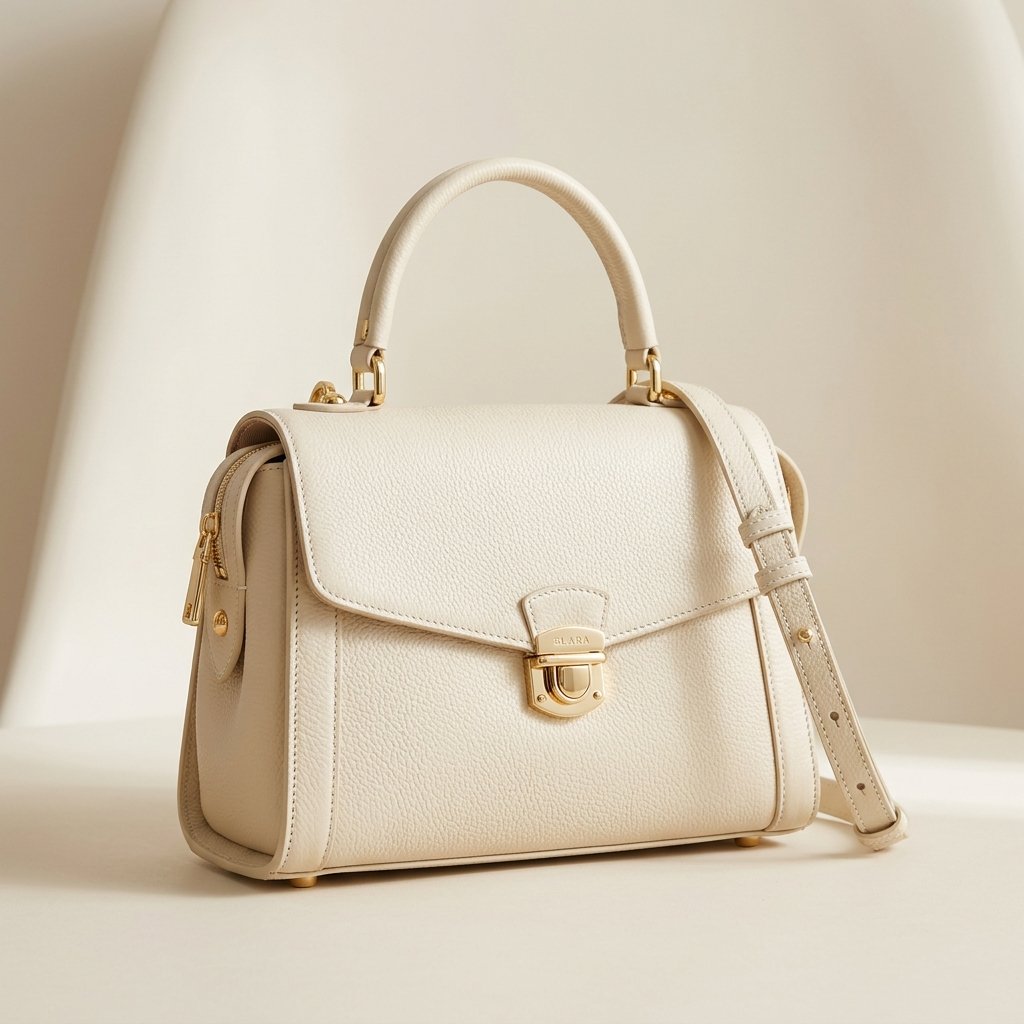 Same shot · new color
Generate and compare
Each photo comes back with only that part recolored; the stitching, grain and highlights stay where they were. Run it again with the next color for the next variant.
What people use it for
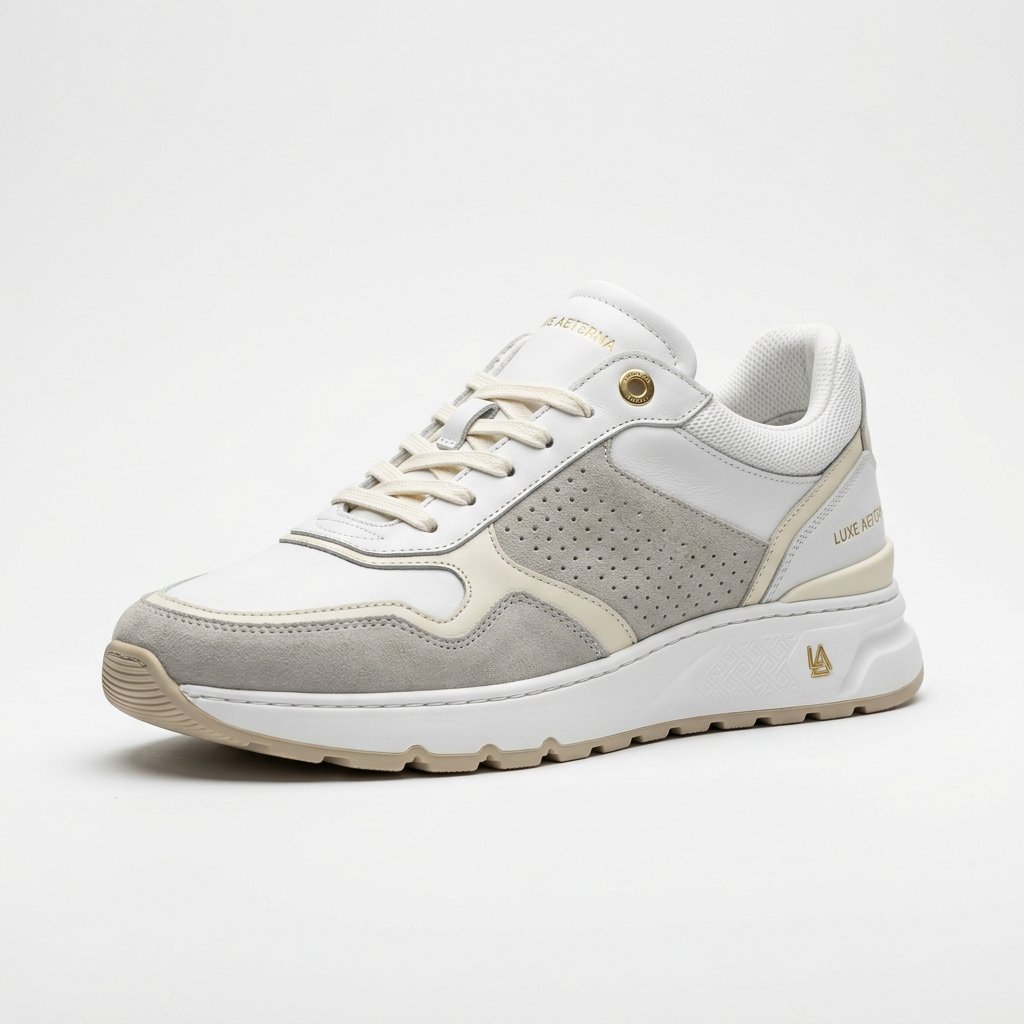
Color variants without a reshoot
Shoot one colorway and make the rest from it, each on the same background.
Bags, shoes and accessories
Recolor a strap, a sole or a buckle and keep the leather grain.
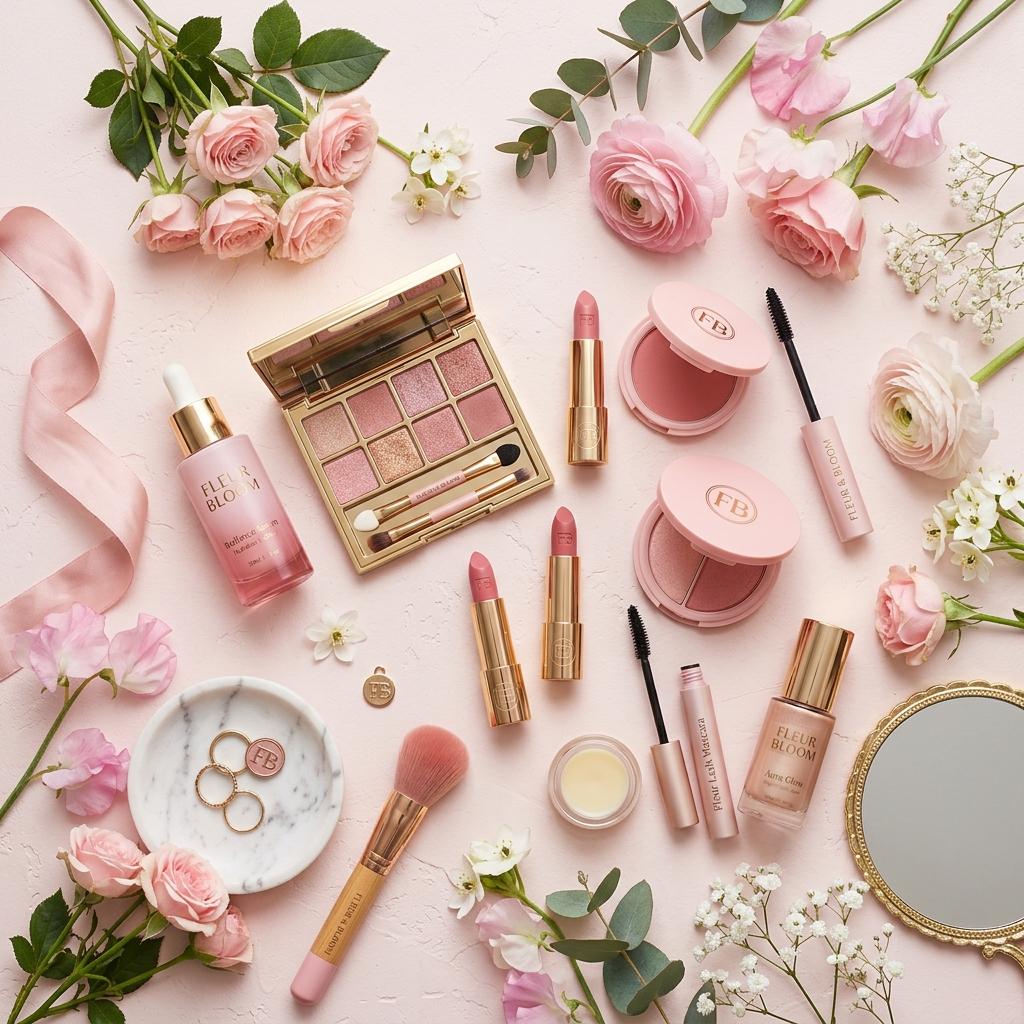
Cosmetics and packaging
Try a cap or a label in a new color before anything is printed.
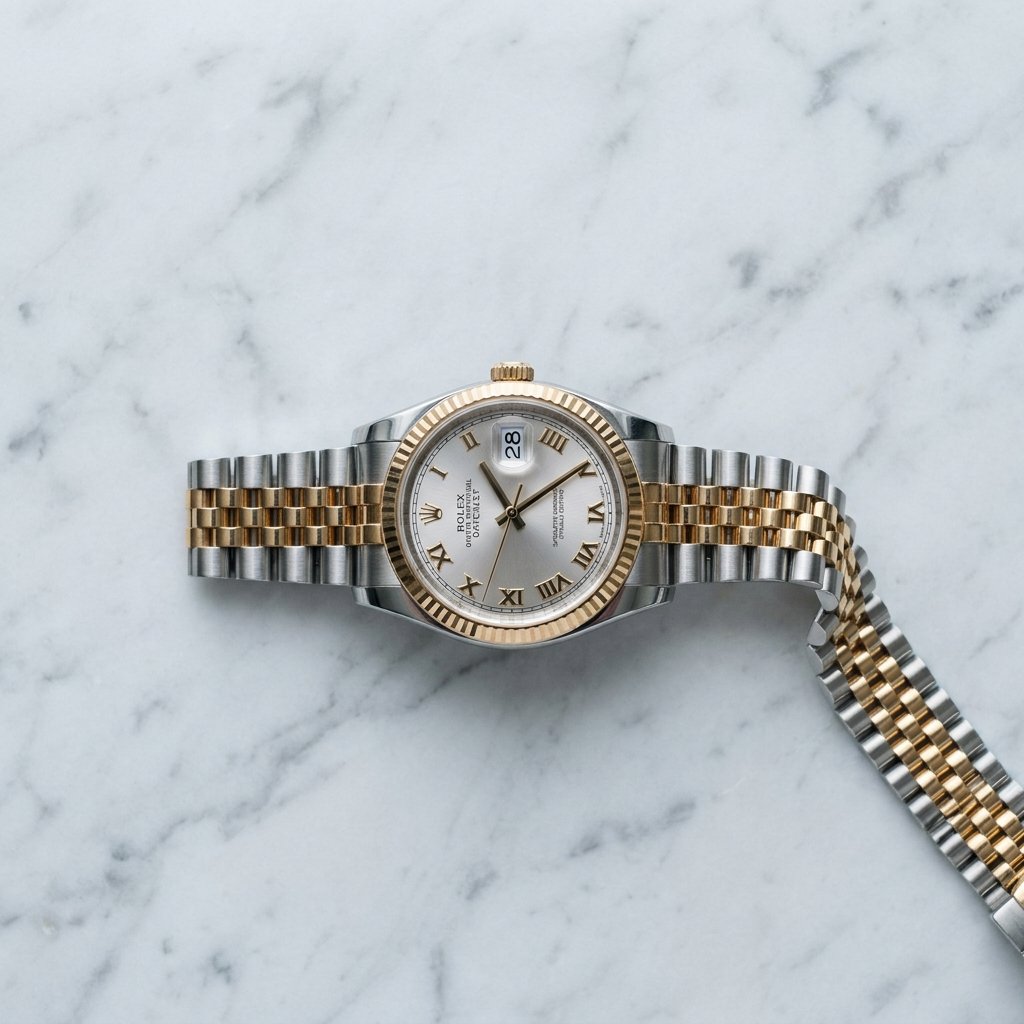
Watches and jewelry
A new dial, strap or stone color on the same shot.
Frequently asked questions
Which part of the photo changes?
Only the part you name. The model is asked to change that item's color and to leave everything else alone: the rest of the product, the background and the light.
Does it keep the texture?
Yes. The model is told to keep the texture and every other detail of the part, so stitching, grain and highlights stay; only the color changes.
Which models can I use?
Nano Banana Pro is the default. You can pick Nano Banana 2 instead, or both at once and compare the two results.
Can I pick any color?
Yes. White, black and green are one click, and the color picker takes any other color, including a brand color by its hex value.
What size do I get?
Choose 1K, 2K or 4K before you generate.
Can I recolor several photos at once?
Yes. Upload several photos, tick them, and each one is recolored with the same part name and color. The results are saved to your Workspace.
Is it free?
You can open the tool and set everything up without an account. Generating uses credits per photo, so you sign in when you start processing; a new account can claim a welcome credit gift in its first days.